How to Automate Google Sheets

You automate Google Sheets in three layers. Formulas and functions handle anything that stays inside the sheet. Apps Script and scheduled triggers handle repeatable jobs on a timer. Getting the numbers in from tools that have no export is the layer most people still do by hand, and the one worth handing to an agent like WebRun.

Google Sheets quietly became the company database

Google Sheets, which plenty of people still call a Google Spreadsheet, is the free spreadsheet in Google Workspace. In most small companies it quietly became the place where the business is actually run. It holds the customer list, the job schedule, the stock count, the commission working and the numbers someone reads out on Monday morning.

It earned that job by being easy to get into. It opens in a browser, several people can type in it at once, and nobody has to ask an administrator for a licence. The bookkeeper, the office manager and the owner can all be in the same tab at the same time, which is more than can be said for most of the software those three were given.

So the spreadsheet sits downstream of every other tool you own. The booking system, the card terminal, the accounting package and the inbox all feed one sheet, because it is the only place all of it can sit side by side.

Every number in it arrives by hand

Almost none of the time spent on a spreadsheet is spent thinking. It goes on moving numbers into it.

Someone opens the booking system every morning, reads yesterday's total off a dashboard, and types it into a cell. Someone exports a report from the CRM, opens the CSV, deletes three columns and pastes the rest into a tab. Someone checks four supplier portals for prices that changed and updates a column by hand. Someone copies the same figures into a second, tidier sheet for a manager who will never open the first one.

Each takes a few minutes, which is exactly why nobody ever fixes them. They become visible only when the person who does them is on holiday and the sheet goes stale for a fortnight, or when a number gets typed wrong and a decision gets made on it.

The google.com homepage, the app these three jobs run in. Google Sheets
Filling the sheet Yesterday's orders, bookings, balances and ad spend, collected from wherever they live and written into the right row before you open the tab.
Working through the sheet Taking each row and doing something with it somewhere else: a reminder sent, a price checked, a status looked up and written back.
Getting the sheet read Turning the tab nobody opens into a short summary that lands in the place your team already looks every morning.

Formulas only reach what is already open to them

The sheet does more on its own than most people use, and it is worth knowing how far that reaches before paying for anything. One sheet can read a range out of another and stay in step with it. A long tab can be filtered down to a short one that updates itself. A table on a public web page can be pulled in and refreshed. Apps Script will run a job on a timer, so a nightly tidy-up or an emailed snapshot really can be set and forgotten.

Every one of those has the same ceiling. They can only reach what is already open to them: another spreadsheet, a public page, a tool with an API and someone on hand to write against it.

The numbers you actually want are almost never in those places. They are behind a login, on a screen, in a supplier portal or a bank or a booking system or a twenty-year-old piece of trade software, sitting there in plain sight with no export button anywhere near it. That is the wall, and it is the reason someone in your office is still retyping figures at nine in the morning.

A spreadsheet that goes and fetches for itself

Change that, and the question stops being what can I import and becomes what do I want to know.

You buy from six suppliers, and every one shows live prices and stock behind its own login. That can be a column instead: this morning's price against what you paid last time, so the line that moved is obvious before you order.

You ship. Tracking numbers go out and somebody spends an afternoon pasting them into courier sites one at a time. Those statuses can be sitting in the sheet by the time you open it, with anything that stopped moving pushed to the top.

The same trick works on anything you can see in a browser. What your competitors are charging today. Which of your listings slipped off the first page. The takings from a system that only ever shows them on a dashboard. Whether the permit you are waiting on has changed status yet. None of it needs an API, a developer, or an integration somebody else has to build first.

One rule holds across all of it: automate the collecting, keep the deciding. A sheet that fills itself overnight is a gift. A sheet that emails your customers on its own is a risk, and should never send without a person saying yes.

An agent does the retyping

Between the portal where the number lives and the cell it belongs in sits a person. Only the deciding needs one.

WebRun is an AI agent that works a real Chrome browser, signed in as you. It opens the supplier portal, reads the price off the screen, and writes it into the right row of your spreadsheet. Because it uses the browser rather than an API, it reaches anything you can reach: no key to generate, no add-on, no integration that has to exist first.

It runs on your schedule in your own private environment. You can watch a run and stop it mid-way, and anything irreversible drafts and waits for you.

The workflows below are already built. Each one names the apps it touches and the steps it takes, so you can read what it does before you switch it on.

Questions people ask

Do I need to turn on the Google Sheets API or share my spreadsheet?

No. WebRun opens Google Sheets in a real browser signed in as you, so it works with the access you already have. There is no API key, no add-on and no change to the sharing settings on the file.

Will it overwrite the data already in my sheet?

Only where you point it. Most workflows append a new row or write into one named column, and each template spells out which cells it touches before you turn it on. Writing to a raw tab that your working tabs read from keeps typed work safe either way.

Can it pull numbers out of a tool that has no export button?

Yes, and that is usually the reason to use it. WebRun reads the figure off the screen the way a person would, then writes it into your spreadsheet, so a dashboard with no export is no longer a dead end.

4,178 ready-made Google Sheets workflows

Each one names the apps it touches and the exact steps it takes. Open one to read what it will do, then turn it on.

Automated Freight Factoring Rate Change Notices
When a rate adjustment applies to a carrier account in OTR Solutions, WebRun drafts a clear notice letter in Gmail and logs the change to a Google Sheet so your team can review and send it before the new rate takes effect.
OTR SolutionsGmailGoogle Sheets
Automated Ocean Carrier On-Time Performance Report
Every Monday, WebRun reads Terminal49 for completed shipments from the prior week, compares actual vessel arrival dates against original ETAs, and builds a carrier on-time performance report in Google Sheets.
Terminal49Google SheetsTelegram
Automated Vanta Compliance Deliverable Reminders
Every month, WebRun checks Vanta for upcoming recurring deliverables, such as policy reviews and security training deadlines, and sends your team an internal reminder digest with client details.
VantaGoogle SheetsTelegram
Automated FranConnect Franchisee Onboarding Kickoff
When a new franchisee is added in FranConnect, WebRun opens their onboarding checklist, assigns every task to the right team, and sends a welcome summary to your internal channel.
FranConnectGoogle SheetsSlack
365 Retail Markets Automated Kiosk Offline Alerts
WebRun monitors kiosk uptime across all 365 Retail Markets locations, detects any kiosk that has gone offline or stopped processing sales, and immediately alerts your operations team in Telegram so downtime is measured in minutes, not hours.
365 Retail MarketsTelegramGoogle Sheets
Automated O'Neil Stratus Quote Follow-Ups
WebRun finds quotes sent but not yet accepted in O'Neil Stratus, drafts a polite follow-up for each prospect, and logs the outreach in your pipeline tracker.
O'Neil StratusGmailGoogle Sheets
Heartland POS Staff Shift Coverage Alerts
Every morning, WebRun checks Heartland for uncovered shifts in the next 48 hours, identifies which roles are short-staffed, and sends a coverage alert to the manager via Telegram so gaps get filled before the shift starts.
HeartlandTelegramGoogle Sheets
Addepar Daily Transaction Reconciliation Digest
Every morning, WebRun compares transactions posted in Addepar against custodian data and posts a reconciliation digest to Slack with any breaks highlighted for your operations team.
AddeparSlackGoogle Sheets
Unit21 Automated AML Remediation Action Chaser
WebRun checks Unit21 each morning for customers with open remediation actions that have passed their due date, ranks them by risk tier, and posts a prioritized chase list to the compliance Slack channel so nothing stays unresolved.
Unit21SlackGoogle Sheets
Avalara Sales Tax Rate Change Client Notices
WebRun checks Avalara for published rate changes effective in the next 60 days, maps each change to affected clients, and drafts a rate-change advisory email per client for your review before anything is sent.
AvalaraMailchimpGoogle Sheets
Neo.Tax Automated Payroll Offset Reconciliation
Every month, WebRun cross-checks the payroll-tax-offset amounts calculated in Neo.Tax against credits applied in QuickBooks, flags mismatches, and posts a reconciliation digest to Slack for your team to review.
Neo.TaxQuickBooksGoogle Sheets
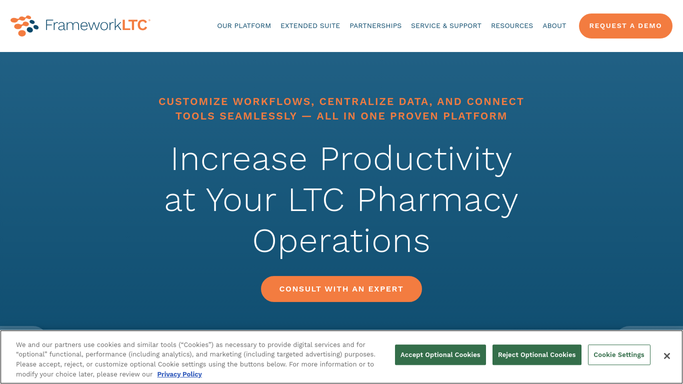
Automated LTC Pharmacy Cycle Fill Recovery Worklist
After each cycle fill run, WebRun checks FrameworkLTC for medication orders that were scheduled but not dispensed, identifies the reason for each gap, and posts a recovery worklist to your pharmacy team so every skipped fill is resolved before the next delivery.
FrameworkLTCGoogle SheetsSlack
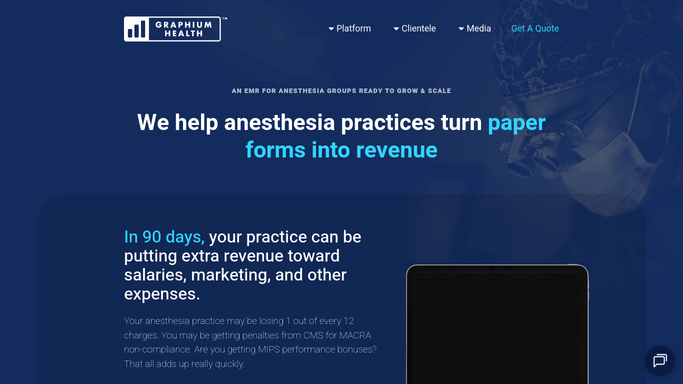
Automated Anesthesia Provider Credential Expiry Tracking
Every Monday, WebRun checks your anesthesia providers' license, DEA, and ACLS certification expiry dates in Graphium Health and Google Sheets, flags anyone expiring within 90 days, and posts a renewal action list to your credentialing coordinator.
Graphium HealthGoogle SheetsGmail
Automated RamSoft Report Turnaround Time Digest
Every morning, WebRun pulls completed study data from RamSoft PowerServer, calculates each radiologist's average turnaround time by modality, and emails the practice administrator a clean summary report.
RamSoftGoogle SheetsGmail
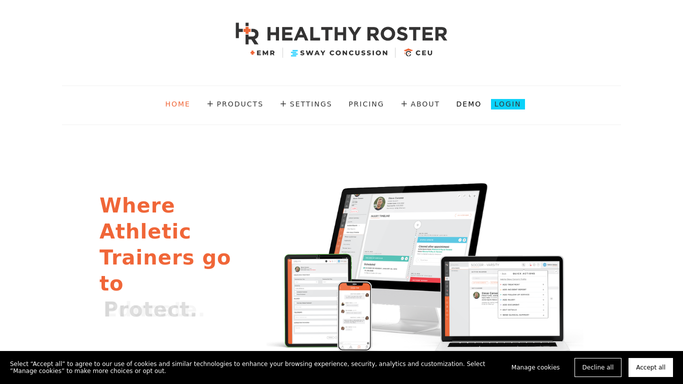
Healthy Roster Return-to-Play Clearance Tracking
When an athlete reaches a return-to-play stage in Healthy Roster, WebRun checks which clearance steps are complete, identifies what is still outstanding, drafts a status update for the coach for the trainer to review, and logs the athlete's progression.
Healthy RosterGoogle SheetsSlack
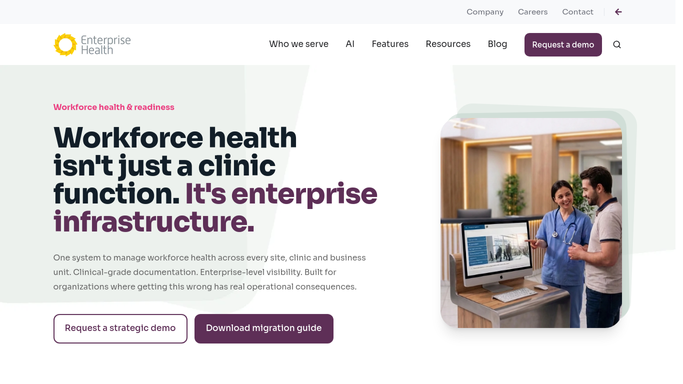
Automated Occupational Health Lab Results Routing
Every morning, WebRun checks Enterprise Health for newly received drug screen and lab results that have not yet been reviewed, then routes each to the assigned clinician via an internal Slack alert.
Enterprise HealthSlackGoogle Sheets
Automated FQHC Staff Credential Expiry Tracker
Every Monday, WebRun reviews staff credential records in Azara DRVS, identifies licenses and certifications expiring in the next 90 days, and sends a prioritized renewal digest to HR and the compliance team so renewals are filed on time.
Azara HealthcareGoogle SheetsSlack
Automated On-Time Delivery and CSA Score Report
Every Monday, WebRun opens J. J. Keller Encompass, compiles on-time versus late delivery rates from the prior week alongside any new roadside inspection results, and delivers your safety team a performance digest to monitor CSA BASIC scores and service trends.
J. J. Keller EncompassGoogle SheetsSlack
Labelmaster Automated Hazmat Carrier Performance Report
Every Monday, WebRun pulls completed dangerous goods shipments from Labelmaster DGIS, calculates on-time delivery rates by carrier, and posts a performance scorecard to Google Sheets and Slack.
LabelmasterGoogle SheetsTelegram
Automated Vanta vCISO Proposal Follow-Ups
For every proposal sent more than five days ago with no reply, WebRun checks the compliance status in Vanta, drafts a tailored follow-up email, and queues it for your review before sending.
VantaGmailGoogle Sheets
FranConnect Daily Franchisee Task and Support Digest
Every morning, WebRun checks FranConnect for open franchisee support requests and onboarding tasks, and posts a prioritized digest to your operations team in Slack.
FranConnectSlackGoogle Sheets
Automated Avionte Quote Follow-Up Email Drafts
Every morning, WebRun finds open client quotes in Avionte that have had no response in three or more days and drafts a polite follow-up email in Gmail for your recruiter to review and send.
AvionteGmailGoogle Sheets
Automated Backflow Testing Quote Follow-Up Drafts
Every Monday, WebRun finds backflow testing quotes that have been open for more than five days without a response, checks SwiftComply for relevant device context, and drafts a polite follow-up for each prospect for your team to review before sending.
SwiftComplyGmailGoogle Sheets
SpotOn Automated Guest Review Request Drafts
After each shift, WebRun identifies guests with high-spend or return visits from SpotOn loyalty data and drafts a personalized review-request message for your team to approve before it reaches anyone.
SpotOnTwilioGoogle Sheets

Want one of these running on your own Google Sheets?

Show WebRun the process once and it will run it on schedule, in your own private browser environment.