Reconcile scale sales against inventory each week
Every Monday, WebRun opens LithosPOS, compares last week's scale weighed sales per species to what should remain in inventory, logs any gap past your tolerance to Google Sheets, and posts a reconciliation report to Telegram.
- No credit card
- Under $0.01 per run
- Cancel anytime
How do I reconcile scale weighed sales against seafood inventory each week?
WebRun compares last week's LithosPOS scale weighed sales to actual stock counts every Monday, species by species. Any gap past the tolerance you set gets logged in Google Sheets and posted to Telegram, so shrinkage, miskeyed weights, or uncounted waste get caught weekly instead of surfacing months later at a full stock take.
- Shrinkage and miskeyed weights get caught weekly, not at the next full stock take
- Every gap report is scoped to your own tolerance, so normal variance stays quiet
- A running weekly reconciliation history builds up automatically in Sheets
Built for seafood markets · fishmongers · fish market managers · multi location seafood stalls
What does WebRun do on every run?
The exact actions WebRun takes, in order - in plain language, so you can adjust anything.
-
WebRun signs in and gets to work
Opens
lithospos.comin a real browser with your saved login - no setup, no API keys. -
1
LithosPOS - compare scale sales to inventory
lithospos.com How to Automate LithosPOS
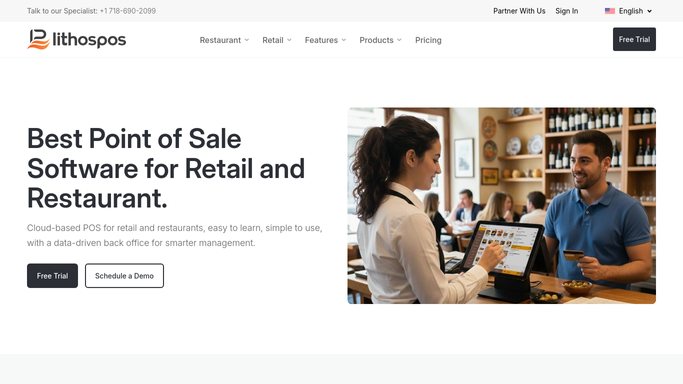
WebRun opens LithosPOS to compare scale sales to inventory. - Open LithosPOS and pull last week's weight sold per species from the scale
- Pull the current stock count for the same species
- Work out expected remaining stock against actual counted stock
Done when Every weighed species has an expected versus actual stock figure.
-
2
Google Sheets - log any gap past tolerance
google.com How to Automate Google Sheets

WebRun opens Google Sheets to log any gap past tolerance. - Log any species where the gap is past your set tolerance
- Note whether the gap favors a loss or an unexplained surplus
- Add this week's figures to the running reconciliation log
Done when Every out of tolerance species is logged with its gap.
-
3
Telegram - post the reconciliation report
telegram.org How to Automate Telegram

WebRun opens Telegram to post the reconciliation report. - Post the count of species out of tolerance
- Name the largest gap first with its size
- Leave the investigation to your team
Done when You have this week's reconciliation report in Telegram.
How is each run configured?
Secure by default
Connect once, stays signed in
WebRun signs in once and keeps each session in a persistent environment, so every run picks up right where it left off.
Every action is checked against this policy before it runs.
Questions, answered
Does it adjust my inventory counts for me?
No. It only compares scale sales to stock counts and reports any gap. Correcting a count in LithosPOS is always done by your team.
What counts as a gap worth flagging?
Any difference past the tolerance percent you set, so small everyday weighing variance doesn't trigger a false alarm.
What could cause a flagged gap?
Common causes are a miskeyed weight, a comp or waste not logged, or a miscount. The report is a starting point for your team to check.
Related templates
Put this on autopilot.
Turn it on in minutes - or have our team set it up for you.