Rotate catch before it spoils
Every morning, WebRun opens LithosPOS, checks each catch lot's age against its shelf life, logs anything nearing its cutoff to a Google Sheet, and sends your team a WhatsApp message so staff can rotate, markdown, or pull it before it spoils.
- No credit card
- Under $0.01 per run
- Cancel anytime
How do I catch seafood nearing its shelf life before it spoils?
WebRun checks every open LithosPOS catch lot each morning, comparing its age to the shelf life you've set. Anything within a day of cutoff, or already past it, gets logged to a Google Sheets rotation list and sent to your team on WhatsApp, so staff can rotate, markdown, or pull it before it spoils or sells past its window.
- Catch lots nearing their shelf life get flagged before they spoil
- Staff get a same day WhatsApp nudge to rotate or markdown, not a surprise later
- Every open lot is checked against its real receive date each morning
Built for seafood markets · fishmongers · fish market quality control · seafood counter staff
What does WebRun do on every run?
The exact actions WebRun takes, in order - in plain language, so you can adjust anything.
-
WebRun signs in and gets to work
Opens
lithospos.comin a real browser with your saved login - no setup, no API keys. -
1
LithosPOS - check catch lot age vs shelf life
lithospos.com How to Automate LithosPOS
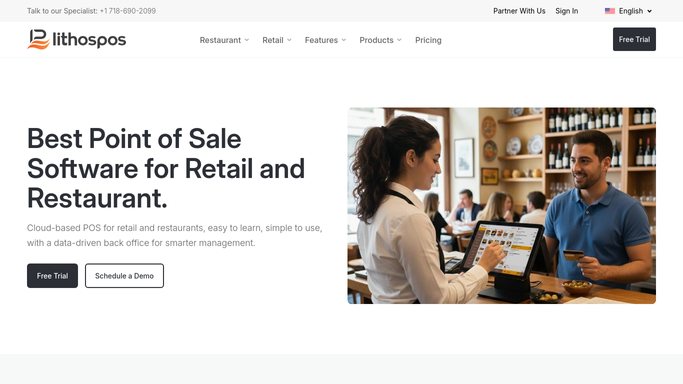
WebRun opens LithosPOS to check catch lot age vs shelf life. - Open LithosPOS and pull every open catch lot with its receive date
- Compare each lot's age to its shelf life setting
- Flag lots within 1 day of cutoff and anything already past it
Done when Every open lot is checked against its shelf life.
-
2
Google Sheets - log lots nearing cutoff
google.com How to Automate Google Sheets

WebRun opens Google Sheets to log lots nearing cutoff. - Add each flagged lot to today's rotation sheet
- Include species, receive date, days remaining, and quantity
- Sort so the most urgent lot sits at the top
Done when Today's rotation list has every lot that needs action.
-
3
WhatsApp - alert your team to act today
whatsapp.com How to Automate WhatsApp

WebRun opens WhatsApp to alert your team to act today. - Send a message with the count of lots nearing cutoff
- Name the most urgent lot and how much is left
- Remind staff to rotate to the front, markdown, or pull before selling more
Done when You have this morning's shelf life alert on WhatsApp.
How is each run configured?
Secure by default
Connect once, stays signed in
WebRun signs in once and keeps each session in a persistent environment, so every run picks up right where it left off.
Every action is checked against this policy before it runs.
Questions, answered
Does it mark items down or pull them automatically?
No. It only flags lots and alerts you. Marking down a price or pulling stock in LithosPOS is always done by your staff.
How does it know a lot's shelf life?
It reads the shelf life you've set per species or lot in LithosPOS and compares it to each lot's receive date, live, every morning.
Who receives the WhatsApp alert?
Whichever number you connect, usually the manager on duty. It's a one way alert to your team, never a message to a customer.
Related templates
Put this on autopilot.
Turn it on in minutes - or have our team set it up for you.