Have the supply reorder ready before you run out
Every Monday, WebRun signs in to Walmart, reads your order history to see how often each supply item is bought, works out what is due again this week, builds the cart at today's prices, leaves it unplaced, emails you the list, and posts it to Microsoft Teams for approval.
- No credit card
- Under $0.01 per run
- Cancel anytime
How do I automate a weekly supply reorder without losing control of spend?
WebRun reads your Walmart order history every Monday, works out which supplies are due to be reordered from how often you buy them, and builds the cart at today's prices. It leaves the cart unplaced, emails you the list, and posts it to Microsoft Teams, so approval is one decision.
- The supply closet stops running empty mid week
- Approval is one decision on a cart that is already built
- Price rises are flagged before the order is placed
Built for office managers · shop managers · facilities teams · small business owners
What does WebRun do on every run?
The exact actions WebRun takes, in order - in plain language, so you can adjust anything.
-
WebRun signs in and gets to work
Opens
walmart.comin a real browser with your saved login - no setup, no API keys. -
1
Walmart - build the reorder cart
walmart.com
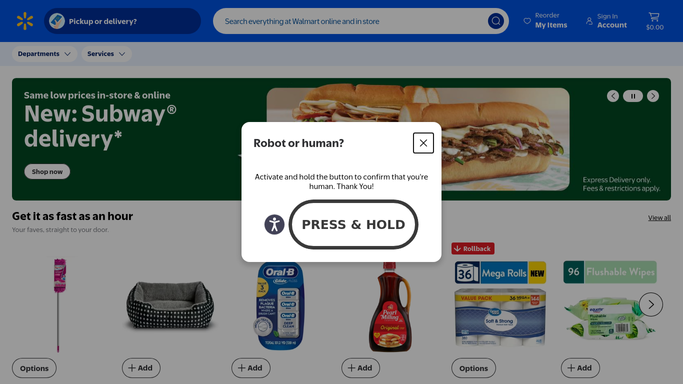
WebRun opens Walmart to build the reorder cart. - Sign in to Walmart and open your order history
- Work out how often each regular supply item has been bought and when it was last ordered
- Pick the items due again this week from that pattern, and pull anything on your saved lists that is running to schedule
- Add each item to the cart at today's price and note where the price has moved since last time
- Leave the cart unplaced. WebRun never completes a checkout or charges a card
Done when The cart holds this week's reorder at current prices and is waiting for a person to place it.
-
2
Microsoft Teams - post it for approval
microsoft.com How to Automate Microsoft Teams

WebRun opens Microsoft Teams to post it for approval. - Post the reorder list to your operations channel in Microsoft Teams
- Show each item, the quantity, the price now, and the price last time it was bought
- Put the running total at the top so approval is a single decision
- Flag any item whose price has jumped, so a substitute can be considered before the order is placed
Done when The operations channel has this week's cart contents and its total.
-
3
Gmail - email you the list
gmail.com How to Automate Gmail

WebRun opens Gmail to email you the list. - Email the same list to whoever holds the purchasing card
- Include the cart link so approving means opening it and pressing place order
- Note items skipped this week because they were bought recently
- Send it to your own team only. Nothing goes to a supplier
Done when The purchasing owner has the list and the cart link in their inbox.
How is each run configured?
Secure by default
Connect once, stays signed in
WebRun signs in once and keeps each session in a persistent environment, so every run picks up right where it left off.
Every action is checked against this policy before it runs.
Questions, answered
Will it place the order or charge my card?
No. WebRun builds the cart and stops. Placing the order and paying is done by the person who holds the purchasing card, so nothing is bought without an explicit approval.
How does it decide what is due?
It reads your Walmart order history and works out how often each regular item is bought and when it was last ordered, then lists the items whose interval has come round again this week.
What if a price has gone up?
The list shows today's price next to what you paid last time and flags a jump, so you can approve, cut the quantity, or pick a substitute before anything is ordered.
Related templates
Put this on autopilot.
Turn it on in minutes - or have our team set it up for you.