Get a weekly SignRequest turnaround time scorecard
Every Monday, WebRun opens SignRequest, reads the sent and signed timestamps on every document completed in the past week, posts the average and slowest turnaround times to Microsoft Teams, and creates a Trello card for any document that took more than 7 days to sign.
- No credit card
- Under $0.01 per run
- Cancel anytime
How do I track SignRequest signature turnaround time?
WebRun reads every SignRequest document completed in the past week each Monday, calculates the turnaround time from sent to signed, and posts the scorecard to Microsoft Teams with a Trello card for anything that took over 7 days. Teams see how fast contracts are actually getting signed instead of guessing from memory.
- Turnaround time is tracked weekly without manual calculation
- Slow signing documents get flagged for review automatically
- Teams see real signing speed trends, not a rough guess
Built for sales operations · legal teams · procurement teams · HR teams
What does WebRun do on every run?
The exact actions WebRun takes, in order - in plain language, so you can adjust anything.
-
WebRun signs in and gets to work
Opens
signrequest.comin a real browser with your saved login - no setup, no API keys. -
1
SignRequest - check last week's turnaround times
signrequest.com
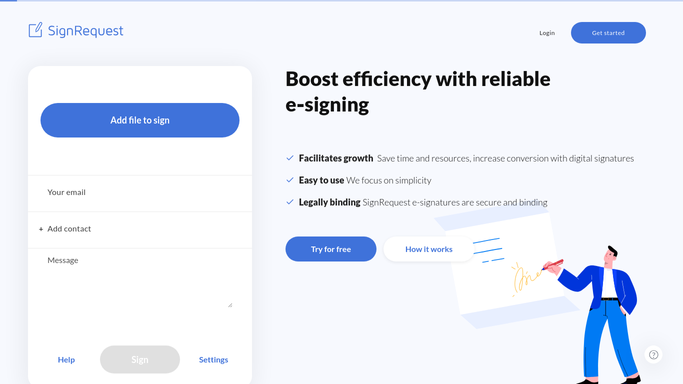
WebRun opens SignRequest to check last week's turnaround times. - Open SignRequest and list documents completed in the past 7 days
- Calculate the time between sent and signed for each
- Separate out anything that took more than 7 days
Done when Every completed document's turnaround time has been calculated.
-
2
Microsoft Teams - post the turnaround scorecard
microsoft.com How to Automate Microsoft Teams

WebRun opens Microsoft Teams to post the turnaround scorecard. - Post the average and slowest turnaround times to Teams
- Compare it against the prior week
- Break it down by document type if more than one is used
Done when The team has this week's turnaround scorecard in Teams.
-
3
Trello - flag the slowest documents
trello.com How to Automate Trello

WebRun opens Trello to flag the slowest documents. - Create a card for any document that took more than 7 days to sign
- Include the signer and the exact turnaround time
- Place it on the review board for the team to discuss
Done when Every slow turnaround document has a Trello card ready for review.
How is each run configured?
Secure by default
Connect once, stays signed in
WebRun signs in once and keeps each session in a persistent environment, so every run picks up right where it left off.
Every action is checked against this policy before it runs.
Questions, answered
Does it send anything for signature itself?
No. WebRun only reads documents already sent and signed through SignRequest. It never creates or sends a new document for signature.
How is turnaround time calculated?
It uses the exact sent and signed timestamps SignRequest already records, so the number reflects real elapsed time, not an estimate.
Will it contact a slow signer?
No. It only posts internally to Teams and Trello for your team. It never emails or messages the signer about their turnaround time.
Related templates
Put this on autopilot.
Turn it on in minutes - or have our team set it up for you.