Start every day knowing exactly how full your shelter is
Each morning, WebRun opens Shelterluv, reads the current intake count by species and kennel area, compares it to your set capacity thresholds, logs the figures to Google Sheets, and posts a concise capacity digest to the management Slack channel so leadership can make intake decisions with the latest numbers.
- No credit card
- Under $0.01 per run
- Cancel anytime
How do I get a daily shelter intake and capacity report automatically?
WebRun opens Shelterluv every morning, reads the current animal count by species and kennel area, and compares it to your capacity thresholds. It logs the figures to Google Sheets for trending and posts a concise digest to Slack so shelter management starts the day with an accurate picture of available space and any areas at risk of overcrowding.
- Management opens Slack each morning with an accurate, up-to-date capacity snapshot
- Near-capacity areas are flagged before they become overcrowded
- A running Google Sheets log supports reporting and grant applications
Built for animal shelter managers · rescue organisation directors · humane society staff · shelter operations teams
What does WebRun do on every run?
The exact actions WebRun takes, in order - in plain language, so you can adjust anything.
-
WebRun signs in and gets to work
Opens
www.shelterluv.comin a real browser with your saved login - no setup, no API keys. -
1
Shelterluv - read current intake and capacity figures
shelterluv.com How to Automate Shelterluv
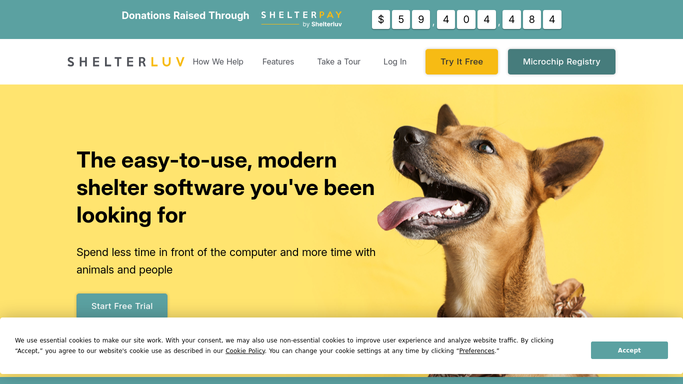
WebRun opens Shelterluv to read current intake and capacity figures. - Open Shelterluv and navigate to the shelter capacity or animal count dashboard
- Read the current count of animals by species such as dogs, cats, and small animals
- Break down counts by kennel area or unit if available
- Compare each area's count against the set capacity threshold
Done when Today's intake counts, capacity thresholds, and any areas at or over capacity are recorded.
-
2
Google Sheets - log daily intake figures
google.com How to Automate Google Sheets

WebRun opens Google Sheets to log daily intake figures. - Open the shelter capacity tracking sheet in Google Sheets
- Append a new row with today's date, species counts, and capacity status per area
- Mark any area at 90 percent or more of capacity as a flag
Done when Today's intake figures are appended to the capacity tracking sheet.
-
3
Slack - post capacity digest to management
slack.com How to Automate Slack

WebRun opens Slack to post capacity digest to management. - Post a daily capacity digest to the shelter management Slack channel
- List current counts by species and highlight any areas at or near capacity
- Include a one-line status: at capacity, near capacity, or space available
Done when Management has today's capacity digest in Slack.
How is each run configured?
Secure by default
Connect once, stays signed in
WebRun signs in once and keeps each session in a persistent environment, so every run picks up right where it left off.
Every action is checked against this policy before it runs.
Questions, answered
Does it change any records in Shelterluv or make intake decisions?
No. WebRun only reads the current animal count and posts the digest. All intake decisions and record changes are made by staff.
Can it alert staff when a specific kennel area hits capacity?
Yes. Any area at 90 percent or more of its set capacity threshold is flagged in both the Slack digest and the Google Sheets log so management can act quickly.
How do I set the capacity thresholds for each area?
You provide your capacity numbers when setting up the workflow. WebRun compares the live count from Shelterluv against those numbers each morning.
Related templates
Put this on autopilot.
Turn it on in minutes - or have our team set it up for you.