Get more pets adopted and followed up
When a new adoption application is submitted in Shelterluv, WebRun reads the applicant details and the animal they want, drafts a warm follow-up email, and queues it in Gmail for a staff member to review and send.
- No credit card
- Under $0.01 per run
- Cancel anytime
How do I automatically follow up on adoption applications from my shelter?
WebRun monitors Shelterluv for new adoption applications and, within minutes of submission, drafts a personalised follow-up email in Gmail with the animal name and next steps. It then pings the adoptions channel in Slack so staff can review and send the draft, ensuring every applicant hears back promptly.
- Every applicant gets a personalised follow-up drafted within minutes of applying
- Staff spend time approving messages, not writing them from scratch
- No adoption application sits without a response overnight
Built for animal shelters · pet rescue organisations · humane societies · shelter adoption coordinators
What does WebRun do on every run?
The exact actions WebRun takes, in order - in plain language, so you can adjust anything.
-
WebRun signs in and gets to work
Opens
www.shelterluv.comin a real browser with your saved login - no setup, no API keys. -
1
Shelterluv - read new application
shelterluv.com How to Automate Shelterluv
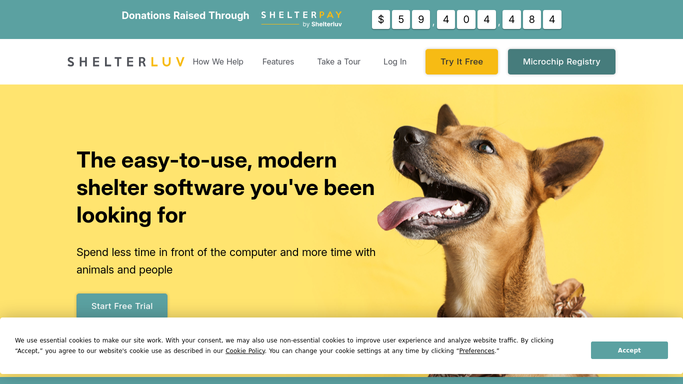
WebRun opens Shelterluv to read new application. - Open Shelterluv and navigate to the new adoption applications queue
- Read the applicant name, contact email, and the animal they applied for
- Note any staff notes or flags already on the application
Done when The new application details are captured and ready to use.
-
2
Gmail - draft follow-up email
gmail.com How to Automate Gmail

WebRun opens Gmail to draft follow-up email. - Draft a warm, on-brand follow-up email addressed to the applicant
- Include the animal name, next steps in the adoption process, and a contact for questions
- Save the draft but leave it unsent for a staff member to review and approve
Done when A draft follow-up email is waiting in Gmail for staff review.
-
3
Slack - notify staff to review
slack.com How to Automate Slack

WebRun opens Slack to notify staff to review. - Post a short Slack message to the adoptions channel noting the new application
- Include the applicant name, animal name, and a reminder to review and send the Gmail draft
Done when Staff are notified in Slack and know to review the draft before sending.
How is each run configured?
Secure by default
Connect once, stays signed in
WebRun signs in once and keeps each session in a persistent environment, so every run picks up right where it left off.
Every action is checked against this policy before it runs.
Questions, answered
Will it send the email to applicants automatically?
No. WebRun drafts the email and leaves it unsent in Gmail. A staff member reviews and clicks Send, so no message goes out without human approval.
Can it personalise the email with the animal name and applicant details?
Yes. It pulls the applicant name, animal name, and any relevant notes directly from Shelterluv and weaves them into the draft.
What if the application is incomplete or flagged?
It includes any existing staff flags or notes in the Slack notification so the reviewer knows to check the application before sending.
Related templates
Put this on autopilot.
Turn it on in minutes - or have our team set it up for you.