Turn your ride data into a weekly route efficiency report
Every Monday, WebRun opens Driver Schedule, pulls every completed route from the past week with its stop order and drive times, checks each stop against its scheduled appointment window in Google Calendar, logs routes with excess drive time or tight windows to a Google Sheet, and drafts reordering suggestions for a dispatcher to approve.
- No credit card
- Under $0.01 per run
- Cancel anytime
How do I find which senior transportation routes need redesigning each week?
WebRun pulls every completed route from Driver Schedule each Monday, checks each stop's actual pickup time against its scheduled appointment window in Google Calendar, and ranks last week's least efficient routes in a Google Sheet. It drafts a suggested stop reorder for each, so a dispatcher can approve real changes to cut drive time instead of guessing which routes need attention.
- The least efficient routes are ranked every Monday instead of relying on driver complaints
- Stops running close to their appointment window are flagged before it becomes a pattern
- Dispatchers approve every suggested change, nothing reorders on a live route automatically
Built for NEMT dispatchers · assisted living transportation managers · paratransit route planners · senior living fleet operations
What does WebRun do on every run?
The exact actions WebRun takes, in order - in plain language, so you can adjust anything.
-
WebRun signs in and gets to work
Opens
app.driverschedule.comin a real browser with your saved login - no setup, no API keys. -
1
Driver Schedule - pull last week's completed routes
driverschedule.com How to Automate Driver Schedule
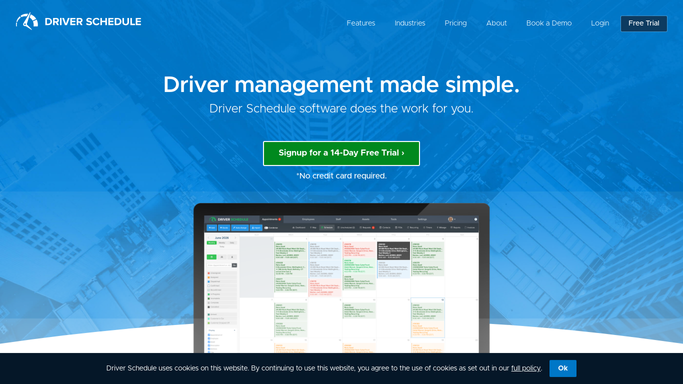
WebRun opens Driver Schedule to pull last week's completed routes. - Open Driver Schedule and pull every completed route from the past week
- Capture the stop order, drive time between stops, and total route time
- Note routes with long gaps or backtracking between stops
Done when Every completed route from the past week is listed with its stop order and drive times.
-
2
Google Calendar - check each stop against its appointment window
calendar.google.com How to Automate Google Calendar

WebRun opens Google Calendar to check each stop against its appointment window. - Check each stop's actual pickup time against its scheduled appointment window
- Flag stops that ran close to or past their appointment window
- Note which routes had the tightest margins
Done when Every stop is checked against its appointment window, with tight or missed margins flagged.
-
3
Google Sheets - rank and log routes worth redesigning
google.com How to Automate Google Sheets

WebRun opens Google Sheets to rank and log routes worth redesigning. - Rank last week's routes by excess drive time and margin risk
- Log a suggested stop reorder for the top routes worth redesigning
- Leave every suggested reorder as a draft note, not a live schedule change
Done when The top routes worth redesigning are ranked and logged with a drafted reorder suggestion for each.
How is each run configured?
Secure by default
Connect once, stays signed in
WebRun signs in once and keeps each session in a persistent environment, so every run picks up right where it left off.
Every action is checked against this policy before it runs.
Questions, answered
Does it rearrange live driver routes on its own?
No. It only drafts a suggested stop reorder in the report. A dispatcher reviews and applies any change in Driver Schedule, nothing moves on a live route automatically.
What makes a route land on the worth redesigning list?
Excess drive time between stops or a pickup that ran close to a resident's scheduled appointment window. Both point to a route that is costing time or risking a late arrival.
Does this only look at one week, or does it track trends?
Each report covers the past week, so a route that keeps showing up week after week is easy to spot as a recurring problem rather than a one-off bad day.
Related templates
Put this on autopilot.
Turn it on in minutes - or have our team set it up for you.