Turn finished Rallly polls into a scheduled meeting handoff
Every morning, WebRun opens Rallly, checks every open scheduling poll for enough responses to identify a leading time, creates a Trello card for the organizer to confirm and send the invite, and posts a Microsoft Teams alert so nothing waits unnoticed.
- No credit card
- Under $0.01 per run
- Cancel anytime
How do I get alerted when a Rallly poll is ready to finalize?
WebRun checks Rallly every morning for scheduling polls with enough responses to identify a leading time, creates a Trello card for the organizer to confirm and send the invite, and posts a Microsoft Teams alert. Resolved polls get handed off for action the same morning instead of sitting until someone remembers to check Rallly.
- Resolved polls get handed off for finalizing the same morning
- Organizers see exactly who still hasn't responded
- No scheduling poll sits resolved without anyone noticing
Built for team leads · event organizers · executive assistants · community managers
What does WebRun do on every run?
The exact actions WebRun takes, in order - in plain language, so you can adjust anything.
-
WebRun signs in and gets to work
Opens
rallly.coin a real browser with your saved login - no setup, no API keys. -
1
Rallly - check poll response status
rallly.co
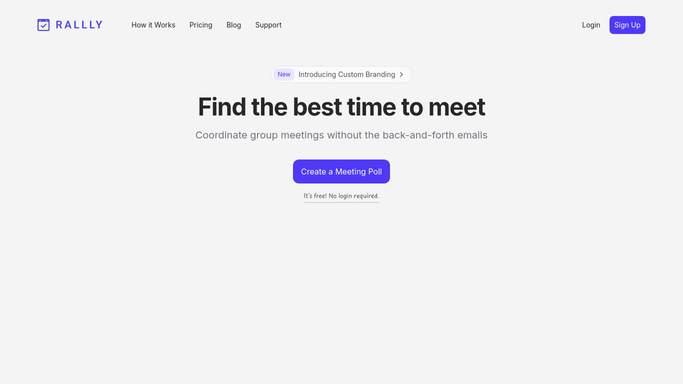
WebRun opens Rallly to check poll response status. - Open Rallly and list open polls with new responses
- Identify which polls have a clear leading time
- Note any poll still waiting on a key attendee
Done when Every open poll's response status has been read.
-
2
Trello - create a finalize meeting card
trello.com How to Automate Trello

WebRun opens Trello to create a finalize meeting card. - Create a card for each poll with a clear leading time
- Include the winning time and who still hasn't responded, if anyone
- Assign it to the poll's organizer to confirm and send the invite
Done when Every resolved poll has a Trello card ready for the organizer.
-
3
Microsoft Teams - alert the organizer
microsoft.com How to Automate Microsoft Teams

WebRun opens Microsoft Teams to alert the organizer. - Post a Teams message tagging the organizer
- Link to the new Trello card
- Skip the alert for polls still waiting on responses
Done when The organizer has been alerted in Teams for every resolved poll.
How is each run configured?
Secure by default
Connect once, stays signed in
WebRun signs in once and keeps each session in a persistent environment, so every run picks up right where it left off.
Every action is checked against this policy before it runs.
Questions, answered
Does it finalize the meeting time itself?
No. WebRun only identifies which time has the most support and hands it to the organizer in Trello. A human confirms and sends the actual invite.
Will it contact the poll participants?
No. It only creates a Trello card and posts a Teams alert for the organizer. It never messages the people who responded to the poll.
What if there's a tie between two times?
It reports both leading times on the Trello card rather than guessing, so the organizer makes the final call.
Related templates
Put this on autopilot.
Turn it on in minutes - or have our team set it up for you.