Turn Mastodon mentions into a reply queue
Through the day, WebRun opens Mastodon, reads the mentions and replies that arrived since the last run, sorts out the ones that genuinely need a human answer, creates a Trello card for each with the post link and a suggested reply, and pings you on WhatsApp when something looks urgent or unhappy.
- No credit card
- Under $0.01 per run
- Cancel anytime
How do I keep up with Mastodon mentions that need a reply?
WebRun reads your Mastodon mentions every hour and separates the ones needing a human answer from routine boosts and praise. It creates a Trello card per real mention with the permalink and a suggested reply left unposted, then pings you on WhatsApp when something urgent lands, so nothing waits overnight.
- Urgent mentions reach a human within the hour
- Every mention needing a reply gets a card and a draft answer
- Praise and boosts stop crowding out the questions
Built for community managers · social media teams · open source maintainers · indie founders
What does WebRun do on every run?
The exact actions WebRun takes, in order - in plain language, so you can adjust anything.
-
WebRun signs in and gets to work
Opens
mastodon.social/auth/sign_inin a real browser with your saved login - no setup, no API keys. -
1
Mastodon - read new mentions and replies
mastodon.social
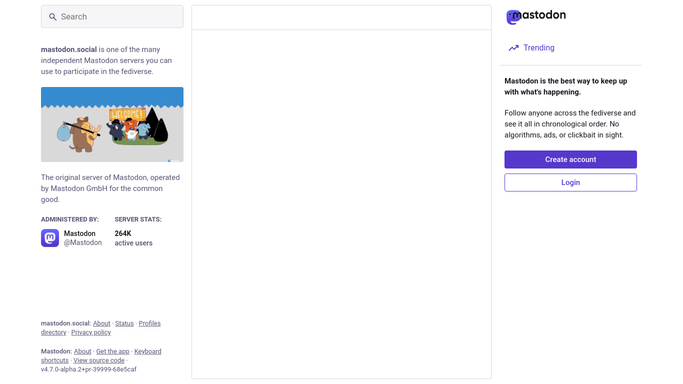
WebRun opens Mastodon to read new mentions and replies. - Open Mastodon and go to your notifications
- Collect mentions, replies, and boosts with comments since the last run
- Separate the ones asking a question or raising a problem from simple praise and boosts
- Capture the author handle, the post text, and the permalink for each
Done when Every new mention is captured and sorted into needs a reply or no action.
-
2
Trello - queue the ones needing an answer
trello.com How to Automate Trello

WebRun opens Trello to queue the ones needing an answer. - Open your social inbox board in Trello
- Create one card per mention that needs a human answer, with the handle and permalink
- Add a suggested reply in the card description as a starting point, never posted
- Label each card by topic: question, complaint, press, or partnership
- Skip anything already carded from a previous run
Done when Every mention needing a reply has exactly one Trello card with a draft answer.
-
3
WhatsApp - ping you about anything urgent
whatsapp.com How to Automate WhatsApp

WebRun opens WhatsApp to ping you about anything urgent. - Message the team group only when a mention looks angry, urgent, or from press
- Include the handle, one line of context, and the direct Mastodon link
- Stay silent on runs where nothing crosses that bar
Done when Urgent mentions have reached you within the hour.
How is each run configured?
Secure by default
Connect once, stays signed in
WebRun signs in once and keeps each session in a persistent environment, so every run picks up right where it left off.
Every action is checked against this policy before it runs.
Questions, answered
Will it reply on Mastodon without me?
No. Every suggested reply is written into the Trello card description and left unposted. WebRun never publishes a post, a reply, or a boost. A human copies it across and hits send.
How does it decide what is urgent?
It flags mentions that read as angry, that raise an outage or a billing problem, or that come from a press or partner account you list during setup. Everything else waits on the board.
Will the same mention be carded twice?
No. It checks the existing cards on your Trello board each run, so a mention that already has a card is skipped rather than duplicated.
Related templates
Put this on autopilot.
Turn it on in minutes - or have our team set it up for you.