Send a daily Klick-Tipp new subscriber digest
Every morning, WebRun opens Klick-Tipp, reads which subscribers were added and which tags they were given the day before, logs each new subscriber as a record in Airtable, and writes a short Notion note summarizing which tag or campaign brought in the most signups.
- No credit card
- Under $0.01 per run
- Cancel anytime
How do I track new Klick-Tipp subscribers every day?
Every morning, WebRun reads which subscribers Klick-Tipp added the day before along with their tags, logs each one as an Airtable record, and writes a short Notion note naming which tag or campaign drove the most signups. The team sees what is bringing in subscribers without pulling a list by hand.
- New subscriber sources are visible every morning
- Airtable builds a running record of list growth by tag
- Low signup days get flagged instead of going unnoticed
Built for email marketers · small business owners · content creators · marketing operations
What does WebRun do on every run?
The exact actions WebRun takes, in order - in plain language, so you can adjust anything.
-
WebRun signs in and gets to work
Opens
www.klicktipp.comin a real browser with your saved login - no setup, no API keys. -
1
Klick-Tipp - read new subscribers and tags
klicktipp.com
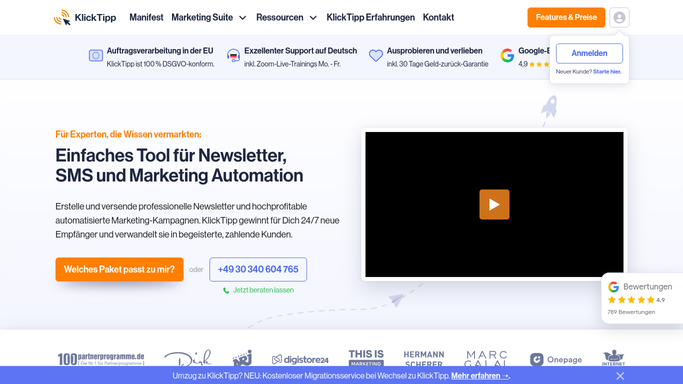
WebRun opens Klick-Tipp to read new subscribers and tags. - Open Klick-Tipp and go to the subscriber list
- Filter to subscribers added in the past day
- Read the tags each new subscriber was given
Done when Every subscriber added in the past day is listed with its tags.
-
2
Airtable - log each subscriber
airtable.com How to Automate Airtable

WebRun opens Airtable to log each subscriber. - Open the subscriber tracking base in Airtable
- Add a record for each new subscriber with their tags
- Keep prior days' records in place
Done when Every new subscriber from the past day has an Airtable record.
-
3
Notion - write the source summary
notion.so How to Automate Notion

WebRun opens Notion to write the source summary. - Open the marketing Notion workspace
- Write a short note on which tag or campaign brought in the most new subscribers
- Flag a day with unusually low signups
Done when A Notion note exists summarizing the day's new subscriber sources.
How is each run configured?
Secure by default
Connect once, stays signed in
WebRun signs in once and keeps each session in a persistent environment, so every run picks up right where it left off.
Every action is checked against this policy before it runs.
Questions, answered
Does it tag or email new subscribers itself?
No. WebRun only reads subscribers and tags that Klick-Tipp already recorded. It never adds a tag or sends an email on its own.
Can I see where each subscriber came from?
Yes. Every Airtable record includes the tags Klick-Tipp assigned, which usually point back to the form or campaign that brought them in.
What happens on a day with no new subscribers?
The Notion note says so plainly instead of showing an empty or misleading summary.
Related templates
Put this on autopilot.
Turn it on in minutes - or have our team set it up for you.