Catch Airship push delivery drops for you
Every hour, WebRun checks Airship push campaign delivery and open rates for recent sends, and when a campaign's rate drops below a set threshold, it blocks an internal follow-up review slot on the team's Google Calendar and posts an alert with the numbers to Microsoft Teams.
- No credit card
- Under $0.01 per run
- Cancel anytime
How do I get alerted when Airship push delivery rates drop?
WebRun checks Airship push campaign delivery and open rates every hour, and when a campaign's rate drops below the threshold you set, it blocks an internal review slot on your team's Google Calendar and posts an alert with the numbers to Microsoft Teams, so delivery problems get investigated the same hour they start.
- Delivery drops get a scheduled review within the hour
- The team never has to manually watch Airship dashboards
- Every flagged campaign comes with the numbers needed to investigate
Built for mobile marketing teams · product marketing · customer engagement teams
What does WebRun do on every run?
The exact actions WebRun takes, in order - in plain language, so you can adjust anything.
-
WebRun signs in and gets to work
Opens
go.airship.comin a real browser with your saved login - no setup, no API keys. -
1
Airship - check push delivery and open rates
airship.com
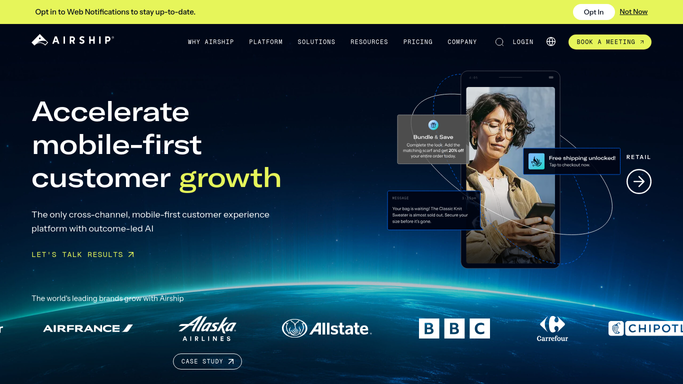
WebRun opens Airship to check push delivery and open rates. - Open Airship and review delivery and open rates for recent push campaigns
- Compare each campaign's rate against your set threshold
- Capture the campaign name and rate for anything under threshold
Done when Every underperforming campaign this hour has been identified.
-
2
Google Calendar - block a review slot
calendar.google.com How to Automate Google Calendar

WebRun opens Google Calendar to block a review slot. - Open the team's Google Calendar
- Block an internal review slot to look into the drop
- Attach the campaign name and rate to the event
Done when A review slot exists for every flagged campaign.
-
3
Microsoft Teams - alert the team
microsoft.com How to Automate Microsoft Teams

WebRun opens Microsoft Teams to alert the team. - Post the alert to the mobile marketing channel in Microsoft Teams
- Include the campaign name, rate, and the scheduled review time
- Leave the root-cause investigation to the team
Done when The team has been alerted for every flagged campaign this hour.
How is each run configured?
Secure by default
Connect once, stays signed in
WebRun signs in once and keeps each session in a persistent environment, so every run picks up right where it left off.
Every action is checked against this policy before it runs.
Questions, answered
Does it resend or pause the push campaign?
No. WebRun only detects the drop and alerts your team. Resending, pausing, or editing a campaign stays a decision your team makes in Airship.
What causes a delivery rate to drop?
Many things, from device token issues to send-time changes. WebRun doesn't diagnose the cause, it flags the drop and schedules time for your team to look into it.
How is the threshold set?
You set the delivery or open rate threshold. WebRun compares each campaign's live Airship numbers against it every hour.
Related templates
Put this on autopilot.
Turn it on in minutes - or have our team set it up for you.