Draft next-morning review and photo-share requests for last night's guests
Each morning after an event, WebRun opens FEARTICKET to see who actually attended last night, drafts a friendly follow-up in Klaviyo asking each guest to leave a review and share their photos with your tag, groups the recipients into a review-request campaign held as a draft, and posts your team a Slack summary to approve before it sends.
- No credit card
- Under $0.01 per run
- Cancel anytime
How do I automatically ask haunted house guests for reviews and photos?
Each morning after an event, WebRun reads last night's attendance in FEARTICKET and drafts a review-and-photo-share request in Klaviyo for the guests who actually showed up, tailored by ticket type. It leaves the campaign unsent and posts your team a Slack summary, so review requests go out only after a person approves the copy and recipients.
- Review requests reach guests the morning after, while the scare is fresh
- Only real attendees are asked, so no-shows never get a thank-you
- No campaign sends without your team approving the copy
Built for haunted attraction owners · marketing managers · Halloween event operators · haunted house teams
What does WebRun do on every run?
The exact actions WebRun takes, in order - in plain language, so you can adjust anything.
-
WebRun signs in and gets to work
Opens
www.fearticket.comin a real browser with your saved login - no setup, no API keys. -
1
FEARTICKET - see who attended last night
fearticket.com How to Automate FEARTICKET
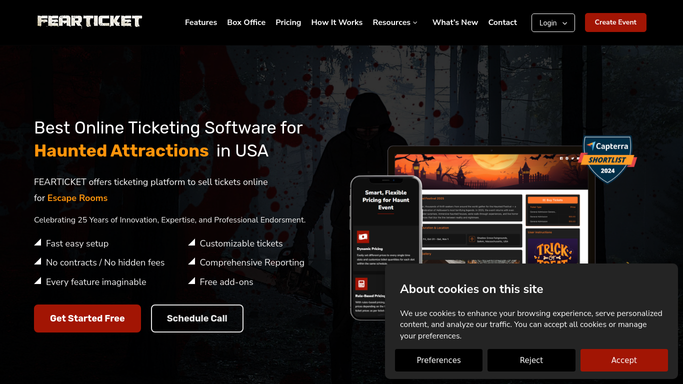
WebRun opens FEARTICKET to see who attended last night. - Open FEARTICKET and pull last night's check-in and attendance data
- Capture the guests who actually attended, with their name, email, and ticket type
- Exclude no-shows and anyone who opted out of marketing so only real attendees are included
Done when Last night's confirmed attendees are listed with their contact details.
-
2
Klaviyo - draft the review and photo request
klaviyo.com How to Automate Klaviyo
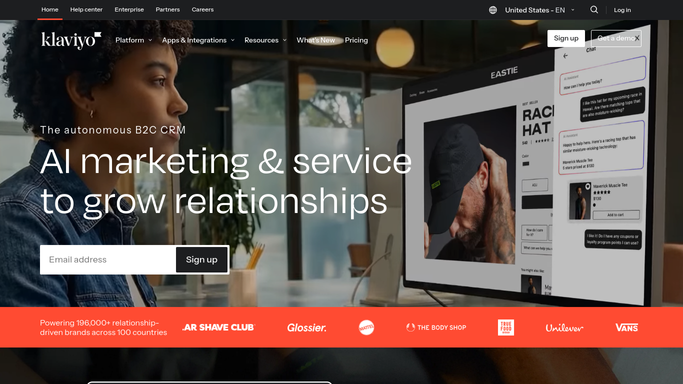
WebRun drafts the review-and-photo-share request in Klaviyo. - Build a review-request campaign in Klaviyo for last night's attendees
- Draft a warm message thanking them, linking your review page, and inviting them to share photos with your tag
- Tailor the tone to the experience, for example a VIP thank-you for VIP ticket holders
- Leave the campaign as a draft. Do not send any review request to a guest automatically
Done when A review-and-photo-share campaign is drafted in Klaviyo, unsent and ready for review.
-
3
Slack - summarize the campaign for approval
slack.com How to Automate Slack

WebRun posts a Slack summary of the campaign for approval. - Post your team a Slack summary of the drafted campaign with the attendee count and the review links used
- Note that the campaign is held as a draft and awaits approval before sending
Done when The team has a Slack summary and can approve the review-request campaign.
How is each run configured?
Secure by default
Connect once, stays signed in
WebRun signs in once and keeps each session in a persistent environment, so every run picks up right where it left off.
Every action is checked against this policy before it runs.
Questions, answered
Will it email review requests to guests on its own?
No. WebRun builds the campaign in Klaviyo and leaves it as a draft. Your team reviews the copy and recipients and sends it, so no review request reaches a guest without approval. The Slack summary is internal and posts on its own.
Does it only contact people who actually showed up?
Yes. WebRun uses last night's check-in and attendance data in FEARTICKET, so no-shows are excluded and only guests who genuinely attended get a review-and-photo-share request.
Can the message change by ticket type?
Yes. WebRun can tailor the draft by ticket type, for example a VIP thank-you for VIP holders and a standard note for general admission, so the ask matches the experience each guest had.
Related templates
Put this on autopilot.
Turn it on in minutes - or have our team set it up for you.