Draft arrival-window reminder texts for tonight's guests
Each event day in the late afternoon, WebRun opens FEARTICKET, pulls every guest booked for tonight with their assigned time slot and mobile number, drafts a short, friendly reminder text with the arrival window and where to check in, queues the batch in Twilio unsent, and pings your manager in Slack to approve the send.
- No credit card
- Under $0.01 per run
- Cancel anytime
How do I automatically remind haunted house guests of their arrival window?
Each event afternoon, WebRun pulls tonight's guests and their time slots from FEARTICKET, then drafts a short reminder text for each one naming their arrival window and check-in spot. It queues the batch in Twilio unsent and asks a manager to approve the send in Slack, so reminders go out only after a human says yes.
- Fewer no-shows and less door crowding on peak nights
- Every guest gets their own arrival window, not a blanket blast
- Texts send only after a manager approves the batch
Built for haunted attraction owners · event operations managers · box office teams · Halloween event operators
What does WebRun do on every run?
The exact actions WebRun takes, in order - in plain language, so you can adjust anything.
-
WebRun signs in and gets to work
Opens
www.fearticket.comin a real browser with your saved login - no setup, no API keys. -
1
FEARTICKET - pull tonight's slots and numbers
fearticket.com How to Automate FEARTICKET
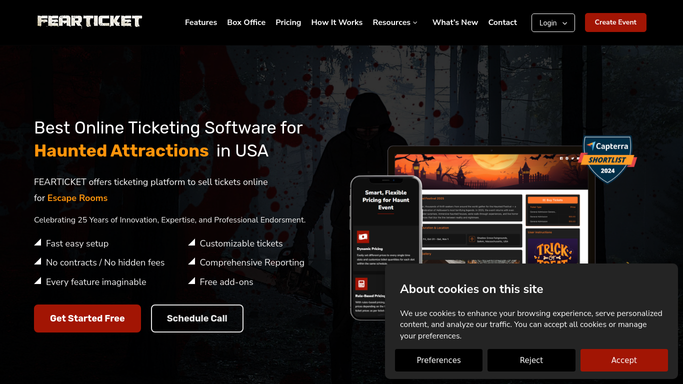
WebRun opens FEARTICKET to pull tonight's time slots and mobile numbers. - Open FEARTICKET and filter tonight's orders by event date
- For each guest, capture the first name, assigned time slot, party size, and mobile number on the order
- Group guests by time slot so each window gets the right message
- Exclude orders with no valid mobile number or that already opted out of texts
Done when Every guest attending tonight is listed with their time slot and mobile number.
-
2
Twilio - draft and queue reminder texts
twilio.com How to Automate Twilio

WebRun drafts each reminder text and queues it in Twilio for approval. - Draft a short reminder text for each guest that names their arrival window and check-in spot
- Add a line to arrive within the window to avoid the peak-line wait, and a link to their ticket
- Queue the messages in Twilio as a batch. Do not send any text to a guest automatically
- Include a clear opt-out line so any guest can stop future texts
Done when A reminder text is queued in Twilio for every attending guest, unsent and awaiting approval.
-
3
Slack - ask a manager to approve the send
slack.com How to Automate Slack

WebRun posts the manager a Slack summary and waits for approval. - Post the manager a Slack summary of how many reminder texts are queued and for which time slots
- Note the scheduled send window so the manager can approve or hold the batch
Done when The manager has a Slack summary and can approve tonight's reminder batch.
How is each run configured?
Secure by default
Connect once, stays signed in
WebRun signs in once and keeps each session in a persistent environment, so every run picks up right where it left off.
Every action is checked against this policy before it runs.
Questions, answered
Will it text my guests without approval?
No. WebRun queues the whole reminder batch in Twilio unsent and asks a manager to approve it in Slack first. Nothing goes to a guest's phone until a person releases the batch, so a bad time or wrong number never sends on its own.
How does each text get the right arrival window?
WebRun reads each order's assigned time slot in FEARTICKET and writes that exact window into the guest's text, so a 7:00 party and a 10:00 party each get their own arrival time and check-in note.
Can guests opt out of these texts?
Yes. Every drafted message includes a clear opt-out line, and WebRun skips any number that has already opted out or is missing from the order, so you stay compliant with text messaging rules.
Related templates
Put this on autopilot.
Turn it on in minutes - or have our team set it up for you.