Catch the leads nobody answered fast enough
Every morning, WebRun opens GoHighLevel, looks at the leads that came in over the last day, measures how long each one waited before a real person replied, records every response time in Google Sheets alongside the source and the assigned user, and messages the owner on WhatsApp with the leads still sitting unanswered and the ones that breached your response target.
- No credit card
- Under $0.01 per run
- Cancel anytime
How do I track how fast my team responds to new leads?
WebRun measures how fast your team answers GoHighLevel leads. Every morning it finds the leads from the last day, calculates the gap between arrival and the first reply written by a person, logs each one in Google Sheets with source and owner, and messages owners on WhatsApp about leads still sitting unanswered.
- Unanswered leads reach their owner the next morning by name
- Median response time and breach count are tracked daily, not guessed
- Autoresponders never count as a reply, so the numbers stay honest
Built for marketing agencies · sales managers · local service businesses · lead generation teams
What does WebRun do on every run?
The exact actions WebRun takes, in order - in plain language, so you can adjust anything.
-
WebRun signs in and gets to work
Opens
app.gohighlevel.comin a real browser with your saved login - no setup, no API keys. -
1
GoHighLevel - measure first response times
gohighlevel.com
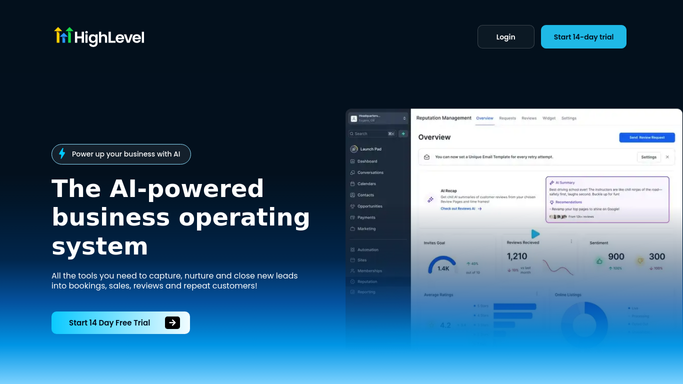
WebRun opens GoHighLevel to measure first response times. - Open GoHighLevel and list the contacts created in the last 24 hours
- For each lead record the source, campaign, assigned user and the exact time it arrived
- Open the conversation and find the first outbound message written by a person
- Calculate the gap between arrival and that first human reply
- Treat automated confirmations and workflow messages as not a reply, since a customer can tell the difference
- Flag leads with no human reply at all and leads that breached your response target
Done when Every lead from the last day has a first response time or is marked as still unanswered.
-
2
Google Sheets - log the response data
google.com How to Automate Google Sheets

WebRun opens Google Sheets to log the response data. - Open your lead response sheet and append one row per lead
- Record date, source, campaign, assigned user, arrival time, first reply time and the gap in minutes
- Refresh the summary tab: median response time, breach count and the slowest source this week
- Keep the column order stable so your existing charts keep working
Done when Today's response times are in Google Sheets and the summary tab is refreshed.
-
3
WhatsApp - message the owner
whatsapp.com How to Automate WhatsApp

WebRun opens WhatsApp to message the owner. - Message the owner of each unanswered lead with the name, source, and how long it has been waiting
- Send a short summary to the manager: leads received, median response time, and how many breached the target
- Skip owners with a clean sheet so a message always means work is waiting
- Never contact a lead. WebRun measures and reports; the first reply to a customer is always written by your team
Done when Every owner with an unanswered lead has been messaged and the manager has the daily summary.
How is each run configured?
Secure by default
Connect once, stays signed in
WebRun signs in once and keeps each session in a persistent environment, so every run picks up right where it left off.
Every action is checked against this policy before it runs.
Questions, answered
Will it reply to leads that nobody answered?
No. WebRun never messages a lead. It measures how long each one waited and tells the assigned owner on WhatsApp. Every word a customer reads is still written and sent by a person on your team.
Do automated workflow messages count as a response?
No. WebRun looks for the first outbound message written by a person and ignores automated confirmations and workflow sends, because a customer can tell the difference between an autoresponder and a human.
Can I set my own response target?
Yes. Tell WebRun your target, for example 15 minutes during business hours, and the daily breach count and WhatsApp alerts are measured against that number rather than a generic default.
Related templates
Put this on autopilot.
Turn it on in minutes - or have our team set it up for you.