Chase missing site documents and data submissions from clients
Every Monday, WebRun checks Locus Technologies for site data submissions and documents that clients have not yet provided, drafts a polite chaser email for each outstanding item, and posts a summary of what is still missing to your project team in Slack. Every chaser email is left as a draft for a consultant to review before sending.
- No credit card
- Under $0.01 per run
- Cancel anytime
How do I automatically chase clients for missing environmental site documents?
WebRun checks Locus Technologies every Monday for client document submissions that are past due, drafts a polite chaser email in Gmail for each outstanding item, and posts a summary of what is still missing to your project team in Slack. Every chaser awaits consultant approval before reaching the client.
- Every missing client submission has a personalised chaser drafted within minutes
- Project teams see a ranked outstanding-items list in Slack without manual checking
- Received documents are automatically removed from the chaser list
Built for environmental consulting project managers · EHS compliance coordinators · remediation project teams · environmental data managers
What does WebRun do on every run?
The exact actions WebRun takes, in order - in plain language, so you can adjust anything.
-
WebRun signs in and gets to work
Opens
www.locustec.comin a real browser with your saved login - no setup, no API keys. -
1
Locus Technologies - find outstanding document submissions
locustec.com How to Automate Locus Technologies
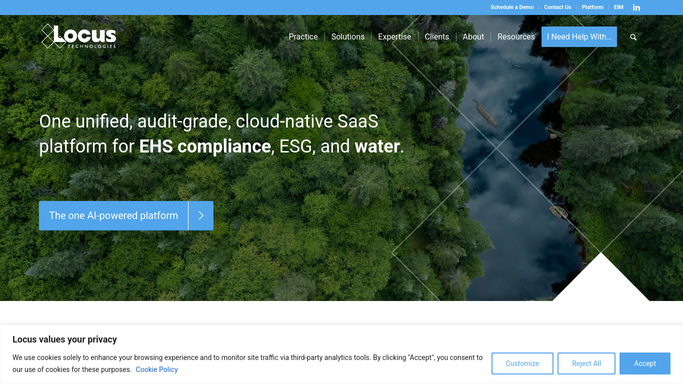
WebRun opens Locus Technologies to find outstanding document submissions. - Open Locus Technologies and review each active site project for required client document submissions
- Flag any submission that is outstanding past its expected receipt date
- Capture the project name, client contact, document type, and days overdue for each
Done when Every outstanding client document submission is listed with its details.
-
2
Gmail - draft chaser emails for each missing item
gmail.com How to Automate Gmail

WebRun opens Gmail to draft chaser emails for each missing item. - Draft a polite chaser email for each outstanding submission, naming the specific document or data required
- Reference the project name and original submission deadline in each draft
- Leave all drafts unsent for a consultant to review and approve before sending to the client
Done when A draft chaser is ready in Gmail for each missing document submission.
-
3
Slack - alert project team to outstanding items
slack.com How to Automate Slack

WebRun opens Slack to alert project team to outstanding items. - Post a summary of all outstanding document submissions to the project Slack channel
- List by project name, client, document type, and days overdue
- Flag any item more than 14 days outstanding for immediate attention
Done when The project team has a clear missing-items list in Slack.
How is each run configured?
Secure by default
Connect once, stays signed in
WebRun signs in once and keeps each session in a persistent environment, so every run picks up right where it left off.
Every action is checked against this policy before it runs.
Questions, answered
Will it chase clients for documents without my approval?
No. Every chaser email is left as a Gmail draft for a consultant to review and send. Nothing goes to a client without human sign-off.
What types of documents does it track?
It tracks any client-provided document or data submission recorded as required in Locus Technologies, including site access agreements, historical records, lab data submittals, or any other project-specific requirement you log.
What if a document was received after the last run?
It reads the live submission status in Locus Technologies each Monday, so any item that has been received and logged is removed from the chaser list automatically.
Related templates
Put this on autopilot.
Turn it on in minutes - or have our team set it up for you.