Kick off every new employer group partnership in Hint Health
When a new employer group is added in Hint Health, WebRun immediately creates a structured onboarding checklist in Airtable covering billing setup, roster collection, and member communication, and pings the account manager in Slack so every new employer partnership launches on the same day with no manual coordination.
- No credit card
- Under $0.01 per run
- Cancel anytime
How do I automatically kick off onboarding for a new employer group in a DPC practice?
WebRun detects every new employer group added to Hint Health, creates a structured onboarding checklist in Airtable covering billing, roster collection, and member communication tasks, and alerts the account manager in Slack with first-day actions. Member-facing communications are drafted for staff review, so every employer partnership launches smoothly on day one.
- Every new employer group triggers a full onboarding checklist and Slack alert within minutes of setup
- Account managers start first-day tasks without any manual coordination
- Member-facing enrollment communications are always staff-reviewed before sending
Built for DPC practice owners · DPC account managers · direct primary care employer group coordinators
What does WebRun do on every run?
The exact actions WebRun takes, in order - in plain language, so you can adjust anything.
-
WebRun signs in and gets to work
Opens
app.hint.comin a real browser with your saved login - no setup, no API keys. -
1
Hint Health - detect new employer group enrollment
hint.com How to Automate Hint Health
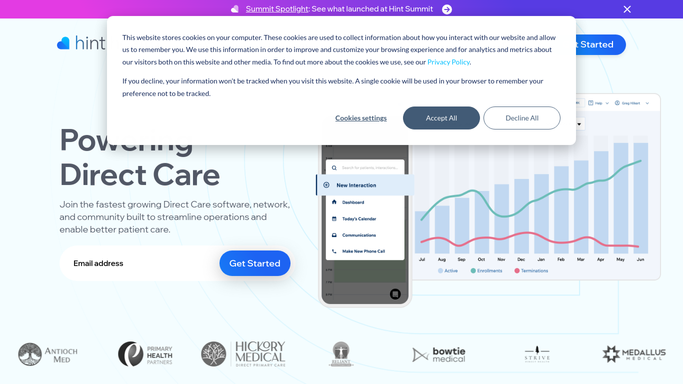
WebRun opens Hint Health to detect new employer group enrollment. - Detect the new employer group added to Hint Health
- Capture employer name, group size, plan type, billing contact, and effective date
- Confirm the employer billing structure is set up correctly in Hint Health
Done when New employer group details are captured and billing structure confirmed.
-
2
Airtable - create employer onboarding checklist
airtable.com How to Automate Airtable

WebRun opens Airtable to create employer onboarding checklist. - Open the employer group onboarding tracker base
- Create a new record for the employer with their name, group size, plan, and effective date
- Add a pre-built onboarding checklist: confirm billing, collect roster, schedule member communication drafts, set up employer reporting cadence
- Set the target completion date for each checklist item based on the effective date
Done when Employer onboarding record and full task checklist created in Airtable.
-
3
Slack - alert account manager with first-day tasks
slack.com How to Automate Slack

WebRun opens Slack to alert account manager with first-day tasks. - Post a new employer group alert to the account management channel
- Include employer name, group size, plan type, effective date, and assigned account manager
- List the first three onboarding tasks the account manager should complete today
- Note that any member-facing welcome or enrollment communication is drafted for staff review before sending
Done when Account manager has the new employer group alert and first-day task list in Slack.
How is each run configured?
Secure by default
Connect once, stays signed in
WebRun signs in once and keeps each session in a persistent environment, so every run picks up right where it left off.
Every action is checked against this policy before it runs.
Questions, answered
Will it send enrollment communications to employer members automatically?
No. Any member-facing enrollment or welcome communication is drafted and queued in Airtable for staff review before sending. WebRun never contacts employer members directly, keeping PHI and employer data within the practice's approved workflows.
What onboarding tasks are on the checklist?
The default checklist covers: confirm billing structure in Hint Health, collect the initial member roster, schedule a kickoff call with the employer contact, draft member welcome communications for staff review, and set up employer reporting in Google Sheets. Tasks are customizable.
What if the employer group is set up with a delay before the effective date?
WebRun captures the effective date from Hint Health and sets target completion dates for each checklist item relative to that date, so the onboarding timeline adjusts automatically for future-dated groups.
Related templates
Put this on autopilot.
Turn it on in minutes - or have our team set it up for you.