Keep layaway plans on track with timely payment reminders
Every morning, WebRun opens Lightspeed Retail, finds layaway or financing accounts with a payment due within three days, drafts a personalised reminder email for each customer in Gmail, and posts a Slack list so your team can review and send the messages before accounts fall behind.
- No credit card
- Under $0.01 per run
- Cancel anytime
How do I automatically remind customers about upcoming layaway payments at my bike shop?
Every morning, WebRun checks Lightspeed Retail for layaway and financing accounts with a payment due within three days, drafts a personalised reminder in Gmail for each customer, and posts a prioritised Slack list. Staff review and send the drafts, keeping payment plans on track without any manual diary checking.
- Customers are reminded before their layaway payment is due, reducing missed payments
- Overdue accounts are surfaced first so staff can prioritise collections
- No payment reminder reaches a customer without a staff member reviewing it first
Built for bike shops · bicycle retailers · sales staff · shop owners managing layaway programs
What does WebRun do on every run?
The exact actions WebRun takes, in order - in plain language, so you can adjust anything.
-
WebRun signs in and gets to work
Opens
cloud.lightspeedhq.comin a real browser with your saved login - no setup, no API keys. -
1
Lightspeed Retail - find layaway payments due soon
lightspeedhq.com How to Automate Lightspeed Retail
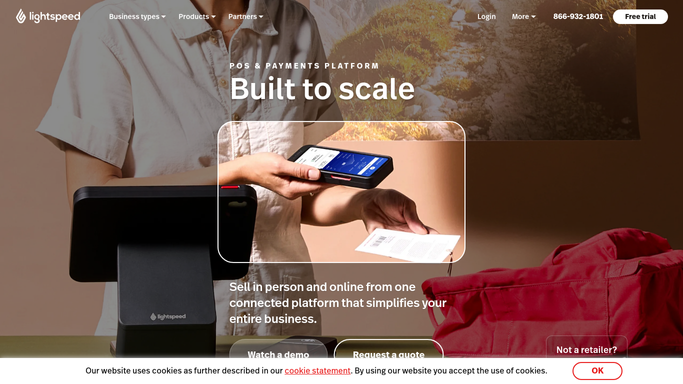
WebRun opens Lightspeed Retail to find layaway payments due soon. - Open Lightspeed Retail and check layaway or special-order accounts for upcoming payment due dates
- Filter to customers with a payment due in the next 1 to 3 days
- Capture the customer name, email address, amount due, due date, and item on layaway
Done when Every customer with a payment due in the next 3 days is listed with full account details.
-
2
Gmail - draft personalised payment reminder
gmail.com How to Automate Gmail

WebRun opens Gmail to draft personalised payment reminder. - Draft a friendly reminder for each customer, naming the item on layaway, the amount due, and the due date
- Include your payment methods and any late-payment policy
- Save each draft in Gmail for staff review - do not send automatically
Done when A draft payment reminder is waiting in Gmail for every customer with an upcoming due date.
-
3
Slack - alert staff to review and send
slack.com How to Automate Slack

WebRun opens Slack to alert staff to review and send. - Post a morning list to the sales channel of all upcoming layaway payments with customer names and amounts
- Flag any payment already past due so staff can prioritise those calls
- Staff review the Gmail drafts and send them at their discretion
Done when Staff have a prioritised Slack list of upcoming and overdue layaway payments with drafts ready to send.
How is each run configured?
Secure by default
Connect once, stays signed in
WebRun signs in once and keeps each session in a persistent environment, so every run picks up right where it left off.
Every action is checked against this policy before it runs.
Questions, answered
Will it send the payment reminder to the customer automatically?
No. WebRun saves each reminder as a Gmail draft and alerts staff in Slack. A team member must review and send it before the customer sees anything.
What details does the reminder include?
The item on layaway, the amount due, the due date, and your payment methods, all pulled from the customer's record in Lightspeed Retail.
Does it handle accounts that are already overdue?
Yes. Overdue accounts are flagged separately in the Slack list and appear at the top so staff can prioritise those conversations first.
Related templates
Put this on autopilot.
Turn it on in minutes - or have our team set it up for you.