Start every morning knowing exactly where the shop stands
Every morning, WebRun opens Lightspeed Retail, pulls the previous day's retail sales totals, top-selling products, completed repairs, and open service tickets, then posts a concise digest to your Slack channel so every team member starts the day informed.
- No credit card
- Under $0.01 per run
- Cancel anytime
How do I get an automatic daily sales and service report for my bike shop?
Every morning, WebRun pulls the previous day's sales totals, top products, and service queue counts from Lightspeed Retail and posts a concise digest to your Slack channel before the shop opens. The whole team sees revenue, transaction count, and repair queue status in one glance, with no manual reporting needed.
- Every team member knows yesterday's revenue and service queue before the first customer walks in
- Managers spend zero time pulling manual reports from Lightspeed Retail
- Overdue collections are surfaced each morning so nothing stays in the workshop by accident
Built for bike shop owners · retail managers · service managers · shop floor teams
What does WebRun do on every run?
The exact actions WebRun takes, in order - in plain language, so you can adjust anything.
-
WebRun signs in and gets to work
Opens
cloud.lightspeedhq.comin a real browser with your saved login - no setup, no API keys. -
1
Lightspeed Retail - pull previous day sales and service data
lightspeedhq.com How to Automate Lightspeed Retail
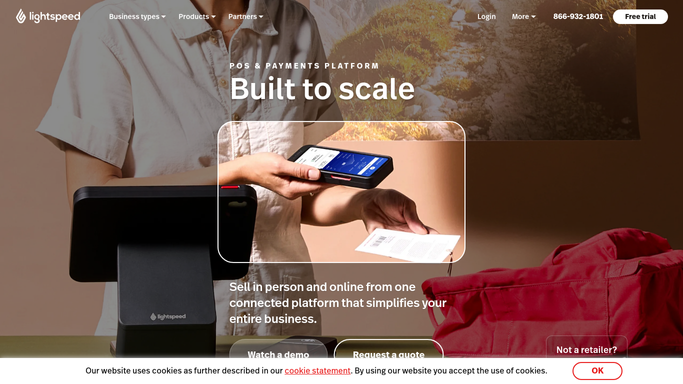
WebRun opens Lightspeed Retail to pull previous day sales and service data. - Open Lightspeed Retail and navigate to the sales report for the previous day
- Capture total revenue, number of transactions, and top three products by revenue
- Check the repairs module for the count of jobs completed, jobs currently in progress, and jobs newly booked
- Note any jobs overdue for collection or pending parts arrival
Done when All key sales and service figures for the previous day are captured and ready to format.
-
2
Slack - post daily digest to team channel
slack.com How to Automate Slack

WebRun opens Slack to post daily digest to team channel. - Post a structured daily digest to the shop team channel with sections for sales, top products, and service queue
- Use clear headings and totals so the message is readable in under 30 seconds
- Include a link back to the Lightspeed Retail report for anyone who wants the full breakdown
Done when The daily digest is live in Slack before the shop opens, visible to the whole team.
How is each run configured?
Secure by default
Connect once, stays signed in
WebRun signs in once and keeps each session in a persistent environment, so every run picks up right where it left off.
Every action is checked against this policy before it runs.
Questions, answered
Does it post to Slack automatically without staff approval?
Yes. The daily sales and service digest is a purely internal report with no customer-facing action. It posts to your Slack channel automatically each morning so the team is ready before the shop opens.
What figures does the daily report include?
Total revenue, number of transactions, top three products by revenue, and a service queue count covering completed jobs, jobs in progress, and any overdue collections from Lightspeed Retail.
Can I add extra metrics to the report?
Yes. Tell WebRun which additional Lightspeed Retail report sections matter to your shop and it will include them in the digest format.
Related templates
Put this on autopilot.
Turn it on in minutes - or have our team set it up for you.