Get your bar's nightly sales summary before you lock up
Every night at close, WebRun opens SpotOn, pulls total revenue, top categories, and per-bartender sales, then posts a formatted digest to your Slack channel so ownership and managers have the full picture without logging in.
- No credit card
- Under $0.01 per run
- Cancel anytime
How do I get an automatic nightly sales summary from my bar POS?
WebRun connects to SpotOn every night at close, pulls gross and net sales, category breakdowns, and per-bartender totals, then posts a formatted digest to your Slack channel. Owners and managers see the full nightly picture without logging into the POS, delivered automatically within minutes of close.
- Owners see total revenue and top categories each night without logging in
- Per-bartender sales totals surface in Slack before morning review
- Quiet nights and early closures are captured with an accurate zero-sales record
Built for bar owners · nightclub managers · hospitality operators · multi-venue bar groups
What does WebRun do on every run?
The exact actions WebRun takes, in order - in plain language, so you can adjust anything.
-
WebRun signs in and gets to work
Opens
www.spoton.comin a real browser with your saved login - no setup, no API keys. -
1
SpotOn - pull nightly sales totals by category and staff
spoton.com How to Automate SpotOn
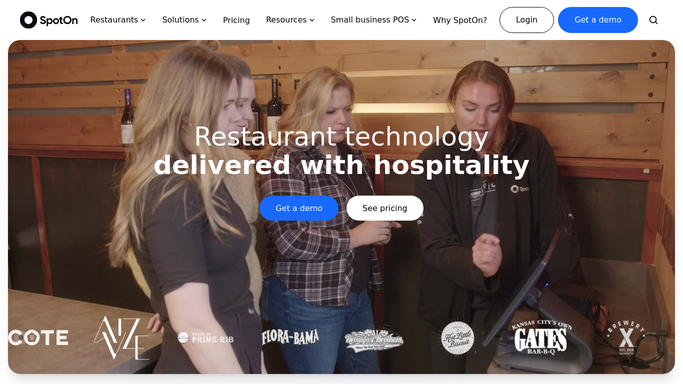
WebRun opens SpotOn to pull nightly sales totals by category and staff. - Open SpotOn and navigate to Reports, then select the daily sales summary for today
- Capture total gross sales, net sales, and tax collected
- Break down revenue by category: liquor, beer, wine, food, and other
- Pull per-employee sales totals for each bartender and server on shift
Done when All sales figures, category breakdowns, and staff totals are captured for the current close date.
-
2
Slack - post formatted digest to owner channel
slack.com How to Automate Slack

WebRun opens Slack to post formatted digest to owner channel. - Format the figures into a short, scannable nightly recap message
- Post the recap to the configured owner or manager Slack channel
- Include total sales, top category, and highest-earning staff member for quick reference
Done when The nightly digest is posted to Slack and visible to the owner and management team.
How is each run configured?
Secure by default
Connect once, stays signed in
WebRun signs in once and keeps each session in a persistent environment, so every run picks up right where it left off.
Every action is checked against this policy before it runs.
Questions, answered
Does it post to Slack automatically without my approval?
Yes. Posting an internal digest to your private Slack channel is a read-only, internal action with no customer-facing impact, so WebRun posts it automatically each night without requiring manual approval.
What if I close early or have a slow night with no sales?
WebRun still runs and reports whatever SpotOn shows. If sales are zero or the venue closed early, the digest will reflect that, giving you an accurate record even for quiet nights.
Can I change which Slack channel receives the digest?
Yes. During setup you point WebRun at any Slack channel you choose, whether that is a private owner channel, a management group, or a general operations channel.
Related templates
Put this on autopilot.
Turn it on in minutes - or have our team set it up for you.