Hand off unusual Axis Bank transactions for review
Every morning, WebRun opens Axis Bank, checks yesterday's transactions for anything unusually large or out of pattern, creates a Trello card with the details for your finance teammate to review, and notifies them in Microsoft Teams so nothing waits for you to notice it yourself.
- No credit card
- Under $0.01 per run
- Cancel anytime
How do I hand off unusual Axis Bank transactions to my team for review?
WebRun checks your Axis Bank transactions every morning, flags anything unusually large or out of pattern, creates a Trello card with the detail, and notifies your finance teammate in Microsoft Teams. It never reverses or blocks a transaction itself, so a genuine outlier gets a human review the same morning instead of going unnoticed.
- Unusual transactions get a review card the same morning they post
- The right teammate is notified directly, not left to notice on their own
- Already reviewed transactions never generate a duplicate card
Built for finance teams · small business owners · controllers · Axis Bank business customers
What does WebRun do on every run?
The exact actions WebRun takes, in order - in plain language, so you can adjust anything.
-
WebRun signs in and gets to work
Opens
www.axisbank.comin a real browser with your saved login - no setup, no API keys. -
1
Axis Bank - check for large or unusual transactions
axisbank.com
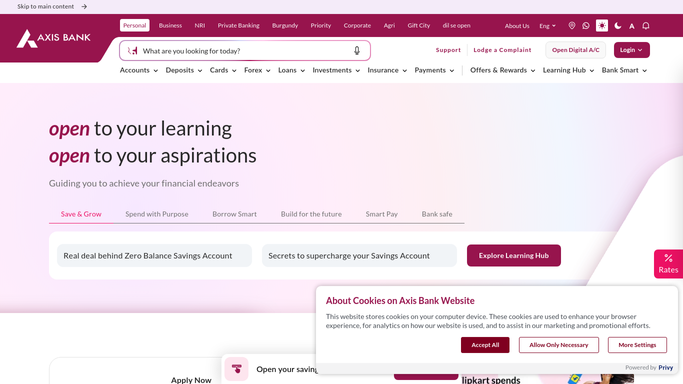
WebRun opens Axis Bank to check for large or unusual transactions. - Open Axis Bank and check yesterday's transactions
- Compare each against your typical transaction size and pattern
- Flag anything unusually large or out of pattern
Done when Every unusual transaction from yesterday is identified.
-
2
Trello - create a review card
trello.com How to Automate Trello

WebRun opens Trello to create a review card. - Create a card for each unusual transaction found
- Add the amount, counterparty, and why it was flagged
- Assign the card to your finance teammate
Done when A Trello card exists and is assigned for every unusual transaction.
-
3
Microsoft Teams - notify the teammate
microsoft.com How to Automate Microsoft Teams

WebRun opens Microsoft Teams to notify the teammate. - Notify the teammate that a new review card is waiting
- Include a short summary of what was flagged
- Skip the notification on mornings with nothing unusual
Done when The teammate is notified the same morning a card is created.
How is each run configured?
Secure by default
Connect once, stays signed in
WebRun signs in once and keeps each session in a persistent environment, so every run picks up right where it left off.
Every action is checked against this policy before it runs.
Questions, answered
Will it reverse or block a transaction it flags?
No. WebRun never sends a payment, issues a refund, or transfers funds on its own. It only reads transactions and hands off anything unusual for a human to review, leaving any account action to your team.
How does it decide a transaction is unusual?
It compares each transaction to your typical size and pattern in Axis Bank, so only genuine outliers get a card instead of every routine payment.
Will the same transaction get flagged twice?
No. Once a transaction has a Trello card, it isn't recreated in a later run even if it's still under review.
Related templates
Put this on autopilot.
Turn it on in minutes - or have our team set it up for you.