How to Automate Microsoft Teams

Microsoft Teams automates well inside its own estate. Power Automate has connectors for SharePoint, Outlook, Excel and hundreds of major products, and posts to a channel on almost any event. The systems with no connector, which in most companies is the interesting half, still need a person to go and look.

Teams is where the company's process actually lives

Microsoft Teams is the chat, meetings and files layer bundled with Microsoft 365, which means most companies did not so much choose it as receive it. That matters, because it ends up carrying more than conversation.

The channel structure usually mirrors the org chart, and the files tab is where the real version of a document lives. Approvals happen in it. Handovers happen in it. In a lot of firms the actual process, as distinct from the documented one, is whatever gets posted in a particular channel on a particular day of the week.

It also sits inside a governed estate. There is an IT department, a tenant, an admin consent screen, and a queue for getting anything installed. That changes what automation is realistic far more than any technical limit does.

The weekly update is assembled by hand

In most companies somebody spends Monday morning building a post.

They open three systems, copy numbers into a message, format it so it reads well on a phone, and post it to the leadership channel. Somebody else does the same for the operations channel on Thursday. A third person checks a queue twice a day and flags anything that has been sitting too long.

These are not junior tasks either. They tend to land on the person who understands the numbers, which means an experienced person spends a few hours a week transcribing figures from one screen to another.

And when that person is away, the update simply does not go out, which is the clearest sign it was never really a process.

The microsoft.com homepage, the app these three jobs run in. Microsoft Teams
Past the connector list The line-of-business system with no Power Automate connector can still put its numbers in a channel.
No IT ticket to raise Nothing gets installed into the tenant, so a team can start without waiting on an admin approval queue.
Approvals stay with people The channel gets the facts and the flag. What happens next is still somebody's decision to make.

Power Automate reaches everything Microsoft has a connector for

Teams has serious automation attached to it, and inside the Microsoft world it is genuinely strong.

Power Automate builds flows across hundreds of connectors, so a new SharePoint file, an Outlook email, a Forms response, an Excel row or a Planner task can all post to a channel, start an approval or update a record. Workflows can be attached directly to a channel. Adaptive Cards give a post buttons that write back. Approvals are a first-class feature rather than a convention.

The whole model rests on the connector list. Where a connector exists, this is excellent and you should use it rather than anything else. Where one does not, there is no route at all.

In most companies the systems without connectors are the specific ones: the industry package the business actually runs on, the regional supplier portal, the customer's own extranet, the internal tool a contractor built in 2011. Those hold the numbers people most want in the channel.

The systems outside the tenant can reach the channel too

The systems with no connector are still websites. A browser can open a website, and the connector list stops being the boundary.

The Monday leadership post, assembled from the three systems it currently takes a person to open. The queue that gets checked twice a day, checked every twenty minutes instead, with a message only when something has aged past its limit. The supplier portal that shows a delivery date nobody sees until a customer asks.

The industry system that runs the actual business, the one with no API and no export, reporting its own numbers into the channel where decisions get made about them.

There is a governance point here that works in your favour. Nothing is installed into the tenant, so there is no admin consent to obtain and no new app with standing permissions across the estate. The agent signs in the way a staff member does, sees what that person can see, and can be locked to an explicit list of sites.

The transcribing is the part to give away

The figure that goes into the post is on a screen in another system, and moving it across is typing. The judgement in the post is worth paying for. The transcription is not.

WebRun is an AI agent that works a real Chrome browser, signed in as you. It opens whatever holds the numbers, including the systems with no connector, reads what is on the screen, and posts the result into the Teams channel you choose.

It runs on your schedule in your own private environment, you can watch a run and stop it, and it can be restricted to a named set of domains. Anything that would go outside the company drafts and waits.

The workflows below are already built, and each one shows what it opens and in what order.

Questions people ask

Does our IT team need to approve an app in the tenant?

No. Nothing is installed into Microsoft 365 and no tenant-wide permissions are granted. The agent works the browser signed in as a normal user, so it sees exactly what that user can see.

Should we use this instead of Power Automate?

Not where a connector already exists. Power Automate is the better tool for anything inside the Microsoft estate. This is for the systems it has no connector for, and the two work together happily.

Can it be restricted to specific systems?

Yes. A workflow can be locked to an explicit list of domains, so an agent holding a session cannot wander into anything you did not name.

1,329 ready-made Microsoft Teams workflows

Each one names the apps it touches and the exact steps it takes. Open one to read what it will do, then turn it on.
Automated Restroworks Labor Cost Summary
Every Monday, WebRun opens Restroworks, calculates labor cost as a percentage of sales for every shift and outlet last week, flags any shift over target, and posts the summary to Microsoft Teams with the full breakdown logged to Google Sheets.
RestroworksGoogle SheetsMicrosoft Teams
Automated Safety Supply Usage Reports
On the first of every month, WebRun pulls each customer's safety supply order history from DDI Inform, breaks it down by department, logs it to a usage sheet, and tells the account rep it's ready in Microsoft Teams.
DDI System (Inform ERP)Google SheetsMicrosoft Teams
Automated Mar-Kov QC Test Failure Alerts
WebRun checks Mar-Kov for new quality test results every hour, flags anything out of spec, logs it to a tracking sheet, and pings your QA lead in Microsoft Teams before the batch moves any further.
Mar-KovGoogle SheetsMicrosoft Teams
Tekla PowerFab Automatic Shop Drawing Alerts
Every hour, WebRun checks Tekla PowerFab's drawing register for new revisions, flags any piece marks already released to the shop floor, and alerts your team in Microsoft Teams before a crew cuts to an outdated dimension.
Tekla PowerFabMicrosoft TeamsGoogle Sheets
Automated CGM APRIMA Care Plan Update Reminders
Every night, WebRun checks CGM APRIMA for care plans updated during the day's visits that still need review or co-signature, logs each one to a shared Google Doc worklist, and posts a reminder to Microsoft Teams before the next visit day starts.
CGM APRIMAGoogle DocsMicrosoft Teams
Automated OptiMantra PHQ-9 Score Trend Alerts
WebRun checks each patient's PHQ-9 and GAD-7 scores in OptiMantra every morning, flags anyone whose depression or anxiety score is rising instead of improving, and alerts your clinical team the same day so a provider can follow up.
OptiMantraGoogle SheetsMicrosoft Teams
Automated PDMP Check Reminders
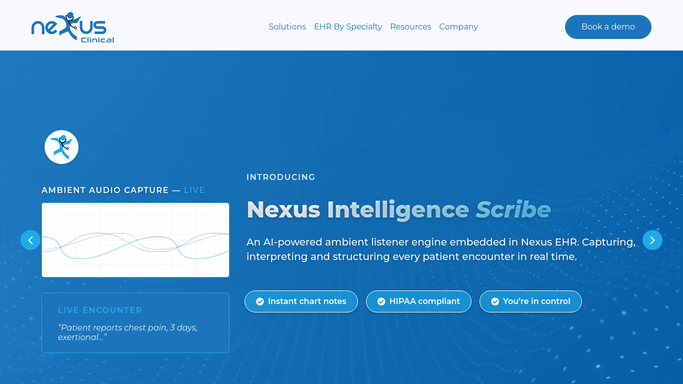
WebRun finds upcoming visits in Nexus Clinical where a controlled substance refill is likely, checks how long it has been since the prescriber's last PDMP review in Bamboo Health, and posts a Microsoft Teams reminder before the visit so the check never gets skipped.
Nexus ClinicalBamboo HealthMicrosoft Teams
Automated Envoy Room Booking Conflict Alerts
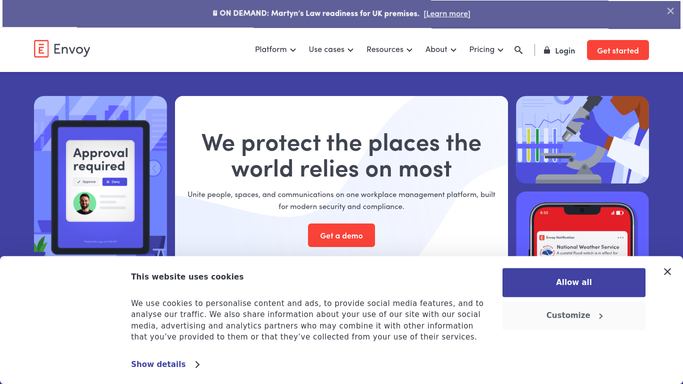
WebRun compares Envoy room bookings against Google Calendar every 15 minutes, catches double bookings and conflicting holds, and posts the office manager a Microsoft Teams alert so someone can resolve it before the meeting starts.
EnvoyGoogle CalendarMicrosoft Teams
Automated Karmak Repair Order Status Updates
Every morning, WebRun opens Karmak Fusion, checks every open repair order, drafts a status update email for each fleet customer, and posts your service team a Microsoft Teams summary of what moved overnight.
Karmak FusionGmailMicrosoft Teams
Automated PeriWatch Prolonged Deceleration Alerts
WebRun watches every live tracing in PeriGen, and when a deceleration passes two minutes, it texts the assigned bedside nurse and posts the room to your L&D Teams channel right away.
PeriGenTwilioMicrosoft Teams
Automated Visage 7 Migration Error Flags
WebRun checks each batch of studies migrated into Visage 7 for failed transfers or missing series, and posts an alert to Microsoft Teams so PACS admins can fix it before a radiologist hits a gap.
Visage ImagingMicrosoft Teams
Automated EVS STAT Discharge Clean Dispatch
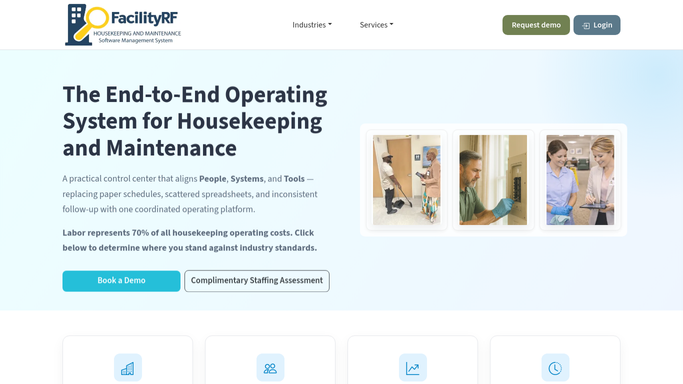
The instant FacilityRF flags a room for a STAT discharge clean, WebRun texts the closest available housekeeper through Twilio and posts the dispatch to your Microsoft Teams channel, so bed control never waits on someone to notice the queue.
FacilityRFTwilioMicrosoft Teams
Automated Surveillance Noncompliance Alerts
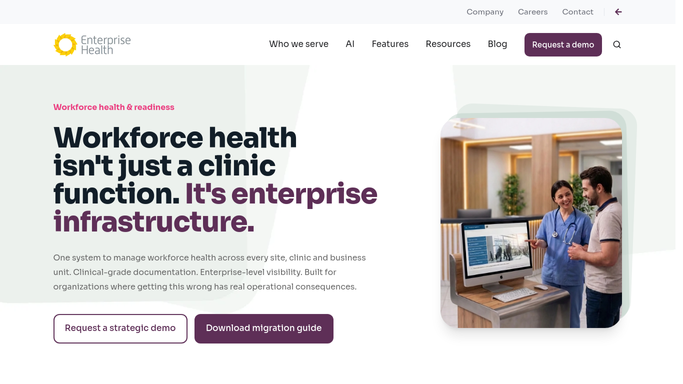
Every Monday, WebRun checks Enterprise Health for staff overdue on a required medical surveillance exam such as audiometry, respirator, or hazmat monitoring, logs every noncompliant case in Google Sheets, and posts the occupational health manager a Microsoft Teams alert.
Enterprise HealthGoogle SheetsMicrosoft Teams
Automated Nuvolo Preventive Maintenance Digest
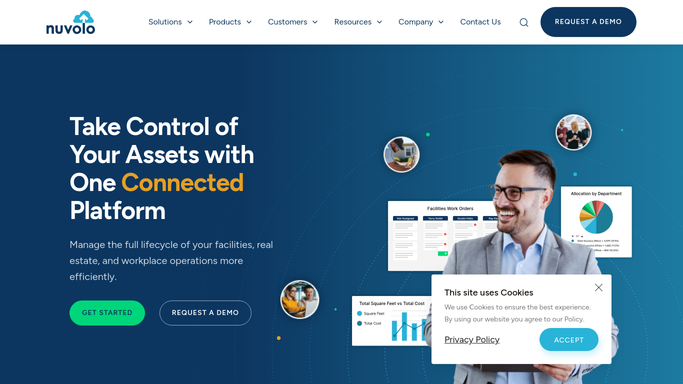
WebRun checks Nuvolo every Monday for preventive maintenance tasks due in the week ahead, logs the full list to a shared tracker, and posts your biomedical engineering team a ranked digest in Microsoft Teams so nothing is missed.
NuvoloGoogle SheetsMicrosoft Teams
Automated Verity 340B Self-Audit Sampling
Every quarter, WebRun opens Verity Solutions, pulls a random claim sample sized to your program, builds the review checklist in Google Sheets, and reminds your compliance officer in Microsoft Teams before the sampling window closes.
Verity SolutionsGoogle SheetsMicrosoft Teams
Automated ICNet Outbreak Cluster Alerts
WebRun scans ICNet each hour for unit and organism combinations crossing your cluster threshold, such as 3 or more cases of the same organism on one unit within 7 days, and pages your IP lead in Microsoft Teams and by Twilio text so an outbreak investigation can start the same day.
ICNetMicrosoft TeamsTwilio
Automated CensiTrac Scope Reprocessing Alerts
WebRun checks Censis for any scope that has passed its storage hang-time limit or missed its scheduled reprocessing cycle, texts the on-call tech through Twilio, and posts the full list to Teams so no expired scope reaches a procedure.
CensisTwilioMicrosoft Teams
Automated Care Logistics Staffed Bed Reporting
Every Monday, WebRun compares each unit's staffed bed count against its licensed capacity in Care Logistics, logs the gap to Google Sheets, and posts a weekly report to Microsoft Teams so leadership can see exactly how much licensed capacity is sitting unstaffed.
Care LogisticsGoogle SheetsMicrosoft Teams
Automated TeleTracking LWBS Spike Alerts
Every hour, WebRun compares your current left without being seen rate in TeleTracking against your baseline, posts the trend to Microsoft Teams, and texts the nurse director through Twilio the moment it spikes above normal.
TeleTrackingTwilioMicrosoft Teams
Automated Rate Filing Status Tracking
WebRun checks your rate filings against AXIS pricing output, logs each filing's status, pending, objection, or approved, to a Smartsheet, drafts a response outline when a state raises an objection, and posts a Microsoft Teams update.
Moody's Analytics AXISSmartsheetMicrosoft Teams
Tekla PowerFab Automatic RFI Response Tracking
Every morning, WebRun checks Procore for RFIs your team submitted, matches each open item to the piece marks on hold in Tekla PowerFab, and posts a Microsoft Teams alert for any RFI overdue for a response.
ProcoreTekla PowerFabMicrosoft Teams
Automated Karmak Service Bay Schedule Digest
Every morning before opening, WebRun checks scheduled repair orders in Karmak Fusion against Google Calendar bay bookings, and posts your service department a Microsoft Teams digest of what is booked in every bay today.
Karmak FusionGoogle CalendarMicrosoft Teams
Automated PeriWatch Postpartum Hemorrhage Alerts
WebRun reads each patient's documented risk factors in PeriGen, stratifies postpartum hemorrhage risk as low, medium, or high, and alerts the charge nurse in Teams to confirm blood bank and hemorrhage cart readiness for anyone high risk.
PeriGenMicrosoft TeamsGoogle Sheets
Automated WellSky Therapist Workload Balancing
At every shift change, WebRun compares each therapist's patient assignment load in WellSky and posts a Microsoft Teams alert to the charge therapist when one therapist is carrying too much.
WellSkyMicrosoft Teams

Want one of these running on your own Microsoft Teams?

Show WebRun the process once and it will run it on schedule, in your own private browser environment.