See every Zscaler policy change the day it happens
Every morning, WebRun signs in to your Zscaler admin console, reads the audit trail for the last 24 hours, summarises which policies, rules, and admin accounts changed and who changed them, posts that to Telegram, and books a calendar review slot for changes that need a second pair of eyes.
- No credit card
- Under $0.01 per run
- Cancel anytime
How do I track Zscaler policy changes and admin activity daily?
WebRun signs in to your Zscaler admin console every morning and reads the last 24 hours of the audit trail. It lists each policy, rule, and admin change with who made it, posts the log to Telegram with control-loosening edits flagged first, and books a Google Calendar review slot for anything needing sign-off.
- Policy changes are reviewed the next morning, not at audit time
- Control-loosening edits are flagged with the admin who made them
- Quiet days still get an all clear so silence is never ambiguous
Built for security operations · IT administrators · compliance teams · managed service providers
What does WebRun do on every run?
The exact actions WebRun takes, in order - in plain language, so you can adjust anything.
-
WebRun signs in and gets to work
Opens
zscaler.comin a real browser with your saved login - no setup, no API keys. -
1
Zscaler - read the admin audit trail
zscaler.com
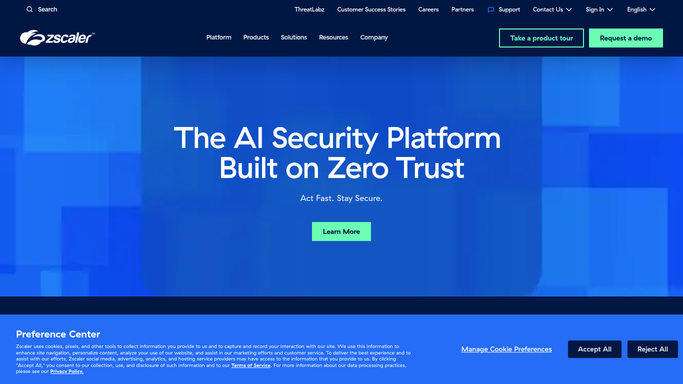
WebRun opens Zscaler to read the admin audit trail. - Sign in to the Zscaler admin console and open the audit log for the last 24 hours
- Capture each change: what was modified, by which admin, and at what time
- Separate policy and rule edits from routine account and reporting activity
- Flag anything that loosened a control, such as a new bypass or a widened allowlist
Done when Every admin change in the last day is listed with its author and its risk flag.
-
2
Telegram - post the daily change log
telegram.org How to Automate Telegram

WebRun opens Telegram to post the daily change log. - Post the day's change log to your security channel
- Put the flagged loosening changes first, with the admin who made them
- Add a one-line all clear when nothing changed overnight so silence is never ambiguous
Done when The security team has today's Zscaler change log in Telegram.
-
3
Google Calendar - book the change review
calendar.google.com How to Automate Google Calendar

WebRun opens Google Calendar to book the change review. - Create a short review event for any flagged change that needs sign-off
- Name the change and the admin in the event so the reviewer has context
- Skip the event entirely on days with no flagged changes
Done when Every risk-flagged change has a booked review slot with an owner.
How is each run configured?
Secure by default
Connect once, stays signed in
WebRun signs in once and keeps each session in a persistent environment, so every run picks up right where it left off.
Every action is checked against this policy before it runs.
Questions, answered
Can it change a Zscaler policy itself?
No. WebRun only reads the audit trail and reports what it finds. It never edits a rule, adds a bypass, activates a pending change, or touches an admin account. Every fix stays a human decision.
What counts as a change worth flagging?
Anything that loosens a control, such as a new bypass, a widened allowlist, a disabled rule, or a new admin account. Routine reporting activity is summarised separately so the flagged list stays short.
What happens on a quiet day?
You still get a message. WebRun posts a one-line all clear to Telegram when nothing changed overnight, so a silent channel never gets mistaken for a working automation.
Related templates
Put this on autopilot.
Turn it on in minutes - or have our team set it up for you.