Stop interview no-shows before they happen
Every morning, WebRun opens Zoho Recruit, reads every interview scheduled for the next day with the candidate, the job, the interviewer, and the time, posts the schedule to your hiring channel in Telegram, and queues a reminder SMS per candidate in Twilio for a recruiter to approve before it sends.
- No credit card
- Under $0.01 per run
- Cancel anytime
How do I remind candidates about interviews and cut no-shows?
WebRun opens Zoho Recruit each afternoon and reads tomorrow's interviews with the candidate, job, interviewer, and time. It posts the schedule to your Telegram hiring channel, flags any slot missing an interviewer or link, and queues a reminder SMS per candidate in Twilio for a recruiter to approve.
- Candidates get a reminder the day before every interview
- Missing interviewers and links are caught the afternoon before
- No message reaches a candidate without a recruiter approving it
Built for recruiters · talent acquisition teams · staffing agencies · HR managers
What does WebRun do on every run?
The exact actions WebRun takes, in order - in plain language, so you can adjust anything.
-
WebRun signs in and gets to work
Opens
recruit.zoho.comin a real browser with your saved login - no setup, no API keys. -
1
Zoho Recruit - read tomorrow's interviews
recruit.zoho.com
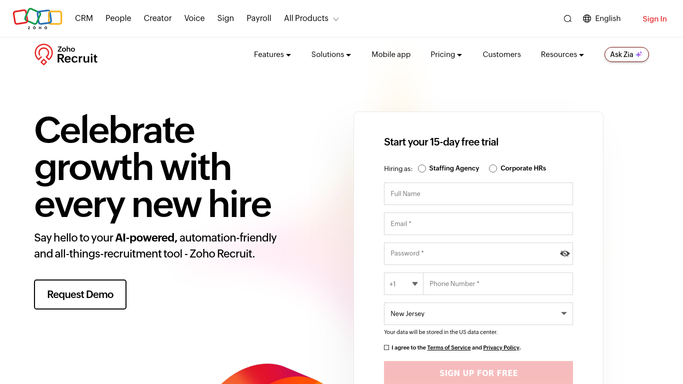
WebRun opens Zoho Recruit to read tomorrow's interviews. - Open Zoho Recruit and go to the Interviews module
- Capture every interview scheduled for tomorrow with candidate name, job opening, interviewer, time, and location or link
- Note each candidate's mobile number and current stage
- Flag any interview missing an interviewer or a meeting link
- Read only. Never move a candidate stage or cancel an interview
Done when Tomorrow's interviews are listed with candidate, interviewer, time, and any gaps flagged.
-
2
Telegram - post the schedule to the team
telegram.org How to Automate Telegram

WebRun opens Telegram to post the schedule to the team. - Post tomorrow's interview schedule to your hiring channel in Telegram
- List each slot in time order with the candidate, the role, and the interviewer
- Call out any interview with no interviewer assigned or no meeting link attached
Done when The hiring team has tomorrow's schedule and its gaps in Telegram.
-
3
Twilio - queue candidate reminders for approval
twilio.com How to Automate Twilio

WebRun opens Twilio to queue candidate reminders for approval. - Draft one reminder SMS per candidate with the date, time, and joining details
- Queue every message in Twilio and leave it unsent
- Post the queue link so a recruiter can review and release the batch
- Never send a candidate text without a recruiter approving it
Done when A reminder is drafted for every candidate and is waiting on recruiter approval.
How is each run configured?
Secure by default
Connect once, stays signed in
WebRun signs in once and keeps each session in a persistent environment, so every run picks up right where it left off.
Every action is checked against this policy before it runs.
Questions, answered
Will it text candidates without me?
No. Every reminder is drafted and queued in Twilio and stays unsent until a recruiter approves the batch. Candidates never receive a message that a human has not read first.
Can it cancel or reschedule an interview?
No. WebRun reads Zoho Recruit only. It never changes an interview, moves a candidate stage, or edits a record, so your pipeline data is exactly as your recruiters left it.
What if an interview has no interviewer assigned?
It is called out in the Telegram post as a gap, with the candidate and the time, so the schedule is fixed the afternoon before rather than at the moment the call starts.
Related templates
Put this on autopilot.
Turn it on in minutes - or have our team set it up for you.