Flag 7shifts overtime before it happens
Every morning, WebRun opens 7shifts, checks the published schedule against each employee's weekly hours and your labor budget, flags shifts that would push someone into overtime, emails the location manager the list, and logs the week's labor cost to Airtable.
- No credit card
- Under $0.01 per run
- Cancel anytime
How do I catch 7shifts overtime before it's worked?
WebRun checks 7shifts every morning for employees on track to hit overtime this week. It totals scheduled hours against your labor budget, emails the location manager a list of who is approaching the line, and logs the week's labor cost to Airtable, so overtime gets caught before it's worked, not after payroll.
- Overtime gets flagged before the shift is worked, not at payroll
- Labor cost tracked weekly against budget without a manual export
- Managers get one focused email instead of monitoring 7shifts all day
Built for Restaurant managers · retail operations · shift scheduling teams · hourly workforce employers
What does WebRun do on every run?
The exact actions WebRun takes, in order - in plain language, so you can adjust anything.
-
WebRun signs in and gets to work
Opens
app.7shifts.comin a real browser with your saved login - no setup, no API keys. -
1
7shifts - check scheduled hours against budget
7shifts.com
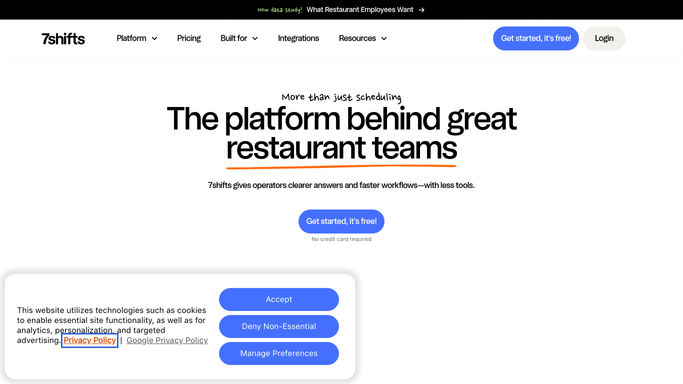
WebRun opens 7shifts to check scheduled hours against budget. - Open 7shifts and pull the published schedule for the week
- Total each employee's scheduled hours so far
- Flag anyone on track to exceed 40 hours before the week ends
Done when Every employee approaching overtime is flagged with their current total.
-
2
Gmail - email the manager the flags
gmail.com How to Automate Gmail

WebRun opens Gmail to email the manager the flags. - Email the location manager the list of employees approaching overtime
- Suggest which upcoming shifts could be reassigned to stay under budget
Done when The manager has today's overtime risk list before the next shift posts.
-
3
Airtable - log weekly labor cost
airtable.com How to Automate Airtable

WebRun opens Airtable to log weekly labor cost. - Log this week's total scheduled labor cost to the tracker
- Compare it against the location's labor budget
Done when The Airtable tracker reflects this week's labor cost against budget.
How is each run configured?
Secure by default
Connect once, stays signed in
WebRun signs in once and keeps each session in a persistent environment, so every run picks up right where it left off.
Every action is checked against this policy before it runs.
Questions, answered
Does WebRun change the schedule?
No. It only flags risk and reports it. Editing or reassigning a shift always stays a manual step for the manager inside 7shifts.
How is overtime risk calculated?
It totals each employee's scheduled hours for the week so far and flags anyone on track to cross 40 hours before the week ends.
Does it look at actual clocked hours too?
It reads the published schedule each morning. Once shifts are worked and clocked, the next run reflects the updated totals from 7shifts.
Related templates
Put this on autopilot.
Turn it on in minutes - or have our team set it up for you.