Follow up on exclusion warranties before they lapse
Every Monday, WebRun opens GorillaDesk, finds exclusion jobs whose warranty period is approaching a check-in point or its expiration, drafts a personalized follow-up email in Gmail asking whether any new entry activity has occurred, and logs the warranty status of every job to a Google Sheets tracker.
- No credit card
- Under $0.01 per run
- Cancel anytime
How do I follow up with customers before their wildlife exclusion warranty expires?
WebRun reviews GorillaDesk every Monday for exclusion jobs nearing a warranty checkpoint, drafts a personalized check-in email in Gmail asking about any new wildlife activity, and logs the status of every warranty to a Google Sheets tracker. Your team reviews and sends each draft, so no covered customer's warranty lapses without a timely check-in.
- Every warranty checkpoint gets a drafted customer follow-up before it lapses
- Warranty status across all customers stays visible in one tracker
- Expired warranties are flagged automatically instead of forgotten
Built for wildlife exclusion contractors · nuisance wildlife companies · animal control businesses · home repair and exclusion crews
What does WebRun do on every run?
The exact actions WebRun takes, in order - in plain language, so you can adjust anything.
-
WebRun signs in and gets to work
Opens
app.gorilladesk.comin a real browser with your saved login - no setup, no API keys. -
1
GorillaDesk - find exclusion jobs nearing a warranty checkpoint
gorilladesk.com How to Automate GorillaDesk
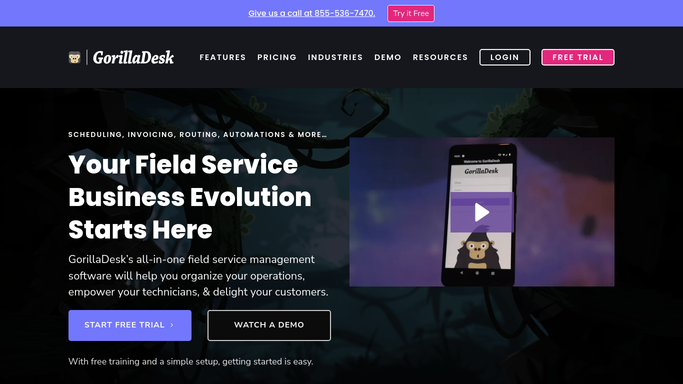
WebRun opens GorillaDesk to find exclusion jobs nearing a warranty checkpoint. - Open GorillaDesk and filter completed exclusion jobs by warranty end date
- Flag jobs entering their final 30 days of coverage or due for a scheduled check-in
- Capture the customer, property address, entry points sealed, and warranty terms for each
Done when Every exclusion job nearing a warranty checkpoint is listed with its terms and customer details.
-
2
Gmail - draft a warranty follow-up email per customer
gmail.com How to Automate Gmail

WebRun opens Gmail to draft a warranty follow-up email per customer. - Draft a personalized email for each customer asking if they have seen or heard any new wildlife activity
- Remind them what the warranty covers and how to book a covered re-inspection
- Save each as a Gmail draft for your team to review, do not send automatically
Done when A warranty follow-up draft is saved in Gmail for every customer nearing a checkpoint.
-
3
Google Sheets - log warranty status for every job
google.com How to Automate Google Sheets

WebRun opens Google Sheets to log warranty status for every job. - Log each job's warranty status, checkpoint date, and follow-up draft status in the tracker
- Mark any warranty that has fully expired since the last run
- Highlight jobs with no response after two follow-ups
Done when The warranty tracker in Google Sheets reflects every job's current status.
How is each run configured?
Secure by default
Connect once, stays signed in
WebRun signs in once and keeps each session in a persistent environment, so every run picks up right where it left off.
Every action is checked against this policy before it runs.
Questions, answered
Will it email customers automatically as their warranty nears expiration?
No. Every warranty follow-up is saved as a Gmail draft for your team to review and personalize before sending. Nothing reaches a customer on its own.
How does it decide which jobs need a follow-up?
It reads each exclusion job's warranty end date in GorillaDesk and flags anything entering its final 30 days of coverage or due for a scheduled check-in.
Can I see warranty status across every customer at a glance?
Yes. The Google Sheets tracker lists every exclusion job's checkpoint date, current status, and whether a follow-up has gone out, updated every Monday.
Related templates
Put this on autopilot.
Turn it on in minutes - or have our team set it up for you.