Alert your team when ShipHero orders risk missing the carrier cutoff
WebRun checks ShipHero throughout the day, compares the count of unshipped open orders against your carrier pickup cutoff time, and fires a Slack alert with a countdown and order count when the window is closing so the team can rush to clear the queue before the truck arrives.
- No credit card
- Under $0.01 per run
- Cancel anytime
How do I get automatic alerts when ShipHero orders risk missing the carrier cutoff?
WebRun monitors ShipHero throughout the afternoon, counts unshipped orders against your carrier pickup cutoff time, and fires a Slack alert with the remaining order count and minutes to cutoff. Alerts escalate from advisory to urgent to critical as the window closes, giving the team time to clear the queue before the truck leaves.
- The team gets a countdown alert before the carrier pickup window closes
- Escalating alerts ensure urgency is clear at 2 hours, 1 hour, and 30 minutes out
- Missed carrier pickups drop as at-risk order counts are visible in real time
Built for warehouse supervisors · fulfillment center managers · 3PL operators · ShipHero users
What does WebRun do on every run?
The exact actions WebRun takes, in order - in plain language, so you can adjust anything.
-
WebRun signs in and gets to work
Opens
app.shiphero.comin a real browser with your saved login - no setup, no API keys. -
1
ShipHero - count unshipped orders against carrier cutoff window
shiphero.com How to Automate ShipHero
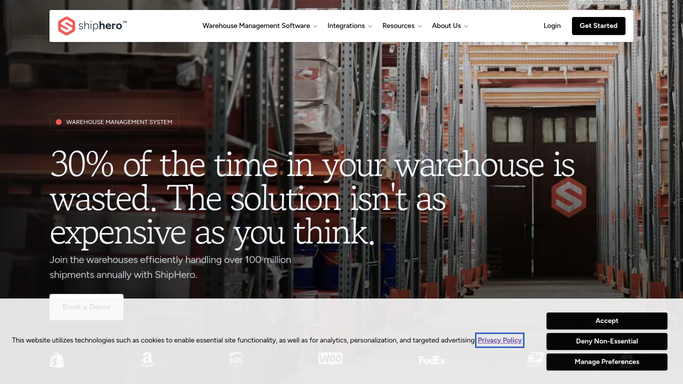
WebRun opens ShipHero to count unshipped orders against carrier cutoff window. - Open ShipHero and filter to all open orders with a same-day ship-by date
- Count the remaining unshipped orders
- Calculate time remaining until the carrier pickup cutoff
- Determine if the remaining order count is at risk given current throughput pace
Done when The number of at-risk unshipped orders and time to cutoff are both captured.
-
2
Slack - fire cutoff risk alert with countdown and order count
slack.com How to Automate Slack

WebRun opens Slack to fire cutoff risk alert with countdown and order count. - Post a cutoff risk alert to the warehouse ops Slack channel with the count of unshipped orders and the minutes remaining until carrier pickup
- Escalate the alert tone as the window shrinks: advisory at 2 hours, urgent at 1 hour, critical at 30 minutes
- Stop alerting once all orders are shipped or the cutoff passes
Done when The warehouse team has a real-time Slack alert with order count and countdown before the carrier arrives.
How is each run configured?
Secure by default
Connect once, stays signed in
WebRun signs in once and keeps each session in a persistent environment, so every run picks up right where it left off.
Every action is checked against this policy before it runs.
Questions, answered
Will it notify customers if their order misses the cutoff?
No. Any customer-facing delay message is drafted and held for a manager to review and approve before sending. WebRun only fires the internal Slack cutoff risk alert.
How does it know my carrier pickup time?
You configure your carrier cutoff time and the alert lead times during setup. WebRun uses those settings to calculate when to fire advisory, urgent, and critical alerts.
Does it post to Slack all day long?
No. WebRun only fires alerts during the window you define before the carrier cutoff. Outside that window, it runs silently. When all orders are shipped, alerts stop automatically.
Related templates
Put this on autopilot.
Turn it on in minutes - or have our team set it up for you.