On August 10, 2026, Lindy replaced its general-purpose no-code agent builder with Teammate, an AI coworker that only lives inside Slack threads and mentions. It wasn't a soft deprecation: the whole template library, more than 900 pages of pre-built workflows, got mass-redirected to the homepage in the process. Anyone who used Lindy for something that wasn't Slack-shaped is now looking for somewhere else to run it.
That's a reasonable moment to compare what else is out there. This isn't a "10 alternatives" listicle padded with tools nobody uses: it's seven platforms that actually compete for the same job, looked at on what changes how the automation behaves once it's running, not on how the landing page reads.
What actually matters when you pick one
- Does it run on a schedule, or only when you prompt it? A tool that only reacts to a chat message isn't automation, it's a chatbot with extra steps.
- Where does the browser session run? Inside an account you're already logged into, or a fresh anonymous browser that hits a login wall the moment a site asks for 2FA.
- Is pricing per seat or per task? Per-seat pricing punishes a solo operator running a lot of automation; per-task pricing punishes a big team running a little.
- Is there a record of what ran? If something goes wrong at 3am, can you see what the agent actually did, or just that it "completed"?
- Who is it built for? A visual workflow builder, a developer SDK, and a chat interface are three different products wearing the same "AI agent" label.
1. WebRun
- Best for: recurring automation that has to run unattended, inside the tools you're already logged into.
- Pricing: $20/month (Starter) to $200/month (Business), tiered by concurrent agents and environments rather than by seat.
- What stands out: every run happens in its own isolated browser environment and gets a receipt, so you can see what it did, not just whether it finished.
What we like about WebRun:
- Environments are isolated per client, so credentials for one workflow never touch another
- Scheduling is a first-class feature, not a workaround built on webhooks
- Every plan includes the same platform; pricing scales with usage, not with which features you're locked out of
- Younger than the incumbents on this list, with no long track record on review sites like G2 or Capterra yet
- No chat-native interface the way Lindy's Teammate lives inside Slack; WebRun is built around scheduled and triggered runs, not a conversational front end
2. Gumloop
- Best for: teams that want to visually design multi-step AI workflows and wire their own models into them.
- Pricing: $37/month (Pro) for 20,000 monthly credits, unlimited seats, plus an 8% orchestration fee on top of usage; custom Enterprise pricing above that.
- What stands out: you can bring your own API keys across 35+ models instead of paying a markup on every model call.
What we like about Gumloop:
- Unlimited seats on the Pro plan, so cost doesn't scale with headcount
- Wide model support with your own keys, rather than a single bundled model
- A genuinely visual builder for people who think in workflow diagrams
- The 8% orchestration fee is a cost most competitors don't itemize separately
- Built for constructing workflows, not for running unattended browser sessions against your own logged-in accounts the way a scheduled agent does
3. Browser Use
- Best for: developers building their own agent product on top of managed browser infrastructure.
- Pricing: usage-based, around $0.02 per browser-hour for infrastructure, plus token costs for the managed agent option (about $0.24 per million input tokens, $1.44 per million output tokens, per Browser Use's own published rates).
- What stands out: it's infrastructure, not a finished product, which is exactly right if what you're building is your own.
What we like about Browser Use:
- Usage-based pricing with no per-seat tax
- Solid managed infrastructure if you're writing your own orchestration layer
- No built-in scheduling or business-user dashboard; it's an SDK, so that layer is on you to build
- Not really a competitor for someone who wants to set a few options and have a workflow running today
4. Lindy (Teammate)
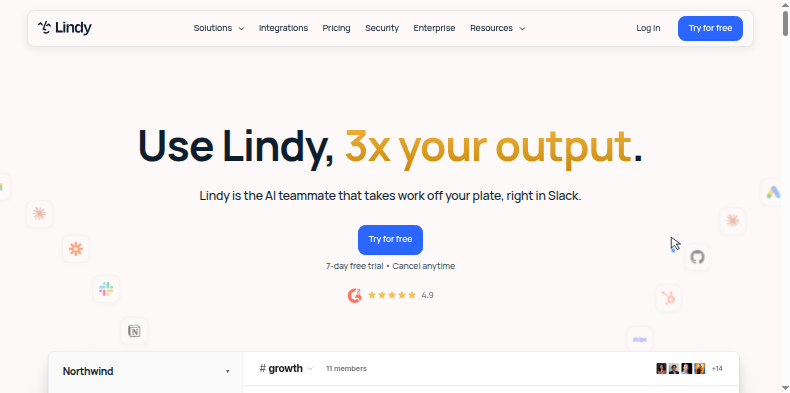
- Best for: teams who live in Slack and want a coworker that responds to mentions there.
- Pricing: $29.99/month per seat (Plus) up to $199.99/month per seat (Max), credits pooled per workspace with no rollover; no permanent free tier, only a 7-day trial.
- What stands out: deep Slack integration. If your workflow is a Slack thread, Teammate is built for exactly that.
What we like about Lindy:
- Genuinely deep Slack integration for teams already living there
- Credits scale with workspace size if Slack coverage is the whole job
- Anything outside Slack, like scraping, form filling, or scheduled pulls, lost its home in the August rebuild
- No free tier, and unused credits don't roll over to the next month
- Three repositionings in eighteen months means workflows built on it can outlive the product they were built on
5. Zapier
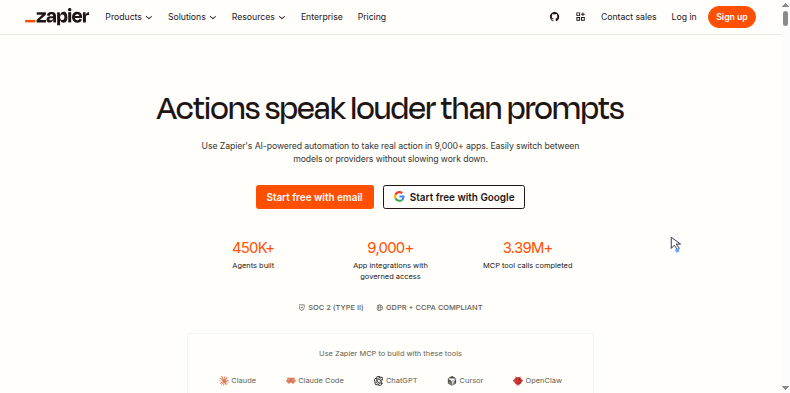
- Best for: teams standardizing on the automation platform with the widest possible app coverage.
- Pricing: free (100 tasks/month, two-step Zaps only); Professional from $19.99/month annual (750 tasks) scaling with task volume; Team from $69/month annual (2,000 tasks, 25 users, SSO); custom Enterprise above that.
- What stands out: 9,000+ app integrations, more than any other tool on this list.
What we like about Zapier:
- By far the largest app catalog of any tool here, so most SaaS tools are already connected
- A genuine free tier for light use, unlike Lindy's card-required trial
- Nothing to host or maintain; it's pure SaaS
- No browser or RPA capability, so an app without an official integration is simply out of reach
- Task-based pricing punishes multi-step workflows and scales quickly at real volume
- Each Zap runs against the app's API, not a persistent logged-in browser identity, so anything gated behind interactive login or 2FA isn't a fit
6. Make
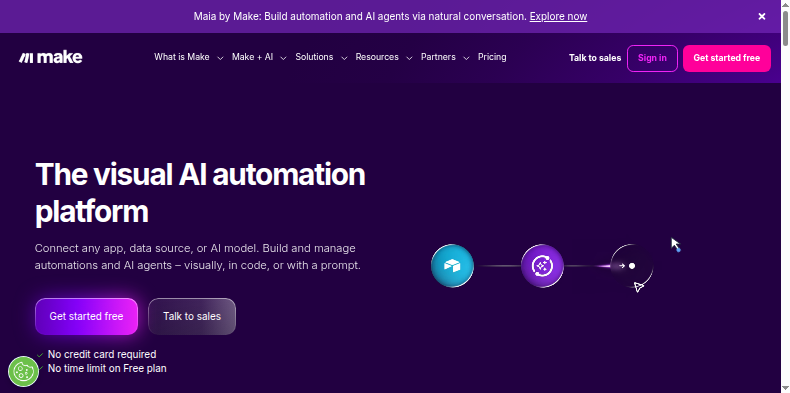
- Best for: teams that want a highly visual, node-based canvas with fine control over how data maps between steps.
- Pricing: free (1,000 operations/month, no time limit); Core from $12/month (10,000 ops); Pro from $21/month; Teams from $38/month; custom Enterprise above that.
- What stands out: the cheapest entry point among the mainstream automation platforms, with an uncapped-time free tier.
What we like about Make:
- The cheapest official free tier among the classic automation platforms, with no time limit
- Very granular control over how data transforms between steps
- Scheduling down to the minute on paid plans, versus Zapier's coarser intervals
- Same API-and-webhook ceiling as Zapier, with no native browser execution for sites without an integration
- Operations burn through the credit pool fast on complex, multi-step scenarios
- The visual scenario builder has a steeper learning curve than Zapier's simpler trigger-action model
7. n8n
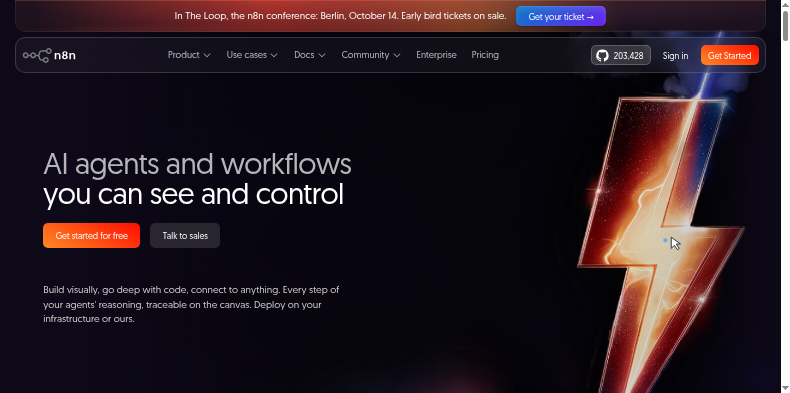
- Best for: technical teams that want a self-hostable, code-friendly workflow tool with no execution ceiling if they run it themselves.
- Pricing: Cloud Starter from €20/month (2,500 executions); Pro from €50/month (10,000 executions); Business from €667/month (40,000 executions, SSO); Community Edition is free and self-hosted with no execution cap under n8n's Fair-Code license.
- What stands out: it's the only tool on this list you can run entirely on your own infrastructure for zero licensing cost.
What we like about n8n:
- The only genuinely self-hosted option among the classic automation tools, with no per-execution ceiling if you run it yourself
- Mixes visual nodes with code, so it doesn't hit the wall a pure no-code tool does
- An active open-source community with a large library of shared workflow templates
- Self-hosting puts uptime, security and scaling on you instead of a vendor
- Cloud pricing is per-execution like the others, and SSO/high-concurrency features jump sharply in price at the Business tier
- Still an API/webhook automation tool underneath, not a browser agent, the same ceiling as Zapier and Make for sites gated behind interactive login
Is "AI employee" even the right frame?
Every tool on this list, including ours, gets pitched with some version of "hire an AI employee." It's a marketing shortcut more than a description. What these platforms actually are is infrastructure: a way to run a task against real websites, under rules you set, on a schedule or a trigger, with the accounts you already use. The tools that hold up are the ones honest about that, showing you what ran, when, and what it cost, rather than asking you to think of a credit meter as a coworker.
If the thing you need automated lives outside a Slack thread and needs to run the same way every week without you clicking "go," WebRun starts at $20/month with a free trial and no card required.