Hand off new PagSeguro disputes to your team
Every few minutes, WebRun opens the PagSeguro merchant dashboard, checks for new chargebacks or disputes, logs each one to Airtable with the order, amount, and reason, and creates a Notion handoff page with the response deadline for your team.
- No credit card
- Under $0.01 per run
- Cancel anytime
How do I hand off new PagSeguro disputes to my team?
WebRun scans PagSeguro every few minutes for new chargebacks and disputes, logs each one to Airtable with the order, amount, and reason, and creates a Notion handoff page with the response deadline for your team. It never responds to a dispute or issues a refund itself, it only makes sure nothing sits unassigned.
- New disputes get a handoff page within minutes
- Every dispute has a tracked Airtable record
- Response deadlines are visible the moment a dispute appears
Built for merchants using PagSeguro · ecommerce support teams · payment operations · Brazilian online sellers
What does WebRun do on every run?
The exact actions WebRun takes, in order - in plain language, so you can adjust anything.
-
WebRun signs in and gets to work
Opens
pagseguro.uol.com.brin a real browser with your saved login - no setup, no API keys. -
1
PagSeguro - scan for new disputes
pagseguro.uol.com.br
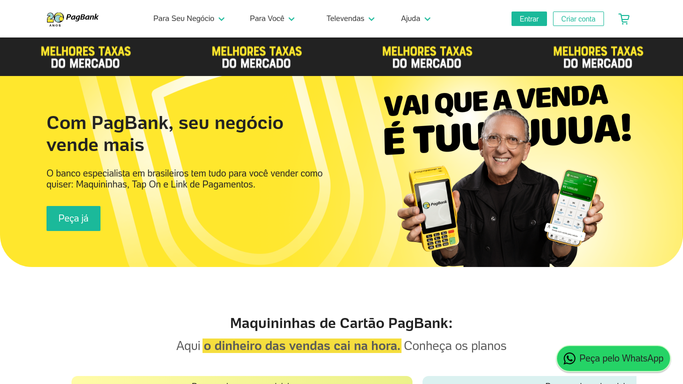
WebRun opens PagSeguro to scan for new disputes. - Open the PagSeguro merchant dashboard and check for new chargebacks or disputes
- Read the order, amount, and reason for each
- Note the deadline to respond
Done when Every new dispute since the last check is captured with its deadline.
-
2
Airtable - log the dispute record
airtable.com How to Automate Airtable

WebRun opens Airtable to log the dispute record. - Log a record for each new dispute with the order, amount, and reason
- Set its status to needs response
- Update the status once the team has responded
Done when Every new dispute has a logged Airtable record.
-
3
Notion - create the handoff page
notion.so How to Automate Notion

WebRun opens Notion to create the handoff page. - Create a handoff page for each new dispute with the response deadline
- Assign it to whoever handles disputes on the team
- Never submit a response on its own. Leave that for a human
Done when Every new dispute has a handoff page ready for the team.
How is each run configured?
Secure by default
Connect once, stays signed in
WebRun signs in once and keeps each session in a persistent environment, so every run picks up right where it left off.
Every action is checked against this policy before it runs.
Questions, answered
Will WebRun respond to a dispute or issue a refund?
No. WebRun only finds new disputes and hands them to your team. Responding to a chargeback or issuing any refund stays a human decision made directly in PagSeguro.
How does it decide something is a new dispute?
It compares each check against the last one, so only disputes that were not there before get a new logged record and handoff page.
What if the response deadline is close?
The deadline is included on the handoff page itself, so whoever picks it up can see immediately how much time is left.
Related templates
Put this on autopilot.
Turn it on in minutes - or have our team set it up for you.