Get everyone's picks in before the group order closes
Every morning, WebRun opens the group order you are running on Uber Eats, reads which participants have added something to the shared cart and which have not, works out how long is left before the cutoff, nudges the missing people on WhatsApp, and tracks the day's order in Trello.
- No credit card
- Under $0.01 per run
- Cancel anytime
How do I chase people to add to a group food order before it closes?
Every morning, WebRun opens the group order you are running on Uber Eats, reads which participants have added something to the cart and which have not, and works out the time left before the cutoff. It nudges the missing people on WhatsApp and tracks the day's order in Trello, without ever placing it.
- One order goes in with nobody left out
- Chasing stops at two messages instead of running all morning
- The order is placed by a person, with WebRun never touching payment
Built for office managers · team leads · executive assistants · small offices
What does WebRun do on every run?
The exact actions WebRun takes, in order - in plain language, so you can adjust anything.
-
WebRun signs in and gets to work
Opens
www.ubereats.com/loginin a real browser with your saved login - no setup, no API keys. -
1
Uber Eats - see who is missing from the cart
ubereats.com
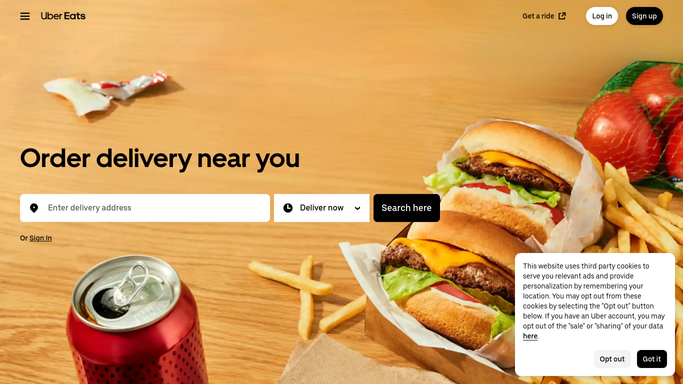
WebRun opens Uber Eats to see who is missing from the cart. - Sign in and open the group order you are running for today
- Read the list of participants and note who has items in the shared cart and who has none
- Record the restaurant, the running total, and the time the order has to be placed by
- Compare the participant list with the team list you keep, so anyone who was never invited is flagged too
- Read only. WebRun never places the order, never confirms a cart, and never enters payment details
Done when Today's cart is read and every participant is marked as in or still missing.
-
2
WhatsApp - nudge the people still missing
whatsapp.com How to Automate WhatsApp

WebRun opens WhatsApp to nudge the people still missing. - Send a short message to your office group naming the people with nothing in the cart
- State the restaurant and the exact cutoff time at the top
- Send one reminder in the morning and one final call shortly before the cutoff, then stop
- Keep it to the internal group. Nothing is sent to the restaurant or the courier
Done when Everyone still missing from the cart has been named in the group, with the cutoff time.
-
3
Trello - track today's order
trello.com How to Automate Trello

WebRun opens Trello to track today's order. - Keep a card per day on your office board for the group order
- Record the restaurant, the participants who took part, the running total, and the cutoff time
- Note who was chased and whether they added anything before the cutoff
- Leave the placing of the order to whoever owns the account. The card is a record, not an instruction to buy
Done when Today's card holds the restaurant, the participants, the total, and who had to be chased.
How is each run configured?
Secure by default
Connect once, stays signed in
WebRun signs in once and keeps each session in a persistent environment, so every run picks up right where it left off.
Every action is checked against this policy before it runs.
Questions, answered
Will it place the order or pay for it?
No. WebRun never places an order, never confirms a cart, and never enters card or payment details. It reads who is missing and nudges them, and a person places the order.
Will it add items to the cart for people?
No. Everyone picks their own food. WebRun only reports who has nothing in the cart yet, so nobody ends up with a lunch they did not choose.
How many times will it chase someone?
Twice at most: one reminder in the morning and one final call shortly before the cutoff. After that it stops, so the office group does not turn into a nagging thread.
Related templates
Put this on autopilot.
Turn it on in minutes - or have our team set it up for you.