Confirm every overnight Treasure Data sync actually completed
Every morning, WebRun opens Treasure Data, checks the ingestion status of every connected source and the activation sync status of every audience segment from overnight, posts a summary of any failure to Microsoft Teams naming the source or segment and the error, and creates a Trello card for each one so customer data problems get fixed before they reach downstream marketing channels.
- No credit card
- Under $0.01 per run
- Cancel anytime
How do I confirm my overnight Treasure Data ingestion and syncs actually completed?
WebRun checks every connected source's ingestion and every segment's activation sync in Treasure Data each morning. Failures get posted to Microsoft Teams with the source or segment and error, plus a Trello card to track the fix, so customer data problems get caught before they reach downstream marketing channels.
- Ingestion and sync failures get caught before reaching activation channels
- The team works from a running Trello list of exactly what is broken
- A clean night still gets a confirmation posted to Teams
Built for Data engineering teams · Marketing operations teams · CDP administrators · Data platform teams
What does WebRun do on every run?
The exact actions WebRun takes, in order - in plain language, so you can adjust anything.
-
WebRun signs in and gets to work
Opens
console.treasuredata.comin a real browser with your saved login - no setup, no API keys. -
1
Treasure Data - check overnight ingestion and sync
treasuredata.com
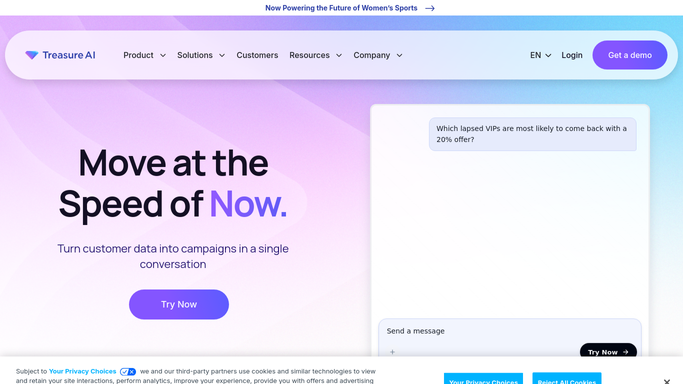
WebRun opens Treasure Data to check overnight ingestion and sync. - Open Treasure Data and check ingestion status for every connected source
- Check activation sync status for every audience segment
- Capture the source or segment, the destination, and the error
Done when Every ingestion source and segment sync has been checked from overnight.
-
2
Microsoft Teams - post the failures
microsoft.com How to Automate Microsoft Teams

WebRun opens Microsoft Teams to post the failures. - Post the failed sources or segment syncs with their errors
- Sort by how long each has been failing
- Send a short all clear if nothing failed
Done when The data team channel has today's ingestion and sync summary.
-
3
Trello - log a fix card per issue
trello.com How to Automate Trello

WebRun opens Trello to log a fix card per issue. - Create a card for each failed source or sync on the CDP health board
- Include the source or segment, destination, and error
- Move a card to done once it succeeds again
Done when Every currently failing item has an open Trello card.
How is each run configured?
Secure by default
Connect once, stays signed in
WebRun signs in once and keeps each session in a persistent environment, so every run picks up right where it left off.
Every action is checked against this policy before it runs.
Questions, answered
Does WebRun fix the failed ingestion or sync itself?
No. It only detects and reports the failure. Fixing a source connection or segment activation stays with your data team.
Does this cover audience activation, not just raw data ingestion?
Yes. It checks both incoming data ingestion from sources and outgoing segment syncs to activation channels.
Does the Trello card close automatically once fixed?
Yes. Once a source or sync succeeds again, WebRun moves its card to done on the next check.
Related templates
Put this on autopilot.
Turn it on in minutes - or have our team set it up for you.