Get a weekly snapshot of your entire client roster
Every Monday morning, WebRun opens Trainerize and TrueCoach, collects the past week's session attendance, check-in responses, and engagement signals for every client, and posts a structured internal digest to your Slack channel so you know exactly who needs attention before you start your week.
- No credit card
- Under $0.01 per run
- Cancel anytime
How do I get an automatic weekly summary of all my personal training clients?
WebRun opens Trainerize and TrueCoach every Monday morning, collects the past week's session attendance, check-in responses, and engagement signals for every client, and posts a structured internal digest to your Slack channel. The digest leads with clients who need attention and gives you a full roster overview in one place.
- Trainers start every Monday knowing exactly which clients need attention
- No client falls through the cracks because the digest surfaces every absence and non-reply
- Weekly planning takes minutes instead of an hour of manual checking across apps
Built for personal trainers · online fitness coaches · gym owners managing multiple clients · fitness studios
What does WebRun do on every run?
The exact actions WebRun takes, in order - in plain language, so you can adjust anything.
-
WebRun signs in and gets to work
Opens
app.trainerize.comin a real browser with your saved login - no setup, no API keys. -
1
Trainerize - pull session and attendance data
trainerize.com
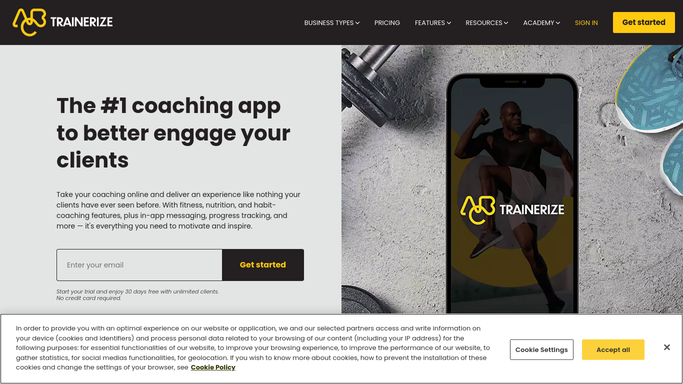
WebRun opens Trainerize to pull session and attendance data. - Open Trainerize and review the past 7 days of session activity
- Collect session attendance, no-shows, and upcoming bookings for each client
- Flag clients with two or more missed sessions this week
Done when Session attendance data for all clients is collected for the past 7 days.
-
2
TrueCoach - pull check-in and engagement data
truecoach.co

WebRun opens TrueCoach to pull check-in and engagement data. - Open TrueCoach and review the past 7 days of check-in responses and workout logs
- Note which clients submitted check-ins and which have not responded
- Identify any client who logged a personal best or flagged a concern in their check-in
Done when Check-in and engagement data for all clients is collected for the past 7 days.
-
3
Slack - post weekly client digest
slack.com How to Automate Slack

WebRun opens Slack to post weekly client digest. - Compile the session and check-in data into a structured weekly digest
- Lead with clients who need attention: missed sessions, no check-in responses, or flagged concerns
- Follow with a summary of who is on track, key milestones hit, and upcoming package expiries
- Post the digest to your private Slack channel
Done when The weekly client digest is posted to your Slack channel.
How is each run configured?
Secure by default
Connect once, stays signed in
WebRun signs in once and keeps each session in a persistent environment, so every run picks up right where it left off.
Every action is checked against this policy before it runs.
Questions, answered
Does this send anything to clients?
No. The weekly digest is an internal report posted only to your private Slack channel. No client sees any part of it.
What if I use only Trainerize or only TrueCoach, not both?
WebRun works with whichever platform you have. During setup, tell it which apps you use and it will pull data from those only.
Can I get the digest by email instead of Slack?
Yes. During setup, choose Gmail as your delivery channel and WebRun will email the digest to you instead of posting to Slack.
Related templates
Put this on autopilot.
Turn it on in minutes - or have our team set it up for you.