Catch parts before they hit zero stock
Every night, WebRun opens Parts Inventory in EverLogic across all locations, compares on hand quantity to each SKU's reorder point, logs the below threshold list to a tracking sheet grouped by vendor, and drafts a purchase order email in Gmail per vendor for the parts manager to review before it sends.
- No credit card
- Under $0.01 per run
- Cancel anytime
How do I get alerted when parts inventory drops below reorder point?
Every night, WebRun checks EverLogic's Parts Inventory against each SKU's reorder point across every location, logs any part below threshold to a tracking sheet grouped by vendor, and drafts a purchase order email in Gmail for each vendor. The parts manager reviews and sends the draft, so restocking never slips and nothing orders itself.
- Parts get reordered before hitting zero stock instead of after a tech is blocked
- Every vendor order is reviewed before it sends
- Repeat shortages are flagged so a reorder point can be adjusted
Built for parts managers · trailer dealership parts departments · inventory managers
What does WebRun do on every run?
The exact actions WebRun takes, in order - in plain language, so you can adjust anything.
-
WebRun signs in and gets to work
Opens
apps.everlogic.comin a real browser with your saved login - no setup, no API keys. -
1
EverLogic - check stock against reorder points
everlogic.com How to Automate EverLogic
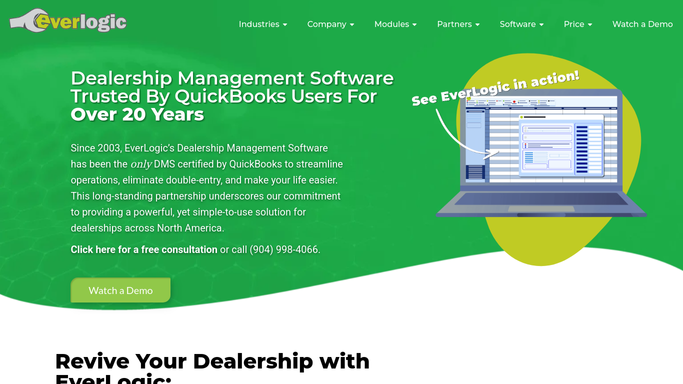
WebRun opens EverLogic to check stock against reorder points. - Open Parts Inventory in EverLogic across all locations
- Compare on hand quantity to the reorder point for each SKU
- Note the part number, description, on hand count, reorder point, and preferred vendor
Done when Every SKU below its reorder point is listed with on hand count and preferred vendor.
-
2
Google Sheets - log the reorder list
google.com How to Automate Google Sheets

WebRun opens Google Sheets to log the reorder list. - Append each below threshold part to the reorder tracking sheet
- Group parts by preferred vendor
- Carry forward any part still below threshold from last night with a repeat flag
Done when The reorder sheet reflects tonight's full below threshold list grouped by vendor.
-
3
Gmail - draft the vendor purchase order
gmail.com How to Automate Gmail

WebRun opens Gmail to draft the vendor purchase order. - Draft a purchase order email to each vendor listing the parts and quantities needed
- Use the standard reorder quantity from EverLogic for each SKU
- Leave every draft unsent for the parts manager to review, adjust quantities, and send
Done when A draft purchase order email is waiting per vendor, ready for the parts manager to send.
How is each run configured?
Secure by default
Connect once, stays signed in
WebRun signs in once and keeps each session in a persistent environment, so every run picks up right where it left off.
Every action is checked against this policy before it runs.
Questions, answered
Will it place the order with my vendor automatically?
No. It drafts the purchase order email in Gmail and leaves it unsent. Your parts manager reviews the quantities and sends it, so nothing is ordered without a human check.
How does it set the reorder point?
It uses the reorder point already set on each SKU in EverLogic's Parts Inventory. Update the threshold in EverLogic and the next run picks up the new number.
What if a part is below threshold at multiple locations?
Each location's on hand count is checked separately, so a part can be flagged at one location and not another, and the draft order reflects only what that location needs.
Related templates
Put this on autopilot.
Turn it on in minutes - or have our team set it up for you.