Renew commercial towing accounts before they lapse
Every Monday, WebRun reviews commercial accounts in Towbook for contracts expiring in the next 30 days, drafts a renewal outreach email for each account contact, leaves every draft in Gmail for your review, and posts a Slack summary of accounts needing attention.
- No credit card
- Under $0.01 per run
- Cancel anytime
How do I automatically remind commercial towing accounts to renew their contracts?
Every Monday, WebRun reviews Towbook commercial accounts for contracts expiring within 30 days, drafts a personalized renewal reminder for each contact in Gmail, and leaves every draft unsent for your review. A Slack summary shows the renewal pipeline and total contract value at risk.
- No commercial account renewal slips past 30 days without a draft outreach ready
- Total contract value at risk visible in Slack every Monday
- Renewal conversations start before the expiry date, not after
Built for towing companies · commercial towing operators · fleet towing contractors · roadside assistance companies
What does WebRun do on every run?
The exact actions WebRun takes, in order - in plain language, so you can adjust anything.
-
WebRun signs in and gets to work
Opens
app.towbook.comin a real browser with your saved login - no setup, no API keys. -
1
Towbook - find accounts approaching renewal
towbook.com How to Automate Towbook
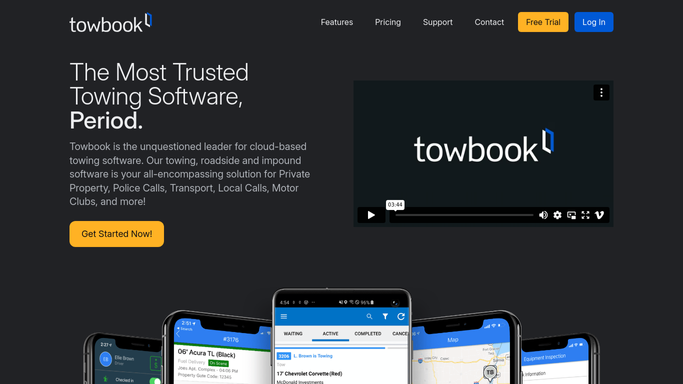
WebRun opens Towbook to find accounts approaching renewal. - Open Towbook and navigate to commercial accounts
- Find accounts with a contract or relationship expiry date within the next 30 days
- Capture account name, contact name, email, contract value, and expiry date
- Sort by expiry date, most urgent first
Done when All commercial accounts expiring in the next 30 days are listed with contact details.
-
2
Gmail - draft renewal reminder emails
gmail.com How to Automate Gmail

WebRun opens Gmail to draft renewal reminder emails. - Draft a renewal reminder email for each account contact, personalizing with their account name and expiry date
- Include a summary of the service agreement and a prompt to schedule a renewal discussion
- Leave every draft unsent in Gmail for your review. Do not send automatically.
Done when A draft renewal reminder exists in Gmail for each expiring account, all unsent.
-
3
Slack - alert team to renewal pipeline
slack.com How to Automate Slack

WebRun opens Slack to alert team to renewal pipeline. - Post a summary to the sales or management Slack channel: number of accounts up for renewal and total contract value at risk
- List accounts by expiry date with contact name and contract value
- Include a link to Gmail drafts for review
Done when The team has a renewal pipeline summary in Slack every Monday.
How is each run configured?
Secure by default
Connect once, stays signed in
WebRun signs in once and keeps each session in a persistent environment, so every run picks up right where it left off.
Every action is checked against this policy before it runs.
Questions, answered
Will it email commercial accounts without my approval?
No. Every renewal reminder is saved as a Gmail draft and left unsent. You review and send each one because renewal conversations benefit from a personal touch.
What if I track contracts outside of Towbook?
You can point this workflow at a Google Sheet with your commercial account list instead. Set up the sheet with account name, contact email, and expiry date columns.
What if an account already renewed early?
Update the expiry date in your account list once a renewal is signed. The next run will skip that account automatically because its new expiry is outside the 30-day window.
Related templates
Put this on autopilot.
Turn it on in minutes - or have our team set it up for you.