Get ahead of your Treehouse subscription renewal
Every Monday, WebRun opens Treehouse, checks the subscription's renewal date and how many seats have completed tracks this term, posts a heads up to Microsoft Teams once renewal is within 30 days, and tracks the decision on a Trello card.
- No credit card
- Under $0.01 per run
- Cancel anytime
How do I stay ahead of my Treehouse subscription renewal?
WebRun checks your Treehouse renewal date and seat usage every Monday and posts a heads up to Microsoft Teams once renewal is within 30 days. It also tracks the decision on a Trello card through to renewal, so the subscription never renews unnoticed or gets missed entirely.
- Renewal decisions get a 30 day heads up instead of a surprise charge
- Seat usage is reported so the renewal reflects real track completions
- The decision is tracked in Trello from heads up to renewed
Built for L&D managers · bootcamp administrators · team leads · technology coordinators
What does WebRun do on every run?
The exact actions WebRun takes, in order - in plain language, so you can adjust anything.
-
WebRun signs in and gets to work
Opens
teamtreehouse.comin a real browser with your saved login - no setup, no API keys. -
1
Treehouse - check renewal date & seat use
teamtreehouse.com
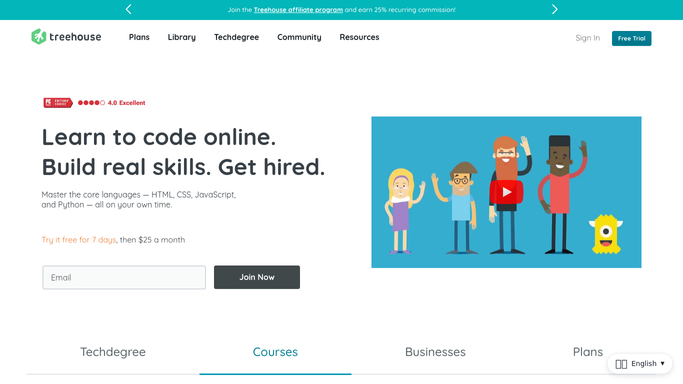
WebRun opens Treehouse to check renewal date & seat use. - Open the Treehouse account and check the subscription renewal date
- Check how many seats have completed a track this term
- Note whether usage supports keeping the current seat count
Done when The renewal date and seat usage have been checked.
-
2
Microsoft Teams - post the renewal heads up
microsoft.com How to Automate Microsoft Teams

WebRun opens Microsoft Teams to post the renewal heads up. - Post a heads up to the team channel once renewal is within 30 days
- Include the renewal date, seat count, and completion summary
- Skip the post entirely outside the 30 day window
Done when The team is alerted in Teams once renewal is approaching.
-
3
Trello - track the renewal decision
trello.com How to Automate Trello

WebRun opens Trello to track the renewal decision. - Create a card for the renewal with the date and usage summary
- Move the card through Reviewing, Decided, and Renewed as the decision progresses
- Leave the actual renewal purchase to a human
Done when A Trello card is tracking this renewal to a decision.
How is each run configured?
Secure by default
Connect once, stays signed in
WebRun signs in once and keeps each session in a persistent environment, so every run picks up right where it left off.
Every action is checked against this policy before it runs.
Questions, answered
Will it renew the subscription automatically?
No. WebRun only tracks the decision and reminds your team. Renewing or changing seat count stays with whoever owns the account.
How early does it warn you?
It starts posting once renewal is within 30 days, so there's time to review seat usage before the decision is due.
Does it factor in how many seats actually finished a track?
Yes. It reports actual track completions for the term, so the renewal decision is based on real usage, not just headcount.
Related templates
Put this on autopilot.
Turn it on in minutes - or have our team set it up for you.