Catch prior commodities that need an extra wash before the bay starts
Every few minutes, WebRun checks TankSoft Pro for newly checked-in washes, reads the prior commodity on each, matches it against your restricted-commodity list in Google Sheets, and flags in Slack any load whose last cargo, such as an allergen, a pesticide, or a non-food chemical, requires an extra wash or a procedure upgrade before the bay proceeds.
- No credit card
- Under $0.01 per run
- Cancel anytime
How do I flag prior commodities that require an extra tank wash?
WebRun checks TankSoft Pro every few minutes for newly checked-in washes and reads the prior commodity on each. It matches that cargo against your restricted-commodity list in Google Sheets and flags in Slack any load, allergen, pesticide, or non-food chemical, that needs an extra wash step, so risky prior cargoes are caught before the bay proceeds.
- Risky prior cargoes are caught before the bay starts washing
- Blank prior commodities are surfaced for confirmation, not ignored
- Extra-wash rules follow your own restricted-commodity list
Built for tank wash operators · food-grade cleaning facilities · wash-bay supervisors · ESH coordinators
What does WebRun do on every run?
The exact actions WebRun takes, in order - in plain language, so you can adjust anything.
-
WebRun signs in and gets to work
Opens
tanksoftpro.comin a real browser with your saved login - no setup, no API keys. -
1
TankSoft Pro - read the prior commodity on each check-in
tanksoftpro.com How to Automate TankSoft Pro
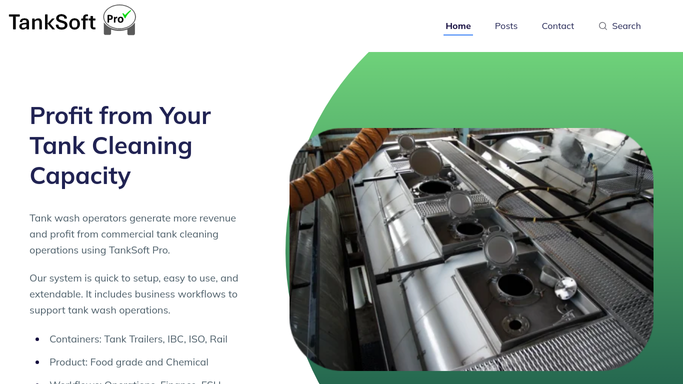
WebRun opens TankSoft Pro to read the prior commodity on each check-in. - Open TankSoft Pro and list washes checked in since the last run
- Read the prior commodity, tank number, and the wash procedure assigned to each
- Capture the requested wash grade so it can be compared with what the prior commodity requires
Done when Every new check-in has its prior commodity and assigned procedure captured.
-
2
Google Sheets - match against the restricted-commodity list
google.com How to Automate Google Sheets

WebRun opens Google Sheets to match against the restricted-commodity list. - Open your restricted-commodity list in Google Sheets that maps prior cargoes to the wash step they require
- Match each check-in's prior commodity against the list, including allergens, pesticides, and non-food chemicals
- Mark loads where the assigned procedure is below what the prior commodity requires
Done when Each check-in is classed as clear or needing an extra wash step.
-
3
Slack - flag loads needing an extra wash
slack.com How to Automate Slack

WebRun opens Slack to flag loads needing an extra wash. - Post to the bay channel any tank whose prior commodity requires an extra wash or a procedure upgrade
- Name the prior commodity, the required step, and the tank number for each flagged load
- List any check-in whose prior commodity is blank so it can be confirmed before washing
Done when The bay team sees which loads need an extra wash before they start.
How is each run configured?
Secure by default
Connect once, stays signed in
WebRun signs in once and keeps each session in a persistent environment, so every run picks up right where it left off.
Every action is checked against this policy before it runs.
Questions, answered
Does it change the wash procedure on its own?
No. It only flags loads in Slack where the prior commodity needs an extra step. A supervisor decides and updates the procedure in TankSoft Pro, so nothing is changed without a person.
How does it decide which commodities need an extra wash?
It matches each prior commodity against your restricted-commodity list in Google Sheets, so the rules are yours to set for allergens, pesticides, and non-food cargoes.
What if a check-in has no prior commodity recorded?
It lists that load separately in Slack as needing confirmation, so the bay never proceeds on a blank prior commodity.
Related templates
Put this on autopilot.
Turn it on in minutes - or have our team set it up for you.