Remind customers of upcoming renewals before they're surprised
Every morning, WebRun opens Chargebee, finds subscriptions renewing in the next 7 days, pulls the renewal amount and plan details, drafts a personalized reminder email in Gmail for each customer, and logs all upcoming renewals in a Google Sheet for your finance team.
- No credit card
- Under $0.01 per run
- Cancel anytime
How do I automatically remind customers about upcoming subscription renewals?
Every morning, WebRun checks Chargebee for subscriptions renewing in the next 7 days, drafts a personalized renewal reminder in Gmail for each customer, and logs all renewals in a Google Sheet. No email is sent without team approval, so customers are informed and finance has a clean renewal calendar.
- Customers get a heads-up before renewal with no manual effort
- Price increases are flagged before the renewal email goes out
- Finance has a daily renewal calendar updated automatically
Built for SaaS billing teams · subscription businesses · customer success · finance ops
What does WebRun do on every run?
The exact actions WebRun takes, in order - in plain language, so you can adjust anything.
-
WebRun signs in and gets to work
Opens
app.chargebee.com/loginin a real browser with your saved login - no setup, no API keys. -
1
Chargebee - find upcoming renewals
chargebee.com How to Automate Chargebee
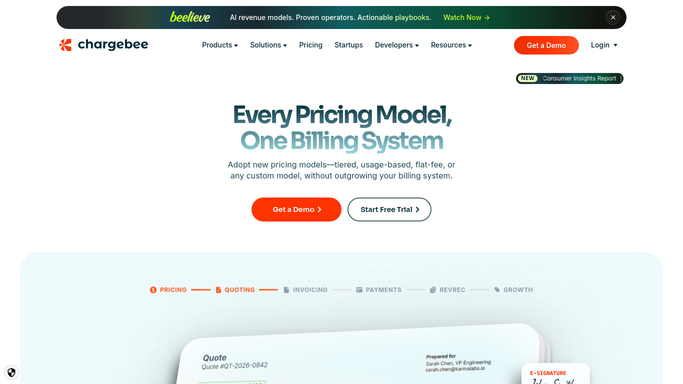
WebRun opens Chargebee to find upcoming renewals. - Open Chargebee and filter subscriptions to those renewing in the next 7 days
- Capture customer name, email, plan, renewal date, and renewal amount for each
- Note any plan changes, add-ons, or price increases that apply at renewal
Done when Every upcoming renewal is listed with its full details.
-
2
Gmail - draft renewal reminder for review
gmail.com How to Automate Gmail

WebRun opens Gmail to draft renewal reminder for review. - Open Gmail and create a draft renewal reminder for each customer
- Include the renewal date, plan name, and exact renewal amount in the email body
- Highlight any plan or price changes since the last renewal
- Leave all drafts unsent for team review before sending
Done when A personalized renewal reminder draft exists in Gmail for every upcoming renewal.
-
3
Google Sheets - log renewals in tracker
google.com How to Automate Google Sheets

WebRun opens Google Sheets to log renewals in tracker. - Open the renewal tracker sheet and append a row for each upcoming renewal
- Columns: customer name, email, plan, renewal date, amount, draft status
- Mark any renewal with a price increase in red for priority review
Done when The renewal tracker sheet is updated with all renewals due in the next 7 days.
How is each run configured?
Secure by default
Connect once, stays signed in
WebRun signs in once and keeps each session in a persistent environment, so every run picks up right where it left off.
Every action is checked against this policy before it runs.
Questions, answered
Will it send the renewal reminder to customers automatically?
No. Every reminder is saved as a Gmail draft for your team to review and send. Nothing reaches the customer without approval.
Does it flag price increases in the reminder?
Yes. If the renewal amount is higher than the previous cycle due to a plan change or price update, that difference is highlighted in both the draft email and the Google Sheet tracker.
What if a customer cancels before their renewal date?
It reads live subscription status from Chargebee each morning, so customers who have already cancelled are skipped and removed from the renewal log automatically.
Related templates
Put this on autopilot.
Turn it on in minutes - or have our team set it up for you.