Build a daily claim denial worklist for your sports medicine billing team
Every morning, WebRun opens Healthy Roster, finds claims denied or rejected since the prior business day, categorizes each by denial reason code, appends the full list to a Google Sheet worklist sorted by charge amount, and posts a denial count and top-reason summary to Slack so the billing team knows where to focus today.
- No credit card
- Under $0.01 per run
- Cancel anytime
How do I automatically build a daily claim denial worklist for sports medicine billing?
WebRun checks Healthy Roster every morning for claims denied since the prior business day, groups them by denial reason code, and logs the full list to a Google Sheet sorted by charge amount so the highest-value denials get worked first. It posts an aggregate daily summary to Slack so the billing team knows exactly what landed overnight without sifting through the system.
- The billing team starts each day with a charge-sorted denial worklist instead of a manual search
- Repeat denial reason codes are tracked over time so systemic billing errors can be corrected
- Aggregate Slack summaries give leadership a daily revenue-cycle pulse without exposing health details
Built for sports medicine billing coordinators · athletic training program administrators · sports medicine clinic billing teams · college athletic department billing staff
What does WebRun do on every run?
The exact actions WebRun takes, in order - in plain language, so you can adjust anything.
-
WebRun signs in and gets to work
Opens
app.healthyroster.comin a real browser with your saved login - no setup, no API keys. -
1
Healthy Roster - find new denied claims and capture denial codes
healthyroster.com How to Automate Healthy Roster
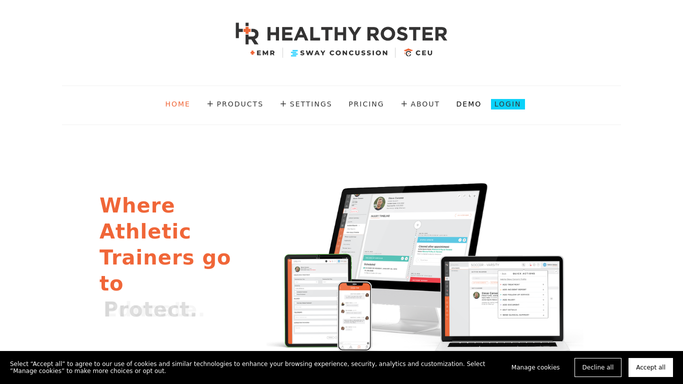
WebRun opens Healthy Roster to find new denied claims and capture denial codes. - Open Healthy Roster and filter billing or claims to denied or rejected status updated since the prior business day
- Capture the claim number, athlete ID (no name in the external log), denial reason code, charge amount, and date of service for each
- Group denials by reason code to identify the most common failure patterns
Done when All new denied claims are listed with denial codes and charge amounts.
-
2
Google Sheets - log and prioritize the denial worklist
google.com How to Automate Google Sheets

WebRun opens Google Sheets to log and prioritize the denial worklist. - Append each denied claim to the denial worklist sheet sorted by charge amount, highest first
- Add or update the denial reason code frequency count in a summary tab
- Mark any claim denied for a second or third time in a priority column
Done when The denial worklist is current with today's new entries sorted by priority.
-
3
Slack - post daily denial summary to billing team
slack.com How to Automate Slack

WebRun opens Slack to post daily denial summary to billing team. - Post a daily denial summary to the billing team Slack channel
- Include total new denials, total dollar value denied, and the top two or three denial reason codes
- Keep the Slack summary at the aggregate level: no individual athlete names or claim details in the channel message
Done when The billing team has today's denial summary in Slack.
How is each run configured?
Secure by default
Connect once, stays signed in
WebRun signs in once and keeps each session in a persistent environment, so every run picks up right where it left off.
Every action is checked against this policy before it runs.
Questions, answered
Will it submit appeal letters automatically?
No. WebRun builds the prioritized worklist and surfaces denial patterns, but all appeal submissions and insurer communications remain with your billing staff. No external action is taken automatically.
Does the Google Sheet or Slack message include athlete names?
The Google Sheet uses claim numbers and anonymous IDs for detailed tracking. The Slack summary shows only aggregate counts and reason codes, with no individual athlete names or protected health information.
Can it help identify systemic denial patterns?
Yes. The Google Sheet summary tab tracks denial reason code frequency across all runs, so your billing team can spot patterns such as a specific procedure code being denied repeatedly and fix the root cause.
Related templates
Put this on autopilot.
Turn it on in minutes - or have our team set it up for you.