Turn new Softr form submissions into Trello cards
When someone submits a form on your Softr app, WebRun reads the new submission, creates a Trello card in the right list with their details, and posts a heads-up to the team's Microsoft Teams channel so nothing waits for someone to check the app.
- No credit card
- Under $0.01 per run
- Cancel anytime
How do I turn Softr form submissions into Trello cards automatically?
WebRun watches your Softr app's form for new submissions, creates a Trello card with the submitter's details in the right list, and posts a heads-up to Microsoft Teams linking straight to it. Every submission turns into a tracked card the moment it arrives, so intake requests never sit unseen inside the Softr response list.
- New submissions become a tracked card within minutes
- The team gets a Teams heads-up instead of checking the app
- Nothing submitted through Softr gets missed
Built for Client portal operators · no-code app builders · small agencies · operations teams
What does WebRun do on every run?
The exact actions WebRun takes, in order - in plain language, so you can adjust anything.
-
WebRun signs in and gets to work
Opens
softr.ioin a real browser with your saved login - no setup, no API keys. -
1
Softr - read the new form submission
softr.io
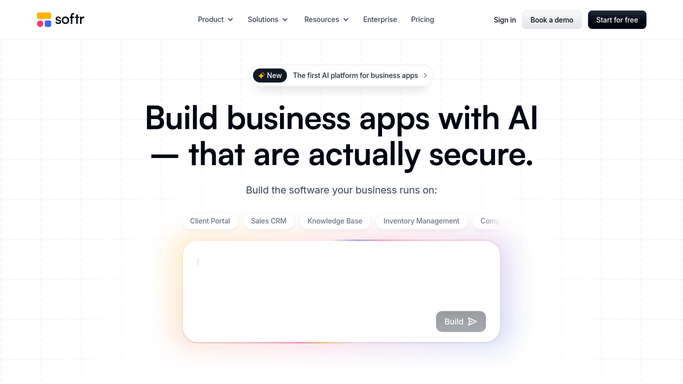
WebRun reads the new form submission in Softr. - Open the Softr app and check the form's response list
- Read the newest submission's fields
- Skip anything already turned into a card
Done when The newest submission's details are captured.
-
2
Trello - create a card for it
trello.com How to Automate Trello

WebRun creates a Trello card for the new submission. - Create a card in the intake list with the submitter's details
- Add the submission fields to the card description
- Attach any file the submitter uploaded
Done when A card exists for the new submission.
-
3
Microsoft Teams - post the heads-up
microsoft.com How to Automate Microsoft Teams

WebRun posts the heads-up in Microsoft Teams. - Post a short heads-up naming who submitted and what they need
- Link to the new Trello card
- Tag the team member who owns intake
Done when The team has a heads-up with a link to the new card.
How is each run configured?
Secure by default
Connect once, stays signed in
WebRun signs in once and keeps each session in a persistent environment, so every run picks up right where it left off.
Every action is checked against this policy before it runs.
Questions, answered
Does it respond to the person who submitted the form?
No. WebRun only creates the internal Trello card and Teams heads-up. Replying to the submitter stays a manual step for your team.
What if the same person submits twice?
Each submission gets its own card, so a second submission is never merged or dropped. Duplicates are easy to spot and combine in Trello if needed.
Can it route different forms to different Trello lists?
Yes. Point each Softr form at its own Trello list and every submission lands in the right place.
Related templates
Put this on autopilot.
Turn it on in minutes - or have our team set it up for you.