Roll out price list updates to every wholesale account
When you trigger a price-list rollout, WebRun reads the updated prices from your Google Sheet, looks up each active wholesale account in Cropster, and drafts a personalized price-change notice in Gmail for every account, ready for your review.
- No credit card
- Under $0.01 per run
- Cancel anytime
How do I send price list updates to all my wholesale cafe accounts automatically?
When you trigger a price-list rollout, WebRun reads the new prices from your Google Sheet, pulls your active wholesale accounts from Cropster, and drafts a personalized price-change notice in Gmail for each one. Every draft waits unsent for your approval, so no cafe learns of a price change before you are ready.
- Every active wholesale account gets a personalized price notice, not a mass blast
- No email goes out before you approve each draft in Gmail
- Price rollouts that took hours of copy-paste now finish in minutes
Built for wholesale coffee roasters · roastery sales managers · owner-operators managing pricing
What does WebRun do on every run?
The exact actions WebRun takes, in order - in plain language, so you can adjust anything.
-
WebRun signs in and gets to work
Opens
docs.google.com/spreadsheetsin a real browser with your saved login - no setup, no API keys. -
1
Google Sheets - read updated price list
google.com How to Automate Google Sheets

WebRun opens Google Sheets to read updated price list. - Open the designated price-list Google Sheet
- Read the current product names, new prices, and effective date from the sheet
- Note which products changed compared to the previous column or tab
Done when The full list of changed products, new prices, and effective date is captured.
-
2
Cropster - pull active wholesale account list
cropster.com How to Automate Cropster
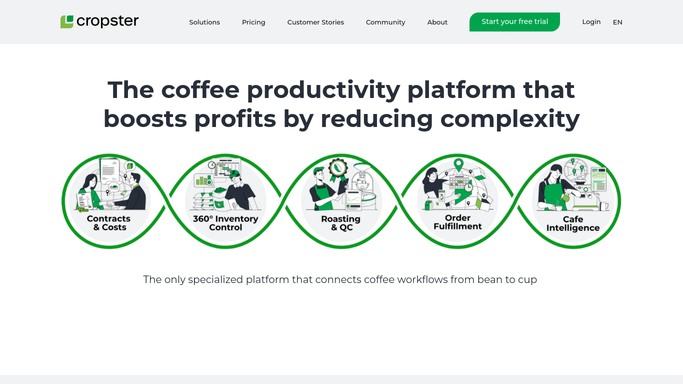
WebRun opens Cropster to pull active wholesale account list. - Open Cropster and navigate to the customer list
- Filter to active wholesale accounts only
- Capture the account name, primary contact name, and email for each
Done when Every active wholesale account has a contact name and email address collected.
-
3
Gmail - draft personalized price notice per account
gmail.com How to Automate Gmail

WebRun opens Gmail to draft personalized price notice per account. - Draft a personalized price-change notice for each wholesale account
- Address it to the primary contact by name, list the changed products and new prices, and include the effective date
- Save every draft unsent in Gmail for your review before any email is dispatched
Done when A personalized price-notice draft is waiting in Gmail for every active wholesale account, unsent pending your approval.
How is each run configured?
Secure by default
Connect once, stays signed in
WebRun signs in once and keeps each session in a persistent environment, so every run picks up right where it left off.
Every action is checked against this policy before it runs.
Questions, answered
Will it send the price notices without my approval?
No. Every price notice is saved as a Gmail draft and left unsent. You review all drafts in Gmail and send them only when you are ready, so no customer receives a price change before you approve it.
What if some accounts buy different products and should not receive all price changes?
You can add a product column to your Google Sheet and a product tag to each Cropster account. WebRun will then include only the price changes relevant to each account in its draft.
How does it know which accounts are active?
It filters Cropster to accounts with an active status. Inactive or on-hold accounts are skipped and listed in a Slack summary so you can decide whether to notify them separately.
Related templates
Put this on autopilot.
Turn it on in minutes - or have our team set it up for you.