Alert your team when green coffee hits reorder levels
Every morning, WebRun opens Cropster, scans your green coffee lots against their par levels, and posts a prioritized Slack alert naming each low lot, the quantity on hand, and the supplier to call.
- No credit card
- Under $0.01 per run
- Cancel anytime
How do I get automatic low-stock alerts for green coffee inventory?
WebRun scans your Cropster green coffee inventory every morning, compares each lot against its par level, and posts a ranked reorder alert to Slack before roasting starts. Each alert names the lot, weight on hand, and supplier, so your buying team can act immediately without logging into Cropster.
- No lot runs to zero before a reorder is placed
- Buying team has a ranked alert in Slack before the first roast
- Lots with no par level are flagged for immediate setup
Built for wholesale coffee roasters · green coffee buyers · roastery production managers
What does WebRun do on every run?
The exact actions WebRun takes, in order - in plain language, so you can adjust anything.
-
WebRun signs in and gets to work
Opens
app.cropster.comin a real browser with your saved login - no setup, no API keys. -
1
Cropster - scan green lots against par levels
cropster.com How to Automate Cropster
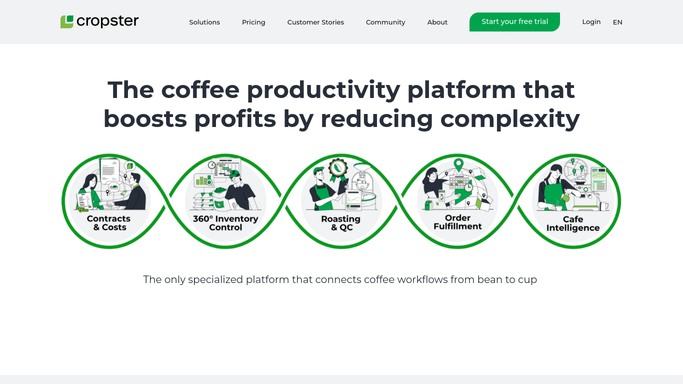
WebRun opens Cropster to scan green lots against par levels. - Open Cropster and navigate to the Green Coffee Inventory section
- Read the current quantity on hand for each active lot
- Compare each lot against its configured par level
- Collect every lot where quantity is at or below par, noting the lot name, weight on hand, and linked supplier
Done when All lots at or below par are listed with their current stock and supplier details.
-
2
Slack - post prioritized reorder alert
slack.com How to Automate Slack

WebRun opens Slack to post prioritized reorder alert. - Post an alert to your buying or production channel listing each low lot
- Sort by urgency: critically low lots first, then approaching-par lots below
- Include the lot name, weight on hand, par threshold, and supplier name for each
Done when Your team has a ranked reorder alert in Slack before the first roast of the day.
How is each run configured?
Secure by default
Connect once, stays signed in
WebRun signs in once and keeps each session in a persistent environment, so every run picks up right where it left off.
Every action is checked against this policy before it runs.
Questions, answered
Will it place purchase orders automatically?
No. WebRun only surfaces the reorder alert in Slack. Placing orders with a supplier is a separate, human-approved step so you stay in control of every purchase commitment.
How does it know each lot's par level?
It reads the par levels you have already set inside Cropster's green inventory. If no par is set for a lot, that lot is skipped and flagged in the alert as needing a par threshold.
What if we have no low lots today?
It posts a brief all-clear message to Slack so you know the check ran. No false alarms, no silence that leaves you guessing.
Related templates
Put this on autopilot.
Turn it on in minutes - or have our team set it up for you.