Start every day with a clear picture of every active job
Every morning, WebRun opens Next Gear DASH and Encircle, pulls the current stage, crew lead, and any open flags for every active job, compiles a clean daily digest, and posts it to your operations Slack channel before the morning huddle.
- No credit card
- Under $0.01 per run
- Cancel anytime
How do I get a daily summary of all active restoration jobs automatically?
WebRun reads every active job in Next Gear DASH and Encircle each morning, capturing stage, crew lead, equipment status, and documentation flags. It compiles a clean Slack digest grouped by stage and posts it before your morning huddle, so your whole team starts the day with the same picture.
- Every active job is visible in one Slack message before the morning huddle
- Equipment overdue for pickup and missing documentation are flagged automatically
- No manual job-board review needed from project managers each morning
Built for restoration operations managers · water damage project coordinators · fire restoration dispatchers · mold remediation team leads
What does WebRun do on every run?
The exact actions WebRun takes, in order - in plain language, so you can adjust anything.
-
WebRun signs in and gets to work
Opens
app.nextgearsolutions.comin a real browser with your saved login - no setup, no API keys. -
1
Next Gear DASH - read job stages and assignments
nextgearsolutions.com
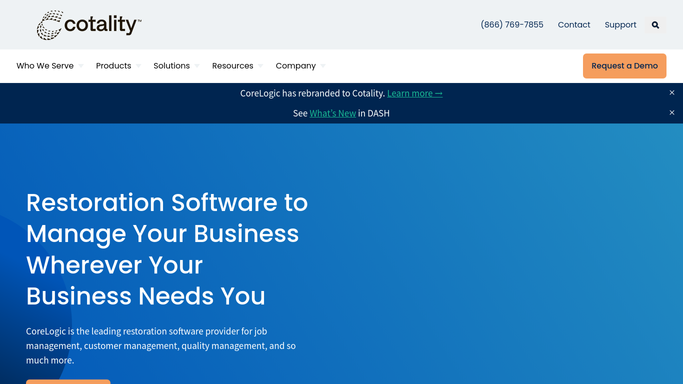
WebRun opens Next Gear DASH to read job stages and assignments. - Open DASH and export the full list of active jobs
- Capture the job address, current stage, crew lead, adjuster, and any open action items for each
- Note any jobs that advanced a stage or stalled since yesterday
Done when Every active job has a current stage, crew lead, and flag status recorded.
-
2
Encircle - check documentation and drying status
getencircle.com

WebRun opens Encircle to check documentation and drying status. - Open Encircle and check drying equipment status and documentation completeness for each active job
- Flag any job that has equipment past its expected pickup date
- Note any job missing required documentation that could delay an adjuster review
Done when Equipment and documentation status is captured for every active job.
-
3
Slack - post daily digest to ops channel
slack.com How to Automate Slack

WebRun opens Slack to post daily digest to ops channel. - Post the compiled daily digest to the operations Slack channel
- Group jobs by stage and lead with flagged items highlighted at the top
- Include a count of total active jobs, jobs that moved stage today, and any equipment or documentation flags
Done when The daily job board digest is live in the ops Slack channel before 7:30 AM.
How is each run configured?
Secure by default
Connect once, stays signed in
WebRun signs in once and keeps each session in a persistent environment, so every run picks up right where it left off.
Every action is checked against this policy before it runs.
Questions, answered
Does it post automatically or wait for someone to trigger it?
It posts automatically every morning at 7:00 AM so the digest is waiting in Slack before your morning huddle starts.
Can I change which job stages appear in the digest?
Yes. Tell WebRun which stages to include or exclude and it will filter the digest accordingly on every run.
What if DASH and Encircle show different information for the same job?
WebRun reports both sets of data and flags any discrepancy, such as a job marked complete in DASH but still showing active equipment in Encircle, so your team can reconcile.
Related templates
Put this on autopilot.
Turn it on in minutes - or have our team set it up for you.