Never get caught by a RapidAPI quota limit
Every morning, WebRun opens RapidAPI, checks every subscribed API's usage against its monthly quota, logs the current usage and percentage consumed to Airtable so the trend is visible, and updates a Notion page reminding the owner to review the plan before the quota resets whenever usage crosses 80 percent.
- No credit card
- Under $0.01 per run
- Cancel anytime
How do I avoid hitting my RapidAPI quota limit unexpectedly?
WebRun checks RapidAPI every morning for usage against the monthly quota on every subscribed API. It logs the usage and percentage consumed to Airtable so the trend is visible, and updates a Notion reminder once usage crosses 80 percent, so nobody gets caught by a quota limit that suddenly starts failing API calls.
- Quota limits never get hit as a surprise
- API usage trends are tracked automatically every day
- The owner gets a reminder with enough runway to act
Built for backend engineering teams · platform teams · API integration teams · product teams
What does WebRun do on every run?
The exact actions WebRun takes, in order - in plain language, so you can adjust anything.
-
WebRun signs in and gets to work
Opens
rapidapi.com/auth/loginin a real browser with your saved login - no setup, no API keys. -
1
RapidAPI - check usage against the quota
rapidapi.com
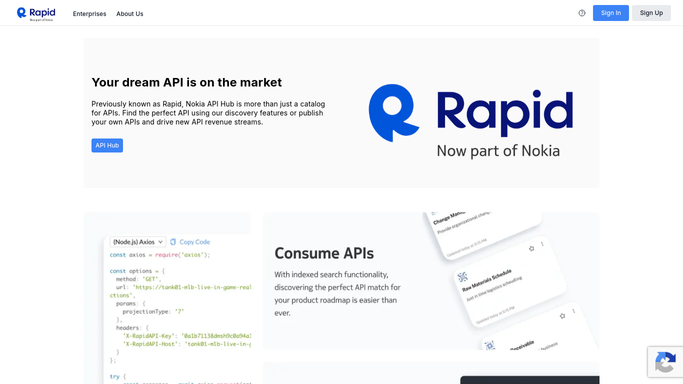
WebRun opens RapidAPI to check usage against the quota. - Open RapidAPI and check the current usage against the monthly quota for every subscribed API
- Record the percentage of quota consumed for each
- Flag any API at 80 percent of quota or more
Done when Every subscribed API's usage and quota percentage is captured.
-
2
Airtable - log usage per API
airtable.com How to Automate Airtable

WebRun opens Airtable to log usage per API. - Log each API's current usage and percentage as a new row
- Keep prior days in place so the usage trend is visible
- Flag any API newly crossing 80 percent
Done when Today's usage is logged as a new row for every subscribed API.
-
3
Notion - remind the owner before it resets
notion.so How to Automate Notion

WebRun opens Notion to remind the owner before it resets. - Update the reminder page for any API at 80 percent of quota or more
- Name the owner and how many days remain until the quota resets
- Remove the reminder once usage drops back down after reset
Done when Every API at 80 percent or more has a reminder entry with its owner.
How is each run configured?
Secure by default
Connect once, stays signed in
WebRun signs in once and keeps each session in a persistent environment, so every run picks up right where it left off.
Every action is checked against this policy before it runs.
Questions, answered
Will it upgrade the plan or change the subscription?
No. WebRun only reports usage against the quota. Upgrading a plan or changing a subscription is always your team's decision.
Why 80 percent as the threshold?
It leaves enough runway to review the plan or throttle usage before actually hitting the limit and having calls start failing.
Does this cover every API I've subscribed to?
Yes. It checks usage against the quota for every API your RapidAPI account is subscribed to, not just one.
Related templates
Put this on autopilot.
Turn it on in minutes - or have our team set it up for you.