Log and report your daily food waste from TouchBistro automatically
Every morning, WebRun opens TouchBistro, reads the prior day's waste and spoilage log, tallies the estimated cost of wasted items grouped by category, and appends a dated row to Google Sheets so owners can monitor waste trends and identify which items or shifts drive the most loss.
- No credit card
- Under $0.01 per run
- Cancel anytime
How do I automatically track food waste costs from TouchBistro?
WebRun reads your TouchBistro waste and spoilage log every morning, tallies the cost of wasted items by category, and appends a dated row to Google Sheets. Owners track daily waste costs over time, spot which items drive the most loss, and see when a day's waste exceeds the budget limit, all without opening the POS.
- Daily waste costs are tracked without manual spreadsheet work
- Category breakdown reveals which items drive the most loss
- Over-limit days are flagged automatically for management review
Built for QSR owners · restaurant kitchen managers · food cost controllers · multi-unit restaurant operators
What does WebRun do on every run?
The exact actions WebRun takes, in order - in plain language, so you can adjust anything.
-
WebRun signs in and gets to work
Opens
cloud.touchbistro.comin a real browser with your saved login - no setup, no API keys. -
1
TouchBistro - read waste and spoilage log
touchbistro.com How to Automate TouchBistro
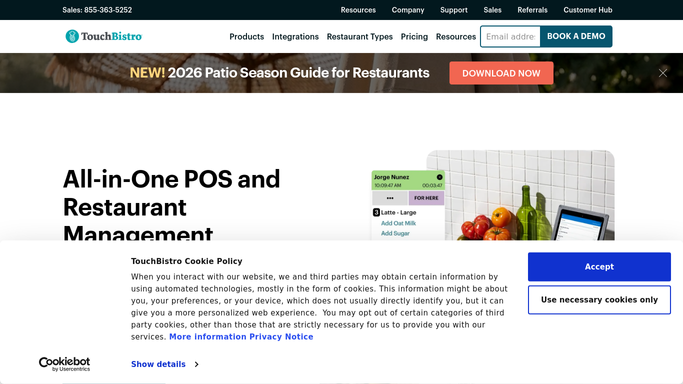
WebRun opens TouchBistro to read waste and spoilage log. - Open TouchBistro Cloud and navigate to Inventory or Waste Tracking
- Read all waste and spoilage entries recorded for yesterday
- Capture item name, quantity wasted, unit cost, and reason code for each entry
- Group totals by category: proteins, produce, dairy, packaging
- Sum the estimated cost of waste for the day
Done when Yesterday's total waste cost and category breakdown are captured.
-
2
Google Sheets - append daily waste cost summary
google.com How to Automate Google Sheets

WebRun opens Google Sheets to append daily waste cost summary. - Open the Food Waste Tracking Google Sheet
- Append a dated row with total waste cost, breakdown by category, and top wasted item
- Flag any day where total waste cost exceeded the owner's set daily limit
Done when Yesterday's waste data is logged in the sheet with category totals and a flag if the limit was breached.
How is each run configured?
Secure by default
Connect once, stays signed in
WebRun signs in once and keeps each session in a persistent environment, so every run picks up right where it left off.
Every action is checked against this policy before it runs.
Questions, answered
Does WebRun enter waste data into TouchBistro?
No. Staff record waste in TouchBistro during the shift as usual. WebRun reads those entries and compiles the summary. It does not add, edit, or delete any waste records in the POS.
What if no waste was recorded yesterday?
WebRun logs a zero-waste row in the sheet and notes that no entries were found. This keeps the historical trend complete and flags potential under-reporting for a manager to review.
Can it break down waste by shift or by staff member?
If TouchBistro records a staff member or shift against each waste entry, WebRun can include that breakdown in the sheet. The level of detail depends on how your team logs waste in the POS.
Related templates
Put this on autopilot.
Turn it on in minutes - or have our team set it up for you.