Deliver your QSR daily sales digest every morning
Every morning, WebRun opens TouchBistro, reads yesterday's sales totals, net revenue, top-selling items, and payment-type breakdown, then posts a clean one-page digest to your Slack channel so owners and managers start the day with the full picture.
- No credit card
- Under $0.01 per run
- Cancel anytime
How do I automatically get a daily sales digest from TouchBistro?
WebRun opens TouchBistro every morning, pulls the prior day's sales summary including gross revenue, net revenue, discounts, and top-selling items, and posts a clean digest to Slack. Owners and managers see the full picture before the first shift begins, with no manual report-pulling required.
- Team sees yesterday's full sales picture before the morning shift
- No manual report-pulling in TouchBistro each morning
- Consistent daily rhythm keeps all managers aligned on performance
Built for QSR owners · fast food managers · multi-unit restaurant operators · food and beverage directors
What does WebRun do on every run?
The exact actions WebRun takes, in order - in plain language, so you can adjust anything.
-
WebRun signs in and gets to work
Opens
cloud.touchbistro.comin a real browser with your saved login - no setup, no API keys. -
1
TouchBistro - pull yesterday's sales report
touchbistro.com How to Automate TouchBistro
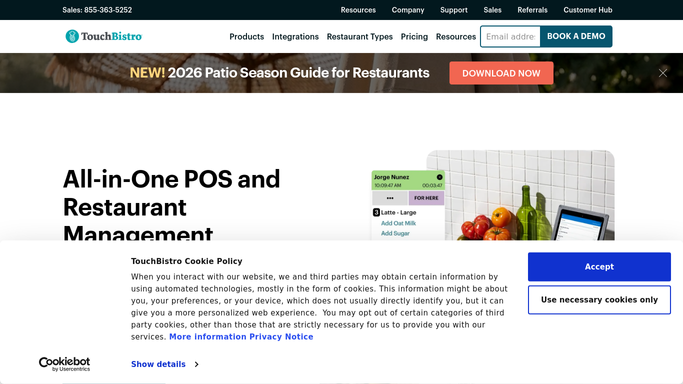
WebRun opens TouchBistro to pull yesterday's sales report. - Open TouchBistro Cloud and navigate to Reports
- Select the Sales Summary report for yesterday's date range
- Capture gross sales, net sales, discounts, taxes, and payment-type breakdown
- Note the top 5 best-selling menu items by quantity and revenue
Done when Yesterday's full sales summary and top-item list are captured.
-
2
Slack - post the daily sales digest
slack.com How to Automate Slack

WebRun opens Slack to post the daily sales digest. - Format the figures into a short, scannable digest with clear headings
- Post the digest to the designated manager or owner Slack channel
- Include net sales, top items, and any notable variance from the prior day
Done when The daily sales digest is live in Slack before the morning shift begins.
How is each run configured?
Secure by default
Connect once, stays signed in
WebRun signs in once and keeps each session in a persistent environment, so every run picks up right where it left off.
Every action is checked against this policy before it runs.
Questions, answered
Will it message customers or post anything public?
No. The digest goes only to your internal Slack channel. No customer-facing message is sent at any point.
Can I choose which Slack channel it posts to?
Yes. During setup you nominate the target channel, such as a managers-only channel or a general ops channel, and WebRun posts there every morning.
What if TouchBistro has no sales data for yesterday?
WebRun detects a zero-sales day and posts a brief note to Slack flagging it, so you know the run completed and the location had no recorded transactions.
Related templates
Put this on autopilot.
Turn it on in minutes - or have our team set it up for you.