Reconcile your end-of-day sales and payments automatically
Every night, WebRun opens TouchBistro, reads the day's closing sales and payment-type breakdown, compares cash, card, and third-party totals, and appends a clean reconciliation row to Google Sheets so your bookkeeper or accountant has accurate daily records without any manual copy-paste.
- No credit card
- Under $0.01 per run
- Cancel anytime
How do I automatically reconcile end-of-day sales from TouchBistro?
WebRun opens TouchBistro every night after close, reads the day's gross sales, net sales, taxes, tips, and payment-type breakdown, and appends a clean row to Google Sheets. Your bookkeeper opens the sheet each morning to a complete, accurate daily record with no manual data entry from the POS.
- Bookkeeper opens a complete daily record every morning with no data entry
- Payment-type totals are captured consistently every night
- Open or unclosed tickets are flagged before they are missed
Built for QSR owners · restaurant bookkeepers · multi-unit operators · food and beverage accountants
What does WebRun do on every run?
The exact actions WebRun takes, in order - in plain language, so you can adjust anything.
-
WebRun signs in and gets to work
Opens
cloud.touchbistro.comin a real browser with your saved login - no setup, no API keys. -
1
TouchBistro - read closing sales and payment totals
touchbistro.com How to Automate TouchBistro
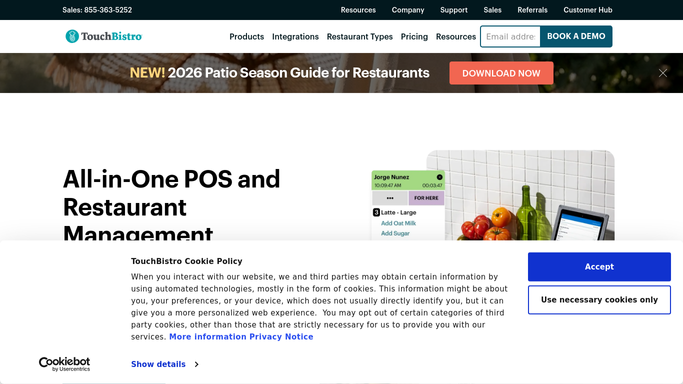
WebRun opens TouchBistro to read closing sales and payment totals. - Open TouchBistro Cloud after close and navigate to the End of Day or Closing Report
- Capture gross sales, net sales, discounts, taxes, and tips
- Read the payment-type breakdown: cash, credit/debit card, gift card, and third-party delivery totals
- Note any open or voided tickets that did not close
Done when All closing totals and payment-type figures for the day are captured.
-
2
Google Sheets - append dated reconciliation row
google.com How to Automate Google Sheets

WebRun opens Google Sheets to append dated reconciliation row. - Open the End-of-Day Reconciliation Google Sheet
- Append a new dated row with gross, net, taxes, tips, and each payment-type total
- Flag any open ticket or unclosed tab so the bookkeeper can follow up
Done when Today's reconciliation row is logged in the sheet, ready for the bookkeeper each morning.
How is each run configured?
Secure by default
Connect once, stays signed in
WebRun signs in once and keeps each session in a persistent environment, so every run picks up right where it left off.
Every action is checked against this policy before it runs.
Questions, answered
Will it push data to QuickBooks or any accounting system?
The default output is a Google Sheet that a bookkeeper reviews. If you want automatic QuickBooks entries, that is a separate step your bookkeeper or accountant approves before anything is posted to the ledger.
What if the location closes at different times each night?
You can set the run time to after your latest expected close, for example 11:30 PM, so the report always captures the full day regardless of when the team finishes closing.
Does it handle multiple payment processors?
Yes. It reads the payment-type breakdown from TouchBistro, which aggregates cash, integrated card, gift card, and third-party channels into one closing report regardless of which processors you use.
Related templates
Put this on autopilot.
Turn it on in minutes - or have our team set it up for you.