Reward frequent buyers
Every morning, WebRun opens Astro Loyalty, finds customers whose punch card or points balance has crossed the free-bag threshold, logs each one to a Google Sheet, and posts a Slack summary. Reward notices are drafted for your approval, not sent automatically.
- No credit card
- Under $0.01 per run
- Cancel anytime
How do I automatically track and flag frequent buyer rewards in my pet store?
Every morning, WebRun checks Astro Loyalty for customers who have reached a frequent-buyer reward threshold, logs each one to a Google Sheet, and posts a Slack summary for staff. Reward notices are drafted for human approval and never sent to customers automatically, keeping the store in full control.
- No earned reward goes unnoticed or unlogged
- Staff review and approve every notice before it reaches a customer
- A running Google Sheet gives full visibility into redemption history
Built for independent pet store owners · pet store managers · loyalty program administrators
What does WebRun do on every run?
The exact actions WebRun takes, in order - in plain language, so you can adjust anything.
-
WebRun signs in and gets to work
Opens
astroloyalty.comin a real browser with your saved login - no setup, no API keys. -
1
Astro Loyalty - find customers who earned rewards
astroloyalty.com
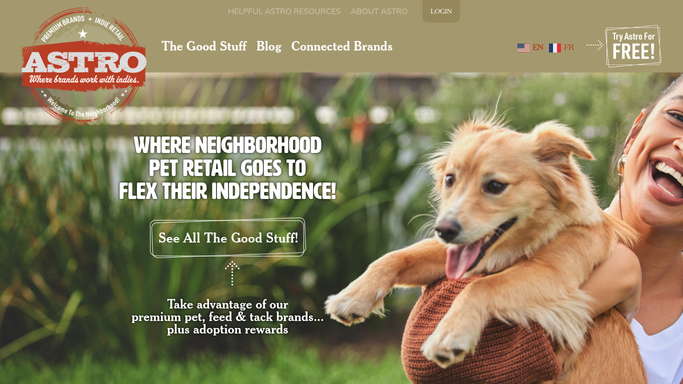
WebRun opens Astro Loyalty to find customers who earned rewards. - Open Astro Loyalty and filter customers to those who have reached a free-bag or reward threshold
- Capture customer name, contact, program tier, and reward type for each eligible record
- Skip customers already flagged in the current cycle
Done when Every customer who crossed a reward threshold today is listed with their details.
-
2
Google Sheets - log reward-eligible customers
google.com How to Automate Google Sheets

WebRun opens Google Sheets to log reward-eligible customers. - Open the Frequent Buyer Rewards sheet and append a new row for each eligible customer
- Record name, contact info, reward type, date flagged, and status as Pending
- Leave existing rows untouched
Done when Each newly eligible customer has a logged row in the Rewards sheet.
-
3
Slack - notify staff with a summary
slack.com How to Automate Slack

WebRun opens Slack to notify staff with a summary. - Post a summary to the store channel listing each customer and their reward
- Include a link to the Google Sheet for the full list
- Note that reward notices are drafted and awaiting staff approval before being shared with customers
Done when Staff have a Slack summary of today's reward-eligible customers.
How is each run configured?
Secure by default
Connect once, stays signed in
WebRun signs in once and keeps each session in a persistent environment, so every run picks up right where it left off.
Every action is checked against this policy before it runs.
Questions, answered
Will it send reward notices to customers on its own?
No. WebRun drafts each notice and flags it in the Rewards sheet for staff to review. Nothing is sent to a customer until a team member approves and sends it manually.
Which Astro Loyalty programs does it work with?
It works with any punch-card or points-based program in Astro Loyalty where a threshold triggers a free-bag or other reward. Set the threshold once and WebRun watches it each morning.
What if a customer was already rewarded this cycle?
WebRun checks the Rewards sheet each run and skips anyone already flagged in the current cycle, so the same customer does not appear twice.
Related templates
 Shopify›
Put this on autopilot.
Turn it on in minutes - or have our team set it up for you.