Digest interviews Paradox scheduled overnight
Every morning, WebRun opens Paradox, checks which interviews the Olivia assistant scheduled since the last check, adds each one to the assigned recruiter's Google Calendar, and posts a digest to Microsoft Teams so the team can see today's interview load.
- No credit card
- Under $0.01 per run
- Cancel anytime
How do I see and track interviews Paradox scheduled automatically?
WebRun checks Paradox every morning for interviews the Olivia assistant scheduled since the last check. It adds each one to the assigned recruiter's Google Calendar and posts a digest to Microsoft Teams grouped by recruiter, so your team starts the day already knowing today's full interview load.
- Recruiters see today's full interview load first thing
- Every scheduled interview lands on the right calendar
- Scheduling conflicts surface the same morning
Built for High-volume recruiting teams · talent acquisition operations · retail and hourly hiring · staffing coordinators
What does WebRun do on every run?
The exact actions WebRun takes, in order - in plain language, so you can adjust anything.
-
WebRun signs in and gets to work
Opens
paradox.aiin a real browser with your saved login - no setup, no API keys. -
1
Paradox - find newly scheduled interviews
paradox.ai
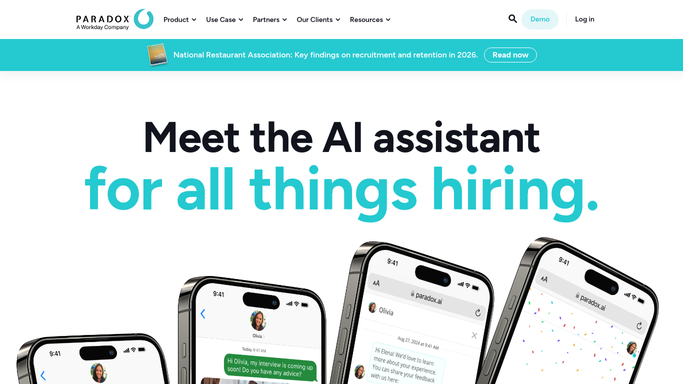
WebRun opens Paradox to find newly scheduled interviews. - Open Paradox and check interviews scheduled since yesterday
- Read the candidate, role, recruiter, and time for each
- Note any scheduled outside normal interview hours
Done when Every newly scheduled interview is captured.
-
2
Google Calendar - add the interview event
calendar.google.com How to Automate Google Calendar

WebRun opens Google Calendar to add the interview event. - Create a calendar event for each new interview
- Invite the assigned recruiter or hiring manager
- Include the candidate and role in the event details
Done when Every new interview has a calendar event.
-
3
Microsoft Teams - post the interview digest
microsoft.com How to Automate Microsoft Teams

WebRun opens Microsoft Teams to post the interview digest. - Post a digest of today's scheduled interviews to the recruiting channel
- Group by recruiter so each person can see their load
- Flag any interview scheduled outside normal hours
Done when The recruiting team has today's interview digest in Teams.
How is each run configured?
Secure by default
Connect once, stays signed in
WebRun signs in once and keeps each session in a persistent environment, so every run picks up right where it left off.
Every action is checked against this policy before it runs.
Questions, answered
Does it reschedule or cancel interviews?
No. WebRun only reads interviews Paradox has already scheduled and adds them to the calendar. Rescheduling stays a recruiter decision.
Does it contact the candidate?
No, WebRun only adds events for your internal team and posts a digest in Teams. Candidate communication is handled by Paradox's own scheduling flow.
What if two interviews conflict on a recruiter's calendar?
It still creates both events and flags the recruiter's load in the Teams digest, so a scheduling conflict is visible the same morning.
Related templates
Put this on autopilot.
Turn it on in minutes - or have our team set it up for you.