Tell accounts their finished jobs have shipped
Every few minutes, WebRun opens Ocuco Innovations, finds jobs marked finished and shipped, matches each to its ShipStation shipment and tracking number, and drafts a shipped notification email with the tracking link to the ordering eyecare account for your team to review and send.
- No credit card
- Under $0.01 per run
- Cancel anytime
How do I automatically notify accounts when their lab jobs ship?
WebRun finds finished jobs in Ocuco Innovations and matches each to its ShipStation shipment and tracking number. It drafts a shipped notification email with the tracking link to the ordering eyecare account, left unsent for your team to approve, so practices know a job is on the way while a human checks every message first.
- Accounts get tracking the moment a job ships instead of calling to ask where it is
- Every shipped notice is reviewed by a human before it sends
- Finished jobs with no matching shipment are caught before an account is told it shipped
Built for optical lab shipping teams · wholesale lens labs · lab customer service · ophthalmic labs
What does WebRun do on every run?
The exact actions WebRun takes, in order - in plain language, so you can adjust anything.
-
WebRun signs in and gets to work
Opens
www.ocuco.comin a real browser with your saved login - no setup, no API keys. -
1
Ocuco Innovations - find finished and shipped jobs
ocuco.com How to Automate Ocuco Innovations
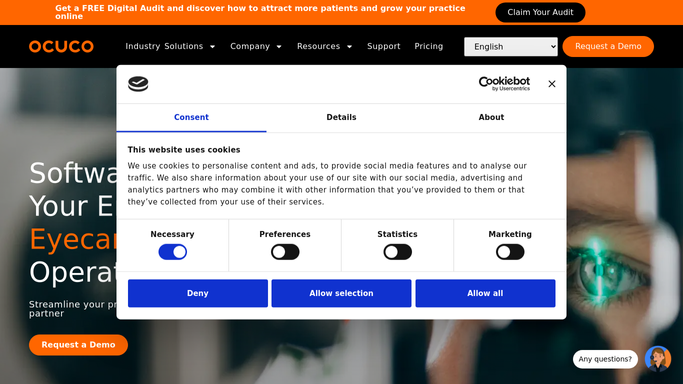
WebRun opens Ocuco Innovations to find finished and shipped jobs. - Open Ocuco Innovations and find jobs newly marked as finished and dispatched since the last run
- Capture the job number, the ordering account, the patient reference, and the number of items in the job
- Skip jobs already notified
Done when Every newly shipped job is listed with its account and item count.
-
2
ShipStation - match the shipment and tracking
shipstation.com How to Automate ShipStation
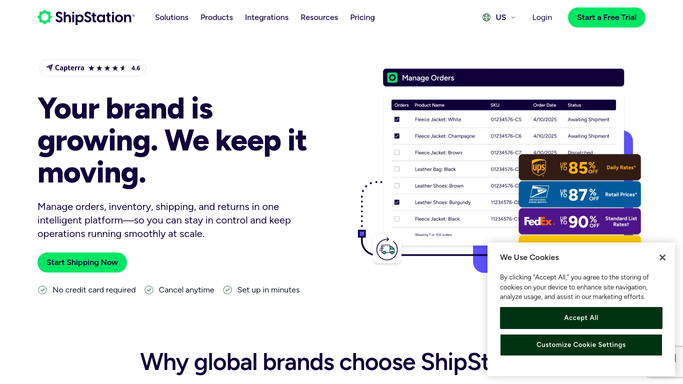
WebRun opens ShipStation to match the shipment and tracking. - Open ShipStation and locate the shipment that matches each finished job by order number
- Capture the carrier, tracking number, and expected delivery date
- Flag any finished job that has no matching shipment yet so it can be checked
Done when Each shipped job is matched to its ShipStation tracking number and carrier.
-
3
Gmail - draft a shipped notice with tracking
gmail.com How to Automate Gmail

WebRun opens Gmail to draft a shipped notice with tracking. - Draft a shipped notification email to each ordering account
- Include the job number, the patient reference, the carrier, and a tracking link
- Leave the email as a draft for your team to review and send. Never send it automatically
Done when A shipped notification with tracking is drafted, unsent, for every account with a shipped job.
How is each run configured?
Secure by default
Connect once, stays signed in
WebRun signs in once and keeps each session in a persistent environment, so every run picks up right where it left off.
Every action is checked against this policy before it runs.
Questions, answered
Will it email tracking to accounts automatically?
No. WebRun drafts each shipped notification in Gmail and leaves it unsent. Your team reviews the tracking and the account before sending, so nothing goes out on its own.
How does it match a job to the right shipment?
It matches each finished job in Ocuco Innovations to its ShipStation shipment by order number, then pulls the carrier and tracking. Finished jobs with no matching shipment are flagged rather than guessed.
What if a job is finished but not yet shipped?
It stays flagged and no notification is drafted until a matching ShipStation shipment with a tracking number exists, so accounts never get a shipped notice before the box actually leaves.
Related templates
Put this on autopilot.
Turn it on in minutes - or have our team set it up for you.