Archive completed projects and clean up your workspace
Every Monday, WebRun scans your Trello boards for cards marked Done and older than two weeks, moves them to the Archive board, checks Google Drive for the matching project folder, moves it to the Completed Projects archive, and posts a clean-up summary to Slack.
- No credit card
- Under $0.01 per run
- Cancel anytime
How can I automatically archive completed projects and clean up my workspace?
WebRun archives your completed projects and tidies your workspace every Monday. It scans Trello for cards marked Done and older than two weeks, moves them to the Archive board, locates the matching project folder in Google Drive, moves it to the Completed Projects archive, and posts a clean-up summary to Slack so your whole team knows what moved.
- Completed projects archived every Monday without manual board maintenance
- Matching Drive folders moved to the right archive location automatically
- Team notified in Slack so everyone's workspace reflects the cleanup
Built for project managers · operations teams · agency teams · small business owners
What does WebRun do on every run?
The exact actions WebRun takes, in order - in plain language, so you can adjust anything.
-
WebRun signs in and gets to work
Opens
trello.comin a real browser with your saved login - no setup, no API keys. -
1
Trello - find & archive completed project cards
trello.com How to Automate Trello
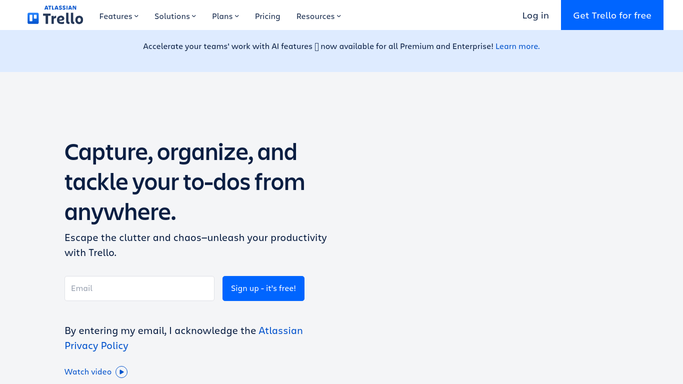
WebRun opens Trello to find & archive completed project cards. - Open the active project boards in Trello and filter cards in the 'Done' list that were last updated more than 14 days ago
- For each qualifying card, confirm the project is genuinely complete (checklist 100%, no open comments)
- Move the card to the designated Archive board and add an 'Archived on [date]' label
Done when All qualifying completed project cards have been moved to the Archive board.
-
2
Google Drive - move project folders to archive
drive.google.com How to Automate Google Drive
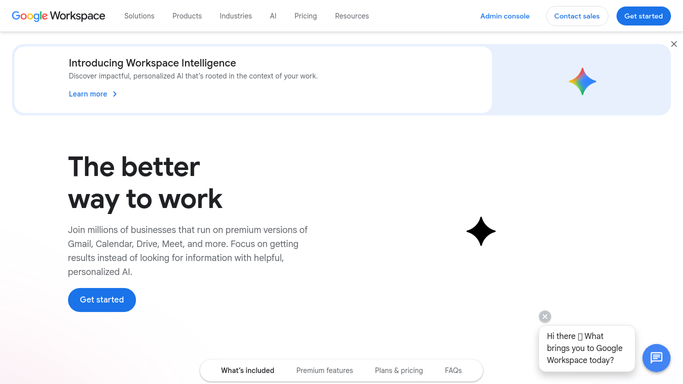
WebRun opens Google Drive to move project folders to archive. - Search Google Drive for folders matching the archived project names
- Move each matching folder from Active Projects to the Completed Projects archive folder
- Verify the folder is accessible in its new location before removing it from Active Projects
Done when Every archived project's Google Drive folder has been moved to Completed Projects.
-
3
Slack - post the clean-up summary
slack.com How to Automate Slack

WebRun opens Slack to post the clean-up summary. - Post a clean-up summary to #ops listing each project archived this week
- Include the Trello board and Drive folder for each, in case anyone needs to retrieve something
Done when The team has been notified of all archived projects with links for reference.
How is each run configured?
Secure by default
Connect once, stays signed in
WebRun signs in once and keeps each session in a persistent environment, so every run picks up right where it left off.
Every action is checked against this policy before it runs.
Questions, answered
What if a project was marked Done by mistake?
WebRun only archives cards that have been in Done for at least 14 days and have a complete checklist, which filters out accidental moves. The Slack summary also lets you spot anything unexpected immediately.
Can I retrieve an archived project easily?
Yes - the Slack summary includes direct links to both the Trello card and the Drive folder in their archive locations. Nothing is deleted, only moved.
What if a project has no matching Drive folder?
WebRun logs it in the Slack summary as 'no Drive folder found' so you can handle it manually. It still archives the Trello card.
Related templates
Put this on autopilot.
Turn it on in minutes - or have our team set it up for you.